What is a TLS certificate — and why it now lives 200 days instead of a year
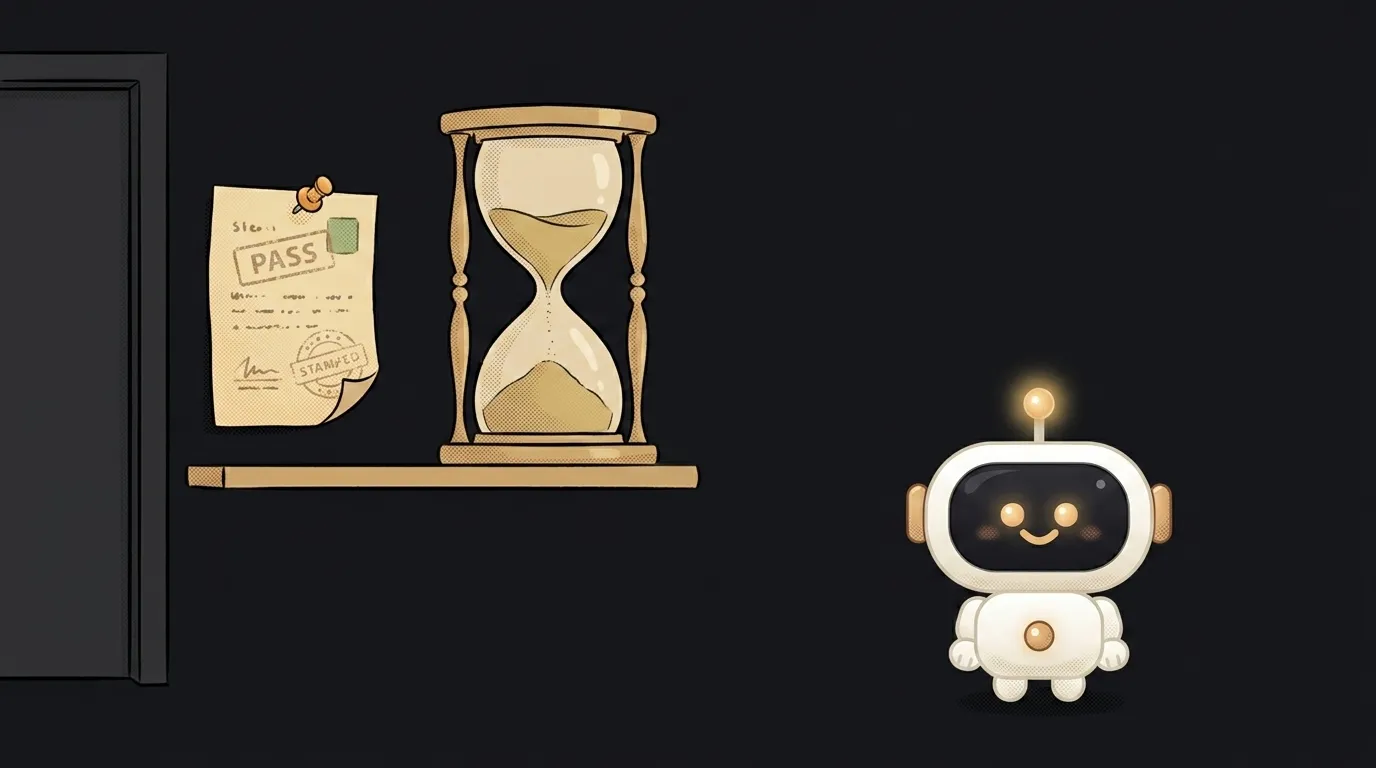
Here's a quiet but big shift. Site certificates used to be issued for a year — renew and forget. Since March 15, 2026 the maximum is 200 days. From March 2027 it's 100. From March 2029 — 47 days. This isn't blogger folklore: the schedule is written into the CA/Browser Forum rules that every browser follows.
Which means the "I'll log in once a year and renew by hand" plan is officially over. Let's unpack what this certificate even is, and why its lifetime is being cut so hard.
What's inside a certificate
A TLS certificate is a small file the server hands the browser in the very first second of a connection. Inside:
- which domain it was issued for (
kodiq.ai, sometimes with a star:*.kodiq.ai); - the server's public key — the browser encrypts its first message with it;
- who issued it — the certificate authority's name;
- the validity window — "not before" and "not after", down to the second;
- the authority's signature over all of the above.
The key word is "domain." A certificate proves exactly one thing: whoever got it controlled that domain at the moment of issuance. It says nothing about whether the shop behind it is honest. That's why the padlock isn't a trust badge for a business — more on that in what HTTPS actually means.
Who signs it — the chain of trust
Your certificate is signed by an intermediate authority, that one by a root, and the list of roots already lives inside your operating system and browser. So there's a chain: the browser trusts the root, the root vouched for the intermediate, the intermediate vouched for you.
Two classic beginner failures follow from this. First: the server sends only its own certificate and "forgets" the intermediate — the chain breaks, so half your visitors get errors and half (those with it cached) don't. Second: a self-signed certificate. The encryption in it is real, but nobody vouches for it, so the browser honestly shows a warning.
To get a certificate, the check is usually the simplest one possible: put a file on your site or add a TXT record in DNS. Managed to do it? Then the domain is yours. That's called domain validation.
Why it's 200 days now and 47 by 2029
The rules state the logic bluntly: a certificate is a "point in time" snapshot of reality. The more time passes, the higher the chance that what's written in it is no longer true — the domain was sold, the key leaked, the hosting changed.
You'd think revocation solves this — there are CRL lists and the OCSP protocol. But by the rule authors' own admission, at internet scale revocation is unreliable: requests are slow, answers get cached, and some browsers simply don't wait for them. Since revocation can't be fixed quickly, they shortened the lifetime instead. The schedule:
- issued before March 15, 2026 — up to 398 days;
- from March 15, 2026 — 200 days;
- from March 15, 2027 — 100 days;
- from March 15, 2029 — 47 days.
The "shelf life" of the domain check is being squeezed too: by 2029 you'll have to prove domain control every 10 days. There's even a fun detail: a day in these rules is exactly 86,400 seconds, and any extra fraction counts as another whole day. So authorities issue slightly under the maximum to stay safe.
You can already see where this ends: in February 2025 Let's Encrypt issued its first six-day certificate — it lives less than a week and carries no revocation URLs at all. It simply doesn't have time to go stale.
What this means for your site
Good news: if your site lives on Vercel, Netlify, Cloudflare Pages or similar, none of this touches you. The certificate is issued and renewed automatically; you'll never notice.
If the server is yours, the rule is simple: auto-renewal stopped being a convenience and became mandatory. Install an ACME client (certbot, acme.sh, the one built into Caddy), verify the job actually runs daily, and don't rely on the "your certificate expires in 30 days" email — with a 47-day lifetime that email arrives far too late.
One command shows what you have right now:
echo | openssl s_client -connect kodiq.ai:443 2>/dev/null | openssl x509 -noout -subject -issuer -dates
It prints the domain, the issuer and both dates. If less than a third of the window is left before notAfter and auto-renewal is silent, that's your next task. And how TLS differs from the "SSL" still printed on price lists is covered in SSL vs TLS.
What happens if the certificate expires?
The site doesn't get "slower" — it becomes unreachable. The browser shows a full-page warning and an ordinary visitor stops there. For an API it's harsher still: clients just stop connecting, with no warning.
Is a certificate the same as a private key?
No, and mixing them up is dangerous. The certificate is the public part, visible to every visitor. The private key stays on the server, never travels, and is not inside the certificate. If the key leaks, the certificate must be reissued — the old one becomes useless.
What about one certificate for all subdomains?
That's a wildcard: it holds *.example.com and covers api.example.com, blog.example.com and so on — but exactly one level, so a.b.example.com is out. These are usually issued only through the DNS-based check.
The AI Architect 2027 course: step by step from computer basics to your own app and first customers. 543 short lessons on your phone.
Read next

Ed25519 vs RSA — which SSH key to choose in 2026

What is sudo — and why it asks for your password, not the admin's

What is a tar.gz file — and why a tar archive can be bigger than the files

What is a command-line flag — and why git commit -ma breaks but -am works

scp or rsync — and why rsync sent 141 bytes instead of two megabytes the second time
