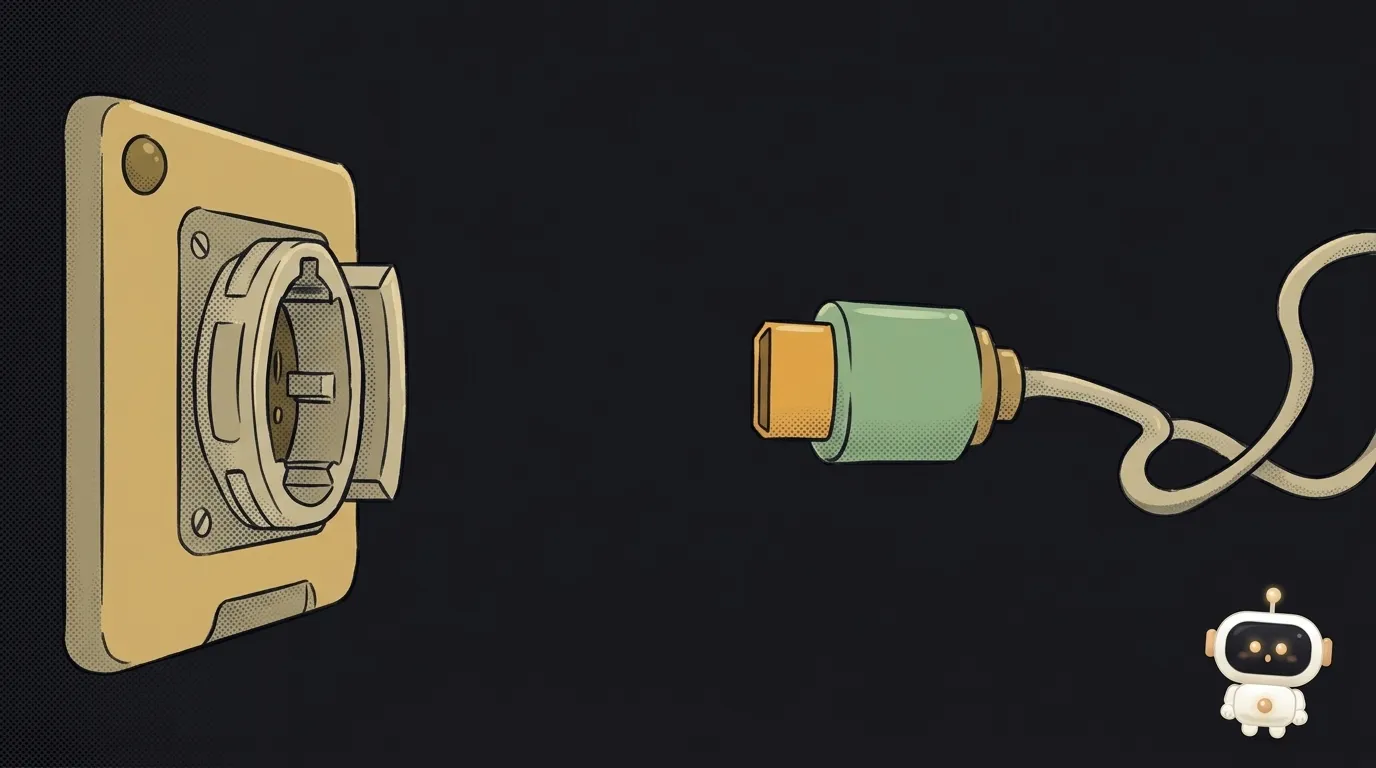
What is a hook in an AI agent — the rule the model can't ignore
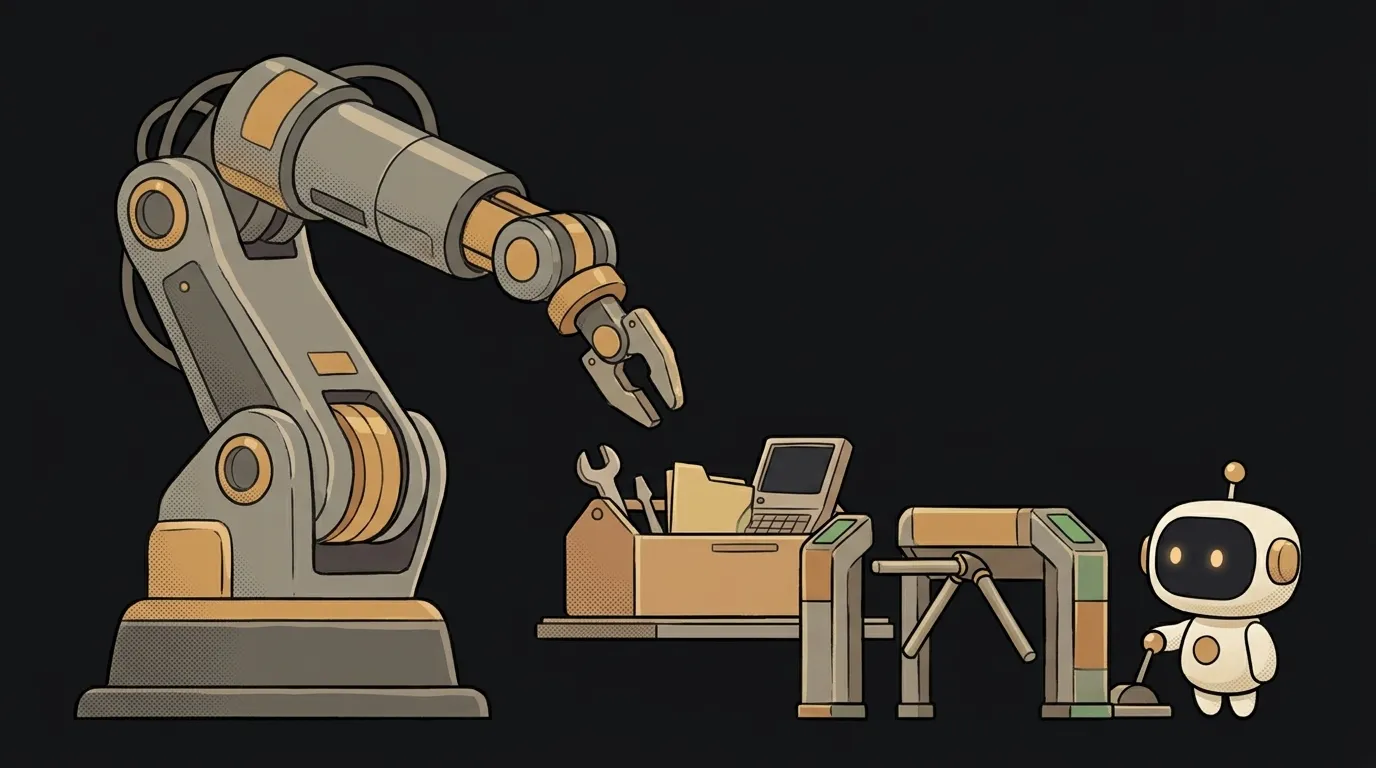
You write in the agent's rules: "never run rm -rf." Big, in caps, three exclamation marks.
And one day it runs it anyway. Not out of malice. A rule is just text, and the model can skim it, forget it after the context gets compacted, or decide "this case is fine."
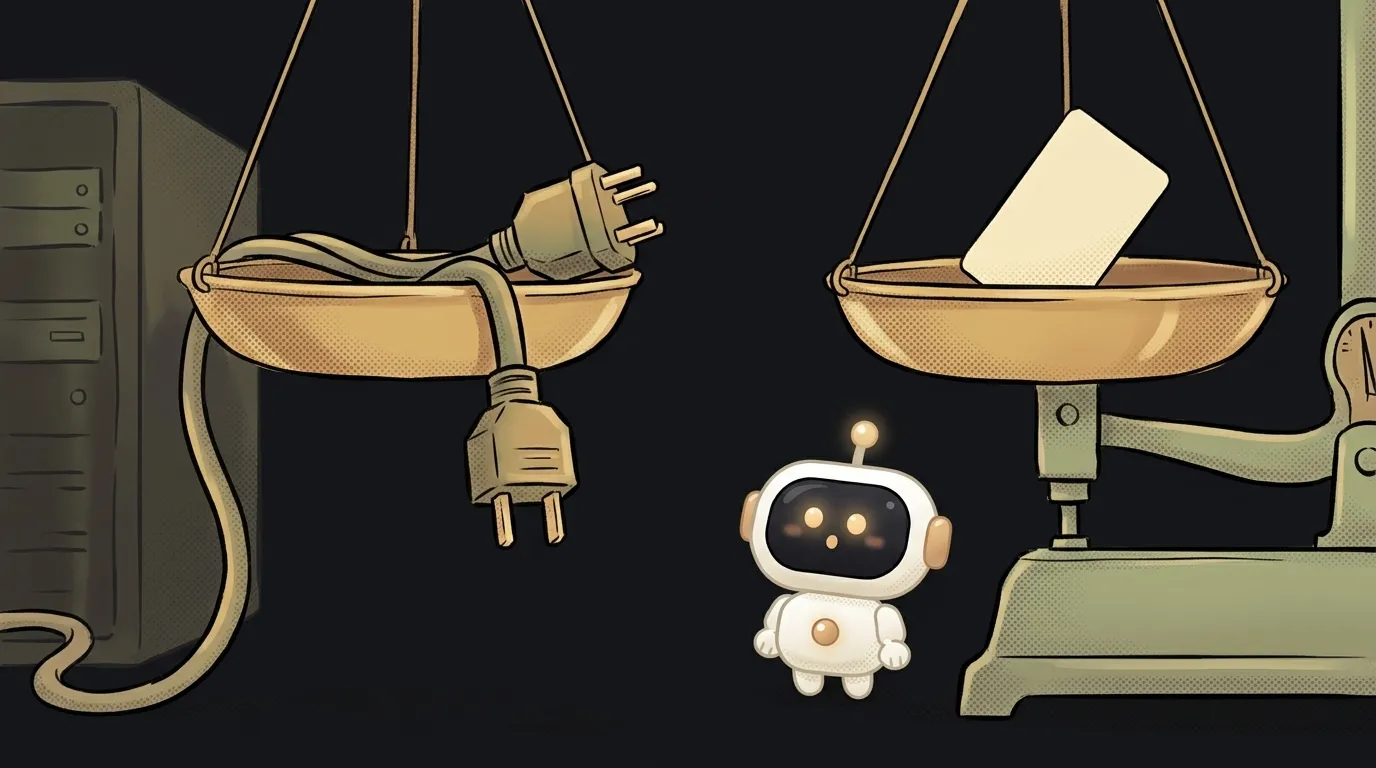
Here's the thing: agents have a mechanism that works differently. Not a request — a turnstile. It's called a hook.
What a hook is
A hook is your script that the agent must run at a certain moment of its work. Before a command. After editing a file. When it finishes a reply.
The key difference from rules: the hook isn't run by the model but by the agent program itself. The model doesn't decide whether to run it. It can't even "forget."
A simple analogy. A rule in AGENTS.md is a "do not enter" sign. A hook is a door with a lock. You can miss a sign. You can't walk through a lock.
How it works
Let's use Claude Code — that's where hooks are easiest to see.
1. The event
The agent works in steps. Each step has an event name. The most useful ones to start with:
- PreToolUse — before the agent calls a tool: runs a command, edits a file.
- PostToolUse — right after a tool has run.
- Stop — when the agent finishes its reply.
- SessionStart — when a session starts.
There are over thirty events in total, but these four cover almost everything a beginner needs.
2. The setup
Hooks go in a settings file. For one project — .claude/settings.json; for all projects — ~/.claude/settings.json:
{
  "hooks": {
    "PreToolUse": [
      {
        "matcher": "Bash",
        "hooks": [
          { "type": "command", "command": ".claude/hooks/no-rm.sh" }
        ]
      }
    ]
  }
}
It reads: "before every call to the Bash tool, run my script." The matcher field picks the tools. Edit|Write — two at once. Empty or * — all of them.
3. The script gets data and answers with a code
The agent passes the script a description of the step as JSON — through standard input. It contains the tool name and its parameters. The command itself, for example, sits in tool_input.command.
Then the script answers with an exit code:
#!/bin/bash
cmd=$(jq -r '.tool_input.command')
if echo "$cmd" | grep -q 'rm -rf'; then
  echo "rm -rf is forbidden in this project" >&2
  exit 2
fi
exit 0
Code 2 means block. The command won't run. And the stderr text is passed to the model as the reason. The model sees "rm -rf is forbidden" and looks for another way.
The catch
There's a detail almost everyone trips over.
exit 0 doesn't mean "allowed." If the script quietly exits with zero, the agent just carries on as usual. If the command needs your permission, it will still ask. A hook can forbid, but its silence approves nothing.
The second detail is about safety. A hook is an ordinary terminal command. It runs with your rights: it sees your files, keys, network.
So someone else's repository with a .claude/settings.json file can bring someone else's hooks with it. In normal mode, Claude Code first asks in a new folder whether you trust it. But in a run without the interface, via claude -p, there's no such question — the project's hooks run right away. The --bare flag skips loading them entirely.
The rule is simple: before working with an unfamiliar project, look inside its .claude/settings.json.
Why you care
Hooks are how you stop telling the agent the same thing over and over. Three recipes that pay off on day one:
- Auto-format after edits. PostToolUse with the matcher
Edit|Writeruns Prettier or Black. The agent will never again leave code with messy indentation — even if it "forgot." - Blocking dangerous stuff. PreToolUse on Bash cuts
rm -rf,git push --force, calls to the production database. It complements, not replaces, the agent's questions before acting. - A "done" notification. A Stop hook beeps or sends a Telegram message when the agent finishes. You can go make tea in peace.
FAQ
Does a hook cost tokens?
Not by itself: the script runs on your computer, without the model. Tokens are spent only if the hook returns text that the agent passes to the model — like a block reason.
Do agents other than Claude Code have hooks?
Cursor, Codex and others have similar mechanisms, but events and settings formats differ. The idea is the same: the program runs your script at an agent step.
What happens if the hook script crashes?
Any code other than 0 and 2 counts as a failure of the hook itself: the agent shows the error, and the action still goes ahead. Even the familiar exit 1 is not a block. To forbid something, you need exactly exit 2.
The AI Architect 2027 course: step by step from computer basics to your own app and first customers. 543 short lessons on your phone.
Read next
What is headless mode for an AI agent — and why it silently skips steps
What is a slash command in an AI agent — and why it's just a saved prompt

What is an Agent Skill — and why it costs almost nothing

What is a subagent — and why it saves context, not time
Agent Skills or MCP — which to choose and how they really differ