What is headless mode for an AI agent — and why it silently skips steps
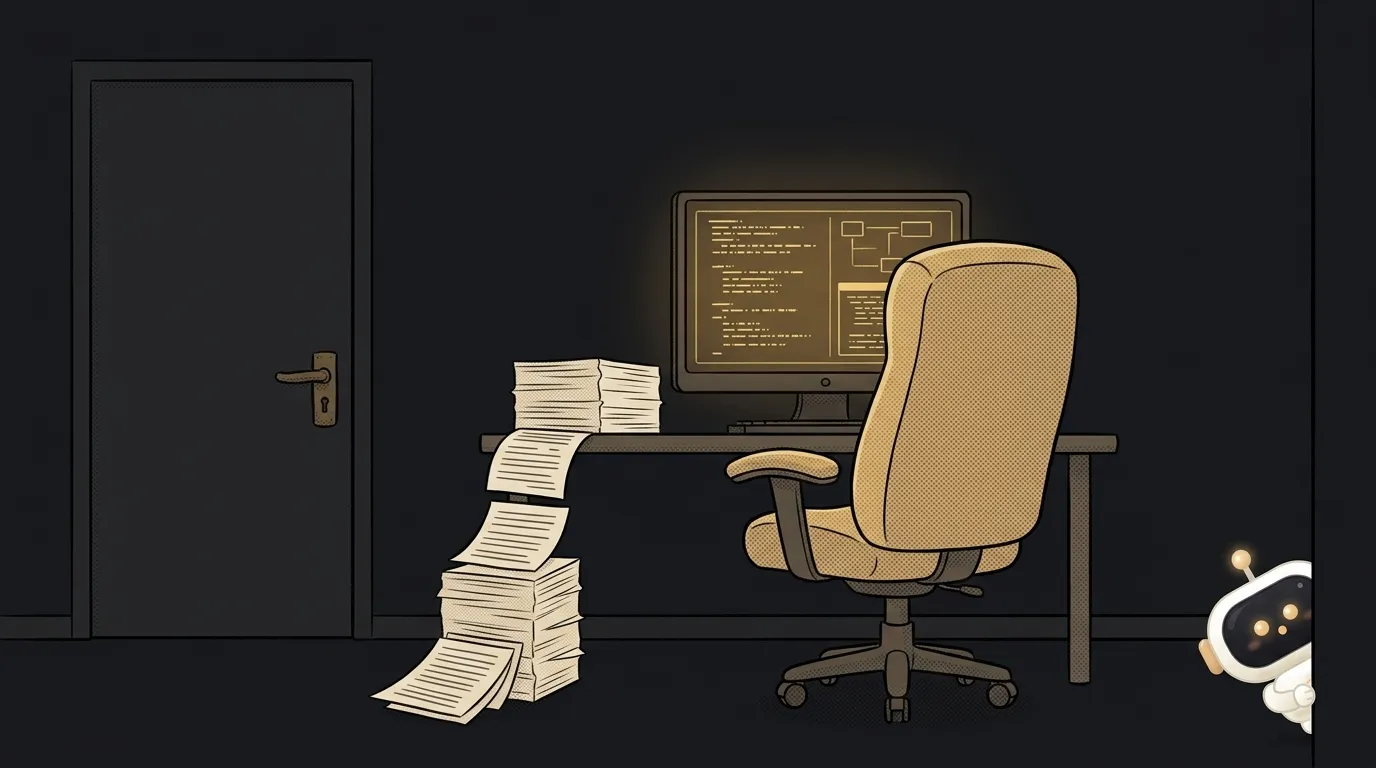
You ask an agent in a script: "run the tests and fix whatever fails." The script finishes and reports "success." You open the code — nothing changed.
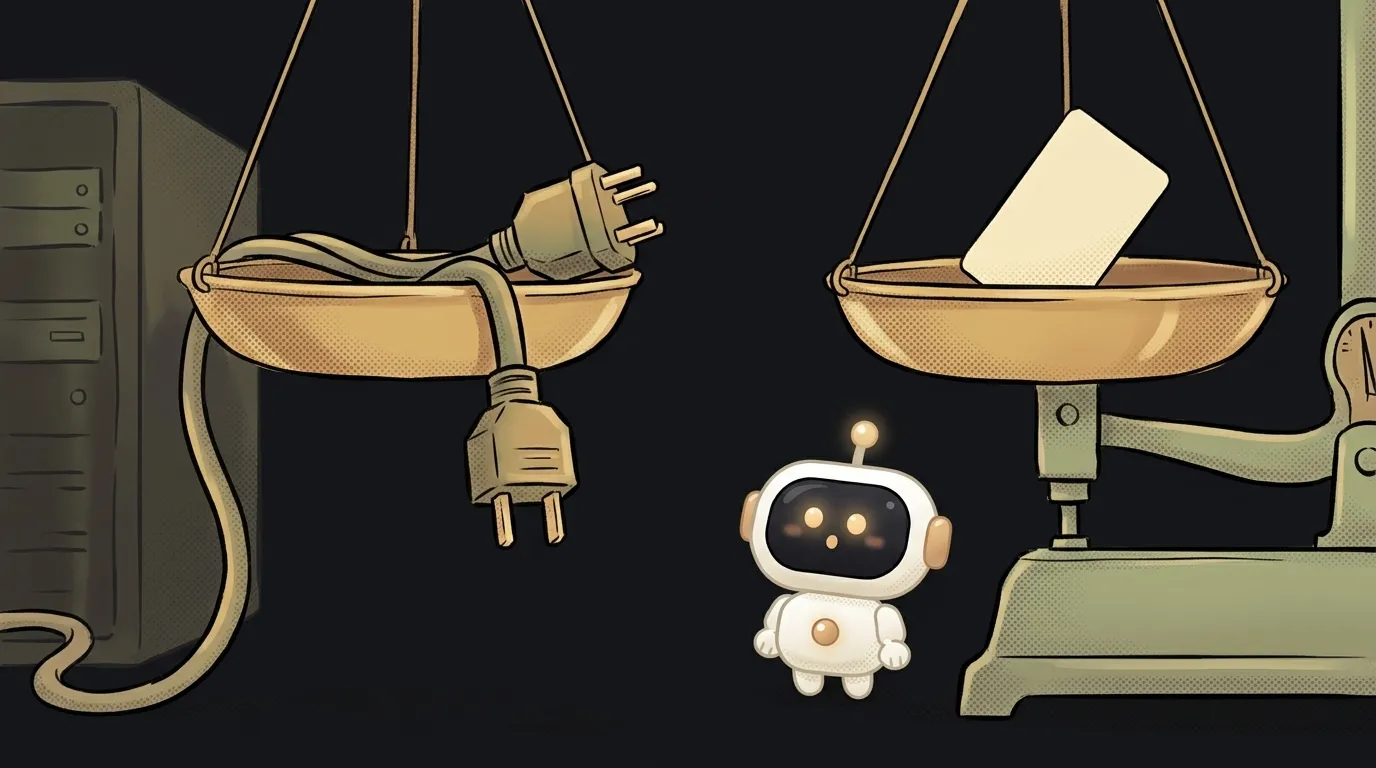
The agent didn't break. It just found nobody to ask for permission. And it politely skipped everything it had no permission for.
That's the main trap of headless mode. Let's see what it is and how to get along with it.
What headless mode is
Headless mode is running an AI agent without an interface: one command in, a finished answer out. No chat window, no buttons, no you nearby.
The word comes from the world of browsers. "Headless" means without a screen. The program does the same work, but nobody sees it.
In Claude Code this mode is turned on by the -p (or --print) flag:
claude -p "What does the auth module do?"
The agent reads the code, answers with text in the terminal and exits. Like an ordinary command-line program.
How it works
In normal mode you talk with the agent. In headless it behaves like a tool in a chain. Three things you get from that.
Input through a pipe. The agent reads standard input. So you can feed it anything through a pipe:
cat build-error.txt | claude -p "explain the cause of the error" > fix.txt
The limit for such input is 10 MB. More than that — put it in a file and name the path in the prompt.
An exit code. If the run fails, the agent returns a non-zero code. Your script can react: stop, send a notification.
Machine-readable output. With --output-format json you get JSON instead of text. It has the answer in the result field, the session ID and even total_cost_usd — an estimated price of the run. Handy for tracking spend.
You can also continue the conversation. --continue picks up the latest session, --resume <id> a specific one. That way the agent works in several passes and remembers what happened before.
The catch: nobody to say "yes"
Back to the beginning. In interactive mode the agent asks you before a risky step. Edit a file? Run a command? You click "allow."
In headless there's nobody to click. And Claude Code keeps it simple: a step that needs permission is denied. No pause, no error. The agent gets a refusal and carries on as best it can.
So you grant rights upfront, with the --allowedTools flag:
claude -p "Run the tests and fix whatever fails" \
  --allowedTools "Bash,Read,Edit"
You can be more precise and allow only specific commands:
--allowedTools "Bash(git diff *),Bash(git commit *)"
And here's a subtlety that's easy to trip over. The space before the asterisk matters. Bash(git diff *) is git diff with any arguments. But Bash(git diff*) without the space also allows git diff-index — a different command.
How do you know something was denied? The JSON output has a permission_denials list. Check it in your script, not just the exit code.
The second catch: someone else's settings
Without extra flags, claude -p loads everything in the project: hooks, MCP servers, rules. Even in a folder you've never trusted — there's no trust question here.
For scripts and CI the docs recommend the --bare flag. It runs the agent "bare": without other people's hooks and settings, the same on any machine. Just note: this mode needs an API key; subscription login isn't used.
Why you care
Headless is the moment the agent stops being a chat and becomes a part of your processes. What you can build today:
- Review before push.
git diff main | claude -p "find bugs in this diff"— as a script inpackage.json. - Nightly log digest. Through cron, once a day the agent reads the logs and writes a short summary.
- A check in CI. The agent looks at every pull request in CI/CD and leaves comments.
One rule: in headless, decide upfront what the agent may do. It won't ask.
Start small: grant only reading (--allowedTools "Read") and ask for a report. Once you see the agent doing what you need, add rights one at a time.
FAQ
How is headless mode different from a model API?
An API gives you only the model's answer. A headless agent reads files, runs commands and takes several steps in a row — just like the normal chat, only without the window.
Can I let the agent do everything in headless?
Technically yes, with --dangerously-skip-permissions. But then it can delete files or run any command. Only run it like that in a throwaway container where there's nothing to break.
Do my slash commands work in headless?
Yes. Write the command name right in the prompt: claude -p "/review". Commands that exist only for the interface, such as /login, aren't available there.
The AI Architect 2027 course: step by step from computer basics to your own app and first customers. 543 short lessons on your phone.
Read next
What is a hook in an AI agent — the rule the model can't ignore
What is a slash command in an AI agent — and why it's just a saved prompt

What is an Agent Skill — and why it costs almost nothing

What is a subagent — and why it saves context, not time
Agent Skills or MCP — which to choose and how they really differ