What is an AI watermark — why you can't see it and a screenshot won't erase it
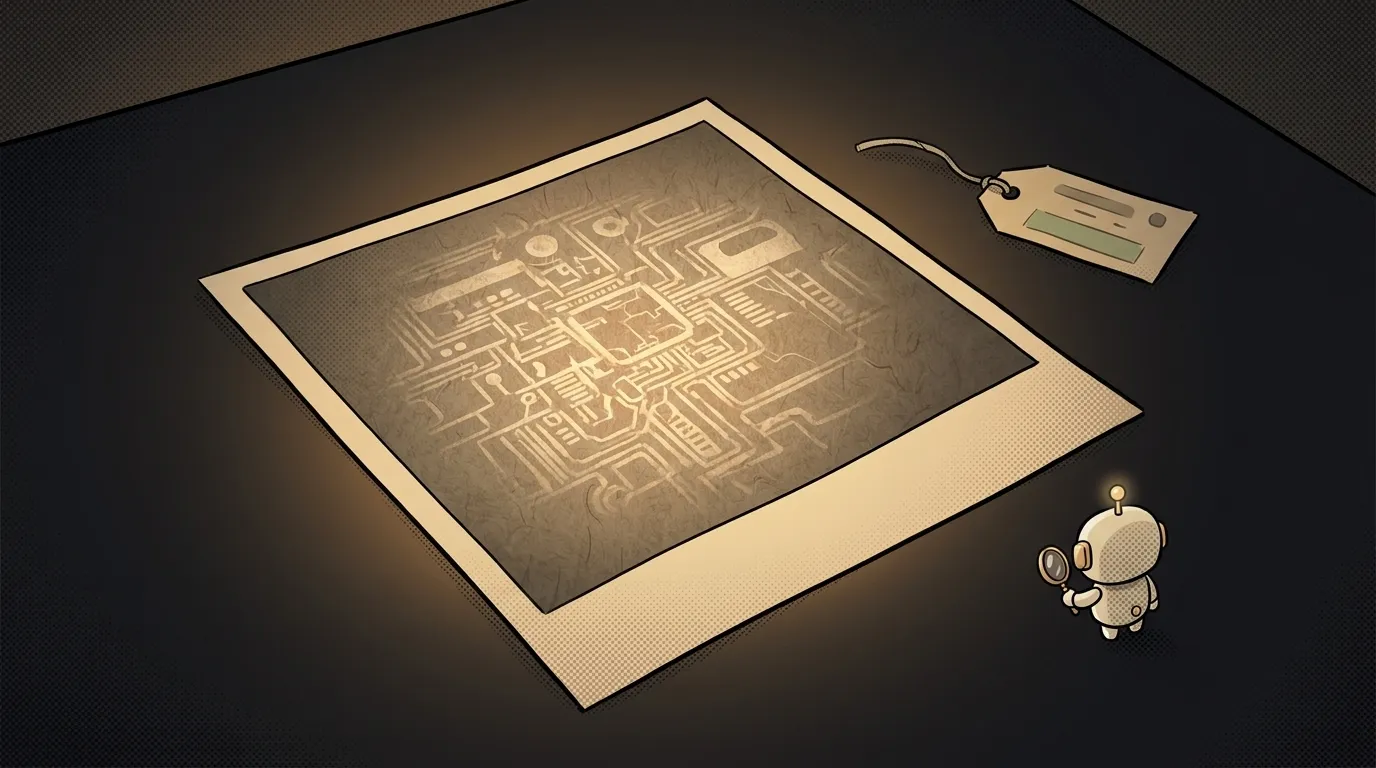
The words "watermark" paint a translucent caption in the corner of a picture. Crop the corner, watermark gone.
With AI marks it's the other way round, and that's the surprising part: the mark is woven into the pixels themselves, you can't see it, and screenshots and crops don't remove it. Meanwhile the tidy "honest signature" inside the file — the one everyone praises as the right way to label AI — falls off the moment you upload to a social network. Let's see why, and how to check an image yourself.
What an AI watermark is, in plain words
It's a signal the generator weaves into the content itself — into pixel brightness and colour, into the spectrum of audio, into video frames. It's tuned so a human notices nothing and a purpose-built detector finds it confidently.
Think of a banknote watermark. It isn't printed on top in ink; it's made of the paper — fibres of differing density. Photocopy the note and the picture survives, the watermark doesn't.
The most widespread such mark today is SynthID from Google DeepMind. In three years it has marked over 100 billion images and videos, plus tens of thousands of years of audio.
Two different things: a mark in the pixels, a passport in the metadata
People constantly lump them together, but they work in opposite ways.
- The watermark (SynthID) lives inside the content. It answers exactly one question: "did a machine make this file?" It knows nothing else.
- Content Credentials under the C2PA standard are a note attached beside the content, in the file's metadata. That's a passport: what generated it, when, what was edited afterwards. Structurally it's like a web page's meta tags — data about the content, sitting next to it.
One says little but survives. The other says a lot but is fragile. So the industry stopped choosing and started applying both: in May 2026 OpenAI joined the C2PA steering committee and said it would embed SynthID alongside its own Content Credentials.
Why a screenshot breaks one and not the other
Here's the mechanic that drives all of it.
When you take a screenshot, the operating system doesn't copy the file. It grabs whatever is lit up on screen and writes a brand-new PNG or JPEG from scratch. Not a line of the original metadata comes along — the passport wasn't "erased," it simply never travelled. A social network does exactly the same when it re-encodes your upload into its own format.
The pixels, though, stay roughly the same. So the pattern woven into them survives screenshots, crops and compression. Not forever — heavy repainting will kill it — but ordinary handling doesn't.
How to check an image yourself
Three ways, easiest first:
- Ask Google Search or the Gemini app. Since May 2026 you can show an image and ask whether it was AI-generated: the system reads both SynthID and C2PA. It's the most accessible route for a normal person — the check is rolling into Search, Lens and Chrome.
- Look at the file's passport. Open
verify.contentauthenticity.organd drop the file in — if the Content Credentials survived the trip, you'll see what made it and what was edited. - Check the source, not the file. If there's no metadata and the detector is silent, you're back to ordinary verification: where did the image come from, who posted it first, does it exist somewhere earlier.
The big trap: no mark proves nothing
This is the one thing genuinely worth taking away.
A SynthID detector only finds content from generators that apply SynthID. Plenty of models — especially open ones running on somebody's laptop — apply nothing at all. And metadata, as we saw, dies to a single screenshot.
Hence an honest asymmetry:
- a mark was found → it's almost certainly AI;
- no mark → you know nothing. Not "yes," not "no."
So "I checked, there's no watermark, therefore the photo is real" is bad reasoning. It's the same overconfidence as trusting a model's hallucination unchecked: the tool answered a different question from the one you asked it.
Why this matters if you just make images
If you generate covers and illustrations — say with free AI image generators — know two things. First, your images are probably marked, and platforms are gradually learning to surface that as a "made with AI" label. Second, if you want to label your work honestly yourself, that means a C2PA signature — and you can't re-compress the file afterwards, or the passport won't survive.
Can an AI watermark be removed?
Screenshots, crops and compression don't remove it — that's what it's built for. Heavy repainting of the content can kill it, but that damages the image too. C2PA metadata, on the other hand, comes off trivially — by accident, via that same screenshot.
Does the mark tell me which model made the image?
No. A watermark reports only the fact of machine origin. Not the model, not the author, not the date, not whether it was edited — that's the metadata's job.
Is AI-written text marked the same way?
Text is far worse. There are few symbols to hide a signal in, and paraphrasing a paragraph wipes out whatever was there. There are no AI-text detectors today that you can lean on in a genuine dispute.
The AI Architect 2027 course: step by step from computer basics to your own app and first customers. 543 short lessons on your phone.
Read next

Ed25519 vs RSA — which SSH key to choose in 2026

What is sudo — and why it asks for your password, not the admin's

What is a tar.gz file — and why a tar archive can be bigger than the files

What is a command-line flag — and why git commit -ma breaks but -am works

scp or rsync — and why rsync sent 141 bytes instead of two megabytes the second time
