What is optional chaining (?.) in JavaScript — and why it doesn't stop every crash
Your app crashed with:
TypeError: Cannot read properties of null (reading 'name')
You ask AI to fix it. It adds a question mark: user?.profile.name. You run it — same error again.
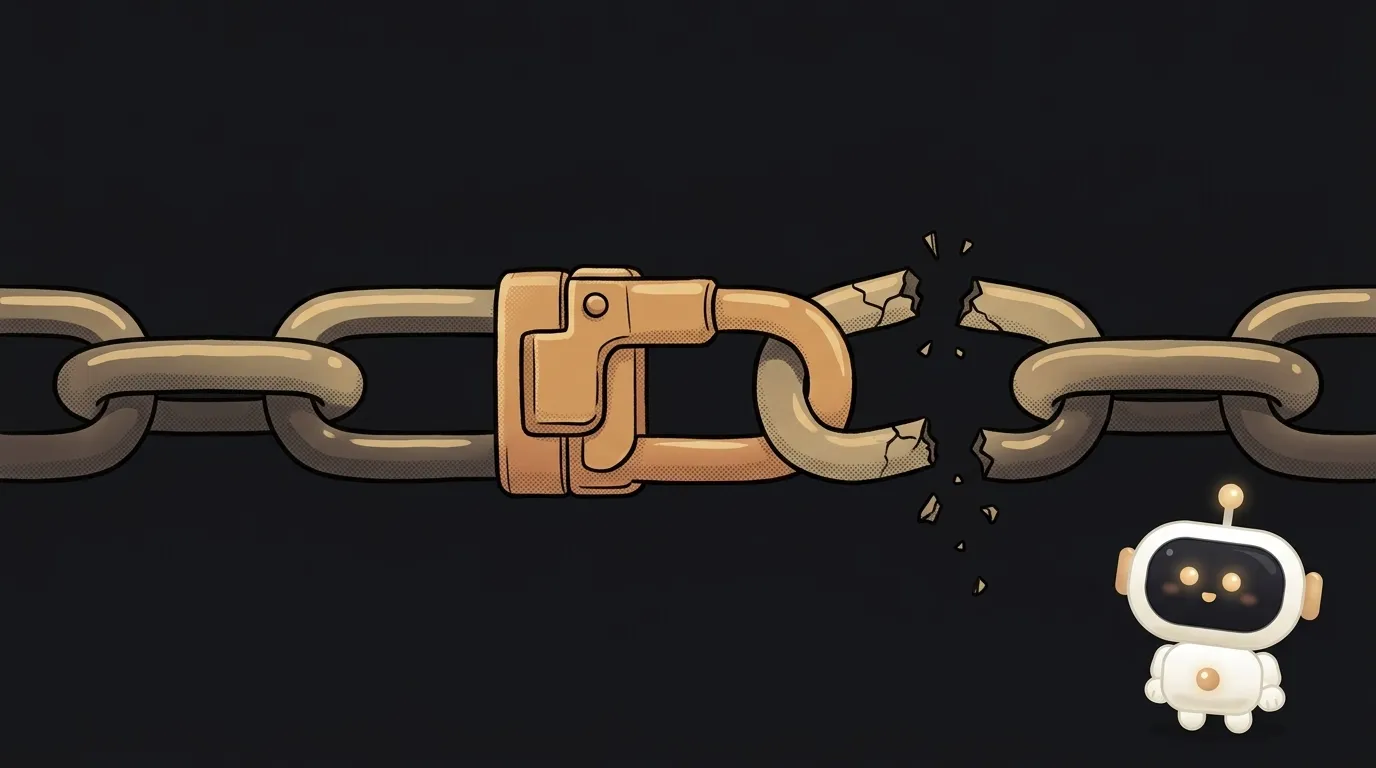
Here's the trick: ?. protects only what's to the left of it. One latch on one link of the chain, not on the whole chain. Let's see where it works, where it doesn't, and why AI likes to sprinkle it too generously.
What optional chaining is
Optional chaining (?.) is a way to read a property without crashing if the object isn't there.
A regular dot crashes if the left side is null or undefined:
const user = null
user.name   // TypeError: Cannot read properties of null
user?.name  // undefined, no error
?. says: "if the left side is empty — stop and return undefined. If not — keep reading as usual."
There are three forms:
obj?.prop— read a property;obj?.[key]— read by a key stored in a variable;fn?.()— call a function if it exists.
How it works — and where it still crashes
The check happens exactly at the point where ?. stands. Look at two cases.
Case 1: user is empty.
const user = null
user?.profile.name // undefined
All good here. ?. saw emptiness and cut off the whole chain to the right. It never even got to .name.
Case 2: user exists, but profile is empty.
const user = { profile: null }
user?.profile.name // TypeError!
user is there — so ?. lets it through. Then a plain dot tries to read name from null. Crash. The latch was on the wrong link.
The fix is to put ?. where emptiness can actually happen: user?.profile?.name.
Two more traps:
?.only checks fornullandundefined. Ifobj.runis the number 5,obj.run?.()still crashes: "run is not a function".- You can't write through
?..user?.name = "Anna"is a syntax error — the code won't even start.
Its constant companion: ?? for a fallback
?. returns undefined. You don't want to show users undefined. That's where the ?? operator helps:
const name = user?.profile?.name ?? "guest"
It plugs in the fallback only if the left side is null or undefined. Don't confuse it with ||: that one also replaces 0 and an empty string. For a like counter, likes || 10 turns an honest zero into ten.
Where ?. really helps
Here are places where emptiness is a legitimate part of life, and ?. fits right in:
- Optional callbacks in components. A close button calls
onClose?.(). Handler passed — it runs. Not passed — nothing happens. - Finding an element on the page.
document.querySelector("#promo")?.remove()— the banner may not exist on this page. - The first item of a list.
orders?.[0]?.date— a new user has no orders yet. - Fields the API doesn't always send. Middle name, avatar, social link.
In all of these, "nothing" is a normal answer, not an accident.
Why putting ?. everywhere is a bad idea
AI often "fixes" crashes like this: it adds ?. to every chain in sight. The error disappears. The bug stays.
Here's what that looks like. The server forgot to send the name. Before, the app crashed — and you saw the problem right away. Now the screen says "Hi, undefined!". Or an empty cart instead of products. Or a fetch that returned undefined quietly flows on through the code.
A loud crash has been swapped for a silent breakage. That's many times harder to find.
A simple rule:
- Is emptiness normal? Use
?.. For example, an object from an API might not have anavatarfield for every user — that's expected. - Is emptiness a bug? Don't. Let it crash during development, or check explicitly and show a clear error.
How to ask AI to do it carefully
get rid of the Cannot read properties of null errorCrash: Cannot read properties of null (reading name) on the line user.profile.name. Do not sprinkle ?. across the whole file. First find out which link can be empty and why. If profile can legitimately be missing, put ?. only on it and add ?? with fallback text. If a missing profile is a data error, show the user a clear message instead of undefined.Does ?. slow the code down?
No. It's one null check at one point. You won't notice a speed difference even in big lists.
Does ?. work in every browser?
Yes, in all modern ones: Chrome and Firefox have supported it since 2020, Safari since 13.1. Node since version 14. For older browsers, your bundler rewrites it into plain checks.
Why doesn't ?. catch zero or an empty string?
Because those are real values. Zero likes isn't "no likes", it's "zero likes". ?. stops only on total emptiness: null and undefined.
The AI Architect 2027 course: step by step from computer basics to your own app and first customers. 543 short lessons on your phone.
Read next

Ed25519 vs RSA — which SSH key to choose in 2026

What is sudo — and why it asks for your password, not the admin's

What is a tar.gz file — and why a tar archive can be bigger than the files

What is a command-line flag — and why git commit -ma breaks but -am works

scp or rsync — and why rsync sent 141 bytes instead of two megabytes the second time
