Why fetch returns undefined even though the data is there — 3 causes
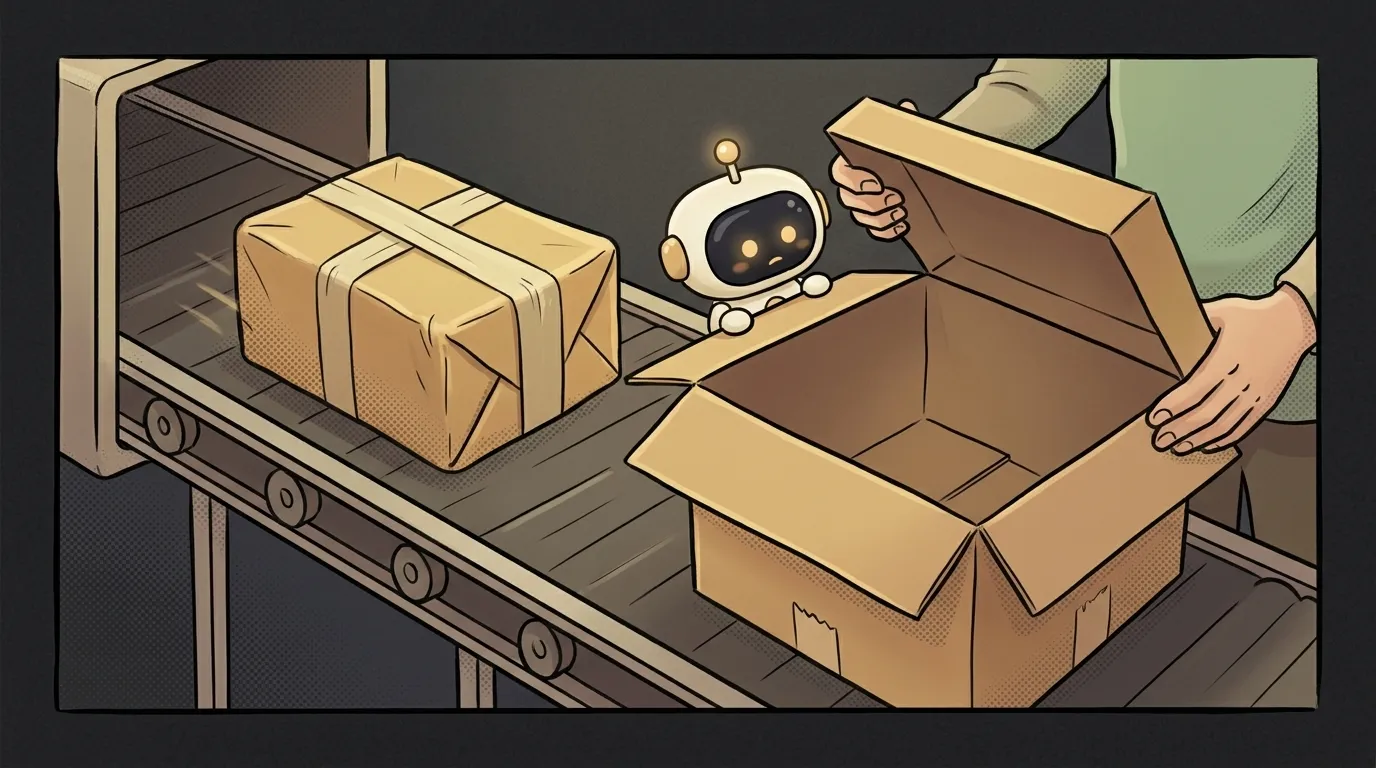
A familiar scene: you open the browser's Network tab — the request went out, the response came back, the data is right there. But in the code, the variable is undefined. The data exists, yet your code can't see it. It feels like either the browser or you is lying.
Nobody's lying. In 9 cases out of 10 the culprit is one of three things, and none of them is "the server broke" — they're all about how you read the response. Let's go through the causes top-down, from the most common.
Cause 1. You didn't wait for the answer (the most common)
fetch is an asynchronous operation: it goes "into the background" while the code runs on without waiting. If you try to read the data immediately, it's still in transit — hence undefined.
How to check. Look for the word await (or .then) before the request. If it just says const data = fetch(...) with no await, you're holding not the data but a "promise" of the data (a Promise) that hasn't resolved yet.
How to fix. Wait for the answer explicitly:
- before:
const data = fetch(url)— no data, the request is still flying; - after:
const res = await fetch(url)— the line waits, the answer arrives.
Remember: await only works inside a function marked async. Forget async on the function and await won't work, and you'll hit emptiness again.
Cause 2. You didn't unpack the response (forgot .json())
Even once you've waited, there's a second trap. fetch returns not the data itself but a Response object — an envelope with the letter inside. Reach for a field straight from the envelope and you get undefined, because the letter hasn't been opened.
How to check. Log the whole response: console.log(res). If you see a Response object with status, ok, headers, but none of your fields — you forgot to open the envelope.
How to fix. Unpack the response body — usually that's JSON:
const res = await fetch(url)— got the envelope;const data = await res.json()— opened it, took out the letter;- now
data.nameworks.
Note: res.json() is also asynchronous, so it needs an await too. And grab the right field: if the server returned { "user": { "name": ... } }, the name lives in data.user.name, not data.name. Often an undefined is just the wrong path to a field.
Cause 3. The request failed and you didn't notice
The sneaky thing about fetch is that it doesn't treat a 404 or 500 as an error. The promise resolves successfully even on "page not found" — there's just not what you expected inside. You reach for the data, and there's an error body — undefined on your field again.
How to check. Look at res.status and res.ok. ok: false, or a 404/500, means the server answered, but not with what you wanted. The reasons vary — a 500 error on the server, a wrong address, or the browser blocking the response via CORS (in which case you won't reach the data at all).
How to fix. Check the status before reading the data:
- if
res.ok— unpackres.json(); - if not — show an error instead of pretending there's data.
That way you stop reading emptiness out of a failed request and see the real cause right away.
A quick checklist
When you see undefined again, run down the list:
- is there an
awaitbeforefetch, and is the functionasync? - is there an
await res.json()— envelope opened? res.ok— did the request actually succeed?- are you taking the field by the right path (
data.user.name, notdata.name)?
One of those four lines is almost certainly your bug.
FAQ
Why is the response in Network but undefined in code?
Because Network shows what came in over the wire, while undefined is about how your code read it. The network did its job; the await, the res.json(), or the status check didn't. Look for the bug not in the server but in the three lines after fetch.
Do I need to wrap fetch in try/catch?
Yes, it's worth it. fetch throws an error if the network doesn't respond at all (no internet, server unreachable). But it doesn't treat 404/500 as errors — catch those manually via res.ok. So: try/catch for a dropped connection, res.ok for "the server answered, but badly."
Is this a bug in the AI that wrote the code?
Not necessarily a bug, but a common oversight. AI sometimes generates a fetch with no await or no res.ok check. If AI-written code gives you undefined — run the same three causes: it's almost always one of them.
Short story-lessons, an agent simulator and daily practice — in our mobile app. Free.
Read next

Why you get NaN in JavaScript — 3 causes and how to find where it came from

How to convert a string to a number in JavaScript — without tripping on a comma

Why my loop never stops — and the tab freezes solid

Why my array is empty — and why there's no error

Why your AI agent edits the wrong file — three causes and how to check each