Why my JSON is invalid (Unexpected token) — 3 causes that catch almost everyone
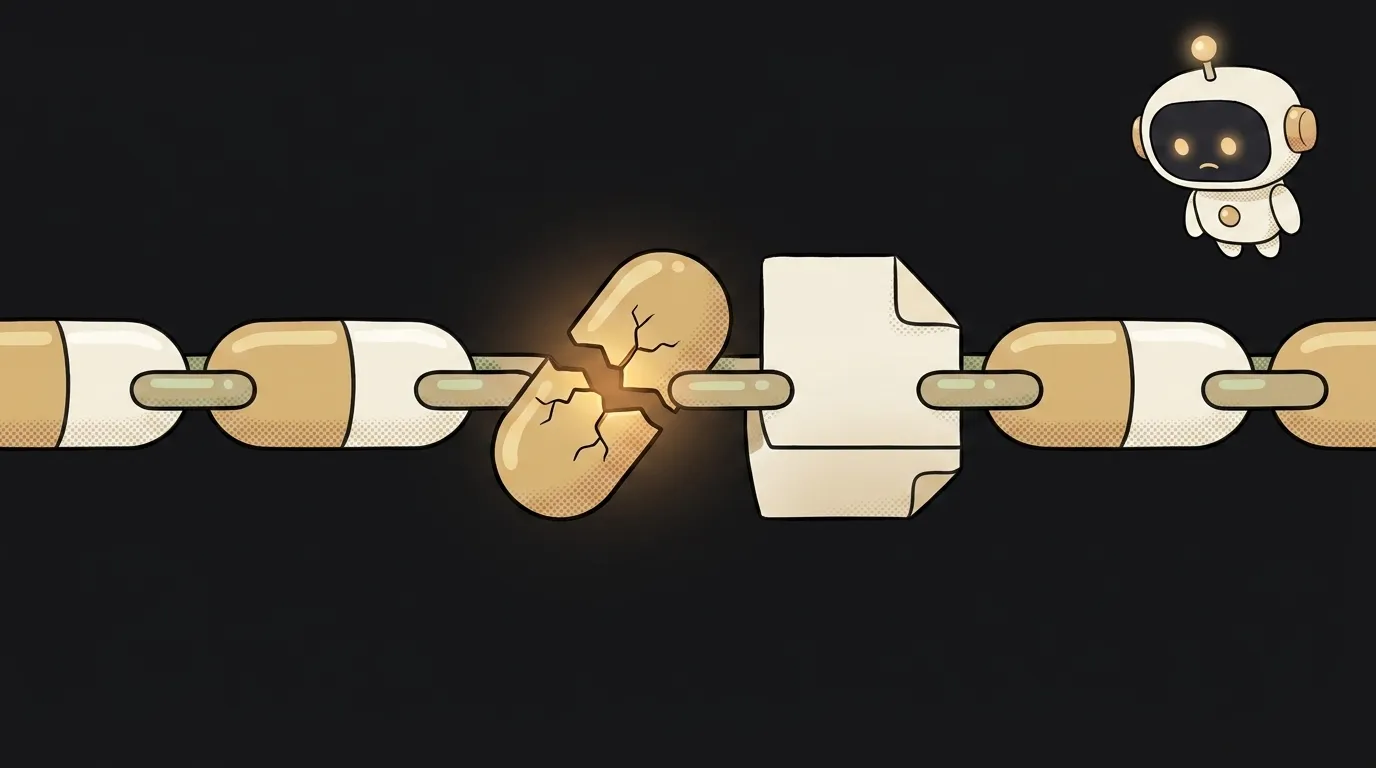
Your console goes red: Unexpected token < in JSON at position 0 (or just SyntaxError: Unexpected token). You stare at your JSON — and there's no < anywhere. That's the trap: the message points the wrong way. JSON is almost always invalid for one of three reasons, and here they are — most common first.
Symptom: SyntaxError, but the string looks fine
The error fires at JSON.parse(...) — or when fetch tries to parse the response itself. The text scares you with a precise "position 0" or token <, but the real point of failure isn't always where it's pointing. Let's go through the causes in order.
Cause 1 (most common): it isn't JSON at all
Most often the server handed you HTML, not JSON. The request went to the wrong place, the endpoint returned a 404 or 500 error page — and that page starts with <!DOCTYPE html>. There's your mysterious < at "position 0".
- How to check: before parsing, print the raw response —
const text = await res.text(); console.log(text). If you see<html>..., case closed: JSON has nothing to do with it. - How to fix: fix the request, not the parse. Check the URL, method and response status. If a 500 or 404 came back, the server returned an HTML stub and there's nothing to parse until the request succeeds. This is also a common reason fetch returns undefined.
Cause 2: syntax in hand-written JSON
If you wrote the JSON yourself (a config, a request body), the cause is usually the format's strictness. JSON doesn't forgive what JavaScript does:
- trailing comma:
{"a": 1,}— not allowed. - single quotes:
{'a': 1}— double only:{"a": 1}. - unquoted key:
{a: 1}— must be{"a": 1}. - comments:
// commentinside JSON is forbidden.
How to check: paste the text into any online JSON validator — it highlights the exact line. How to fix: drop trailing commas, switch all quotes to double, quote the keys. More on the format itself in what is JSON.
Cause 3: you're parsing something you shouldn't
Unexpected token u ... "undefined" or [object Object] is a sure sign you're calling JSON.parse on something that's no longer a JSON string:
- The data is already parsed.
fetchwithawait res.json()returns a ready object — a secondJSON.parseon top of it fails. Same with axios. - You're parsing
undefined— the data variable isn't set yet.
How to check: console.log(typeof data) before parsing. object — no need to parse; undefined — the data never arrived. How to fix: don't parse twice. Either res.json() or JSON.parse(await res.text()) — not both.
What if the AI's reply is "almost JSON" but won't parse?
A common one: you ask the model to return JSON and it adds an explanation before or after, or wraps it in a code block. Technically that's no longer clean JSON. Two fixes: ask in the prompt for "JSON only, no explanation and no wrapping", or better — turn on structured output: a mode where the model is guaranteed to return valid JSON matching your schema.
What's the fastest way to find where the error is?
Don't eyeball it — feed the text to a machine. Any online JSON validator (search "json validator") highlights the exact line and character where the format broke. That's thirty seconds versus half an hour of reading. And if your code generates the JSON, log the raw string right before JSON.parse. Half the "mysteries" solve themselves the moment you see what actually went in.
The AI Architect 2027 course: step by step from computer basics to your own app and first customers. 543 short lessons on your phone.
Read next

Why SSH still asks for a password when your key is set up — 3 causes

How to set up ~/.ssh/config — short server names instead of long commands

Why does SSH disconnect on its own (Broken pipe) — three causes and how to fix them

How to read command help (--help and man) — and find your version's flags in a minute

Why Ctrl+C doesn't stop a program — and how one except line causes it
