Your own circuit board in a weekend: the agent routes it, KiCad checks every step
Here's the thing. Building your own hardware was never blocked by the soldering iron. It was blocked by the schematic.
You need to know which chip to pick. Which regulator goes with it. Which pin goes where. Then route the traces so nothing crosses. Beginners give up on the first evening.
On November 13, Copper showed up on Hacker News. It's an MCP server that connects your agent to KiCad — the free program engineers use to design real boards.
The idea in one line: describe a board in words — say, a windowsill weather station — and get the files a factory needs to make it.
Where the trick is
Models are bad at drawing precise lines. So Copper doesn't ask them to draw.
- Connections by name, not coordinates. The agent writes "pin PA9 on chip U1 → net USB_DP". Where the traces actually go is the router's job.
- Real parts. The agent searches the LCSC/JLCPCB catalog, basic parts first, and checks live stock.
- KiCad does the checking, not the model. After every change KiCad itself re-runs the schematic and board checks (ERC and DRC). Every finding comes with a ready fix.
- The agent looks at its work. Schematic, layer and 3D renders go back to the model. It sees what it made.
At the end you get a zip: Gerbers, drill files, the parts list and their placement. That's the standard format any factory accepts.
Copper has 31 tools. There's no model inside — your agent does the thinking: Claude Code, Cursor, Codex or another one.
A year ago an agent could at best suggest a circuit. Now it takes it all the way to factory files — checked by the program engineers trust.
What you'll learn
- Reading a schematic. Power rail, ground, pull-up resistor — on your own board, not in a textbook.
- Working with an agent through tools. Not "draw it" but "design it and check it".
- Trusting the check, not the confident tone. Zero DRC errors is a fact, not "looks done".
- Talking to a factory. What Gerbers, layers and a BOM are — and why the factory sends you questions.
Ready starter prompt
Install KiCad 10. Then connect Copper. In Claude Code it's two commands:
claude plugin marketplace add claynicholson/copper-kicad-mcp
claude plugin install copper@copper
For Cursor and others — npx -y copper-kicad setup. Open your agent in an empty folder and give it the task:
Make me a board with an ESP32.Using Copper, design a windowsill weather station board in KiCad. Brain: ESP32-C3. A temperature and humidity sensor on I2C. Power and flashing over USB-C. One status LED and one button. Two copper layers, no bigger than 40 x 40 mm, four mounting holes in the corners. Use basic parts from the LCSC catalog, packages no smaller than 0805 so I can solder them myself. Work step by step and stop after the schematic: show it to me, I will check it. Then place the parts, route the board and get to 0 errors in ERC and DRC. At the end show a 3D render of the top and bottom and build a fab zip with the generic profile.The weak prompt hands the agent every decision at once. The strong one sets the purpose, the power, the size and — most importantly — a pause after the schematic. You catch a schematic mistake before the agent routes a whole board around it.
What you get
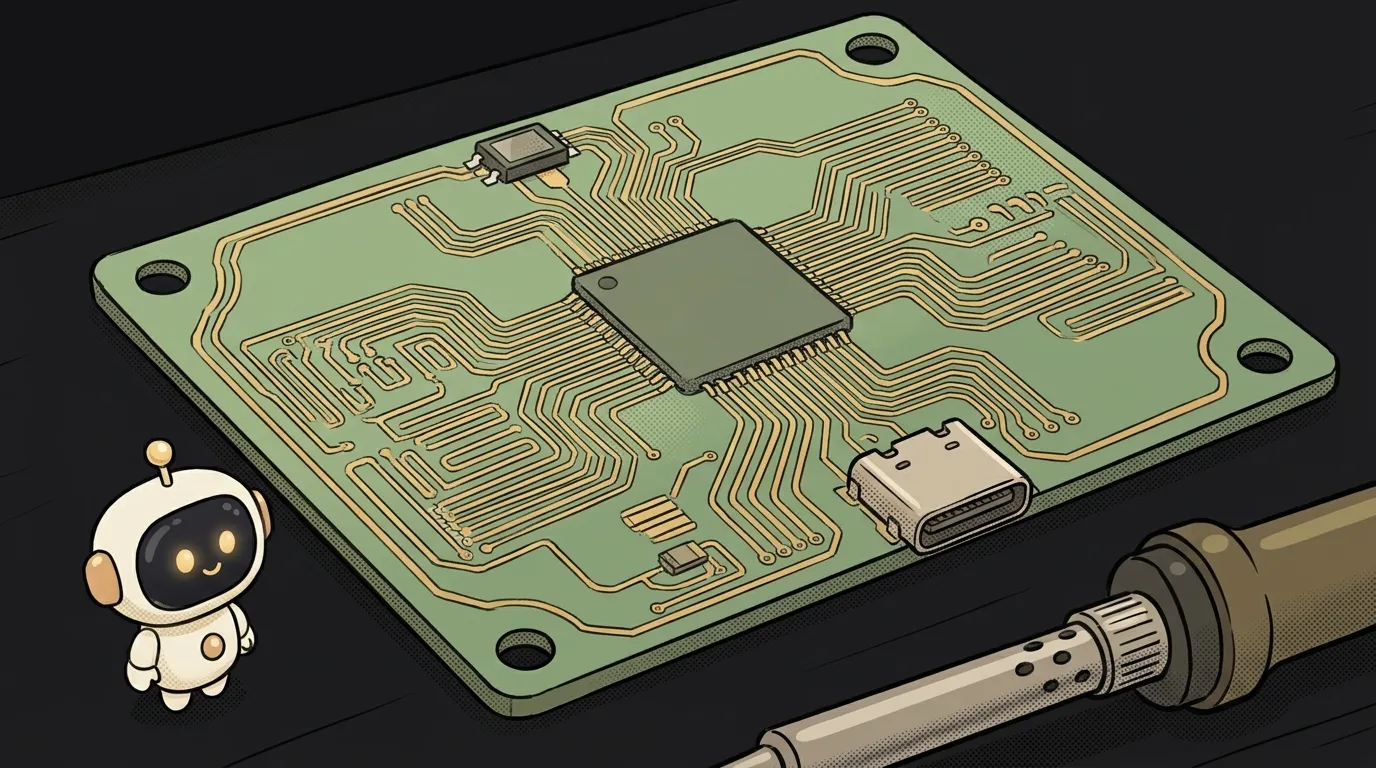
On screen: a 3D render of a small green board. The chip in the middle, the sensor at the edge, USB-C at the bottom. You spin it with the mouse and see every trace.
Next to it, the KiCad report: 0 errors, 0 unconnected items. And a zip you can upload to a factory's site.
Copper's author made six boards with it, from a 15-part ESP32-C3 USB-C board to a macropad with nine keys and a knob. All pass KiCad's checks with zero errors.
A couple of weeks later a stack of boards with your design lands in your mailbox. Solder, flash — and your windowsill has a gadget nobody else owns.
Honest limits
- Best on Windows. That's where Copper is tested end to end. The macOS and Linux installers are new — if one fails, the author asks you to open an issue.
- Zero errors ≠ the board will work. ERC and DRC catch breaks and overlaps, not a wrong idea. Review the schematic yourself — that's what the pause is for.
- Ordering is a separate question. Chinese factories don't ship everywhere, and the price depends on shipping. Check the factory's calculator. Gerbers are a standard, so a local fab will take them too.
- Soldering tiny parts is a skill. Not confident? Ask for bigger packages or order the board with parts already assembled.
Your own board used to start with a circuit-design textbook. Now it starts with one paragraph and one check.
Short story-lessons, an agent simulator and daily practice — in our mobile app. Free.
Source: Copper — MCP for designing boards in KiCad (GitHub, Show HN 13.11.2026)
Read next

Paint side by side with your agent: it lays down strokes, you fix any of them

A living ink street on your site: the little people's feet don't slide, and windows light up at night

Describe a room and walk around it: the AI doesn't draw the furniture, it finds real pieces, in meters

Five contracts, six questions — and every answer opens on the exact quote
A logo you can open in Notepad — and recolor for free