Paint side by side with your agent: it lays down strokes, you fix any of them
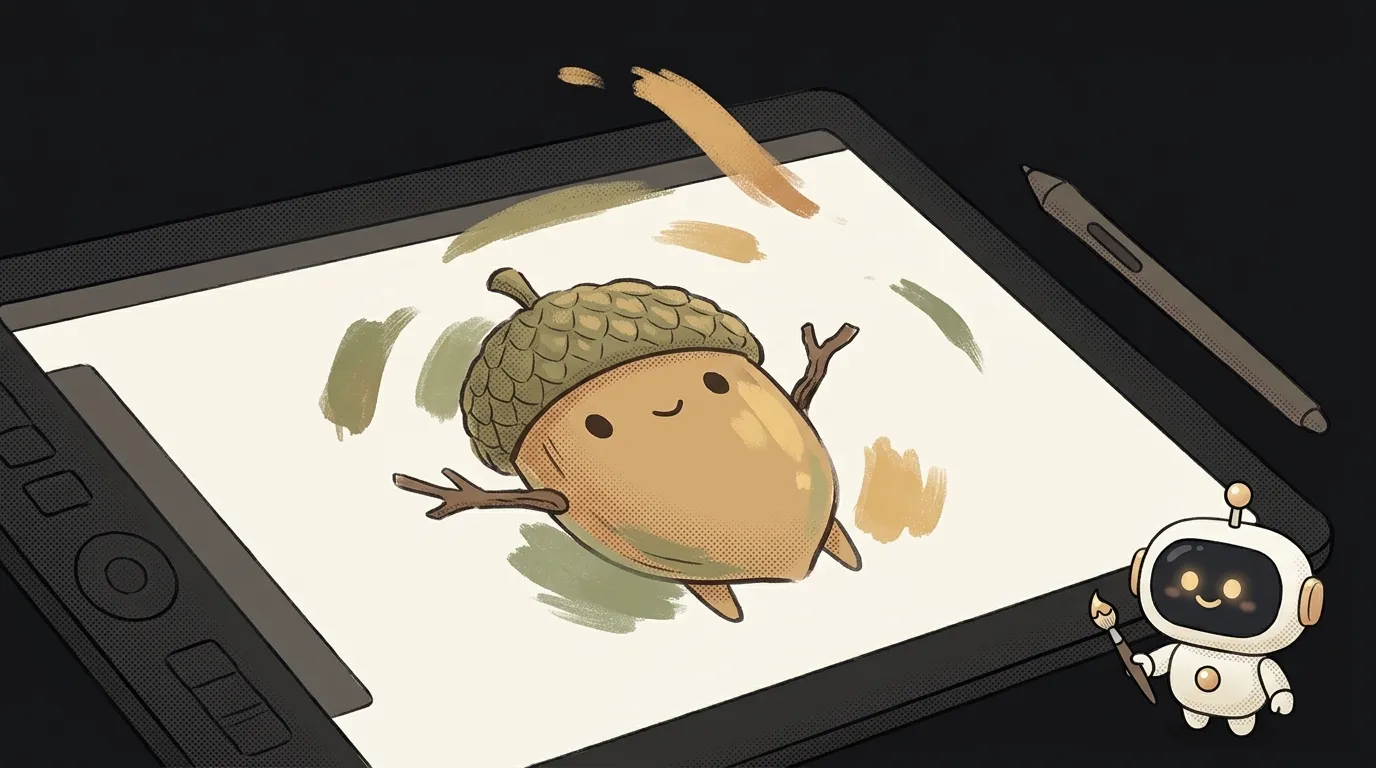
Sound familiar? You ask an AI to draw a hero. Almost perfect, except one leaf is crooked. You ask it to fix the leaf — and get a brand-new picture. Different hero, different light, different eyes.
Here's the problem. A generator hands you pixels. You can't fix "this one leaf" in pixels. All you can do is roll the dice again.
On November 11, klad showed up on Hacker News. It's a drawing app with no image generator at all. The agent paints in it with a brush. The same brush you use.
The idea in one line: you and an agent draw one hero on one canvas. It lays down strokes, you fix any of them. Then the hero walks in your game.
Where the trick is
The agent — Claude Code, Codex, anything that can run commands — paints through klad's command line. Every stroke stays data: path, pressure, brush, colour.
That gives you three things a generator doesn't:
- You see strokes land live. The agent paints in the terminal, and the line appears in your editor window as it works.
- You can grab any stroke. Yours or the agent's. Recolour it, bend it, move it, delete it. The rest of the picture stays put.
- You can point. The N key pins a note right on the canvas: "more moss here". The agent reads it.
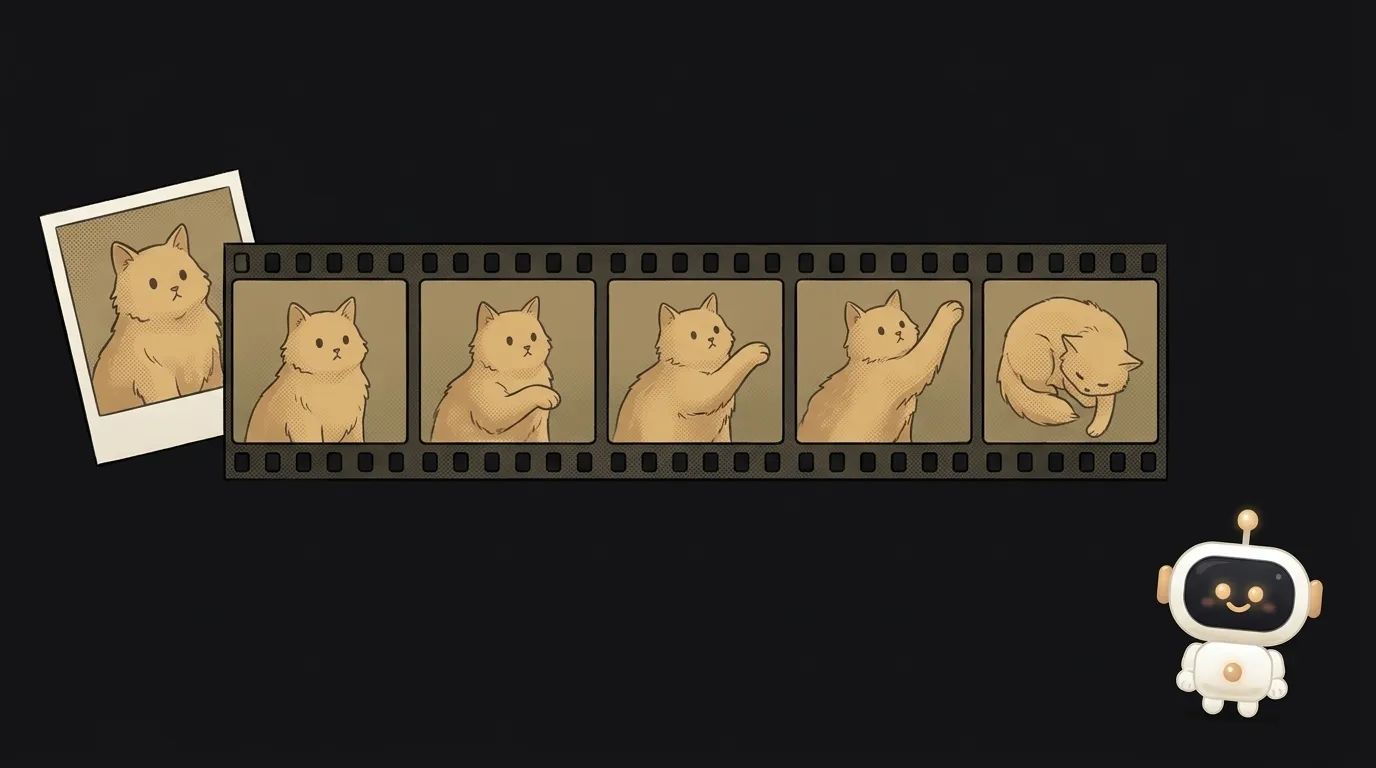
And it's more than a drawing app. It has layers, a timeline and in-betweens. You draw the key poses, and klad fills in the frames between them. Export goes to GIF, a sprite sheet, or straight into the Godot game engine.
The author's demo pictures were painted by Claude Fable 5.2: a night scene with a lantern and a kit of twelve game props. All stroke by stroke.
What you'll learn
- Working with an agent through a tool. Not "generate", but "pick up the brush and paint".
- Giving feedback in place. A note on the canvas beats a paragraph of text.
- Animation basics. Key poses, in-betweens, a walk cycle.
- Building a project from source. The agent will help if something breaks.
Ready starter prompt
For now you build klad yourself — there are no installers yet. You need Rust and the just tool. The first build takes about ten minutes. The easiest way is to ask your agent: "clone github.com/klad-app/klad and build it following the README".
Then open the agent in an empty folder and give it the task:
Draw me a character for a game.Run klad skill and klad skill drawing and read what they print. Then create hero.klad and paint my hero: a tiny forest spirit the size of a palm, an acorn-shaped body, a leaf cap, big dark eyes, holding a firefly instead of a lantern. Flat shading, light from the firefly on the left. Put each body part on its own layer. First paint only the still pose and stop: I will open the file, fix strokes by hand and leave notes on the canvas. Then read my notes, make idle and walk clips, and export a GIF and a sprite sheet.The weak prompt gets one picture you can't fix. The strong one sets the hero, the light, the layers and, most importantly, a pause. The agent stops, and you step in before it has painted everything.
What you end up with
Two windows side by side. Terminal on the left, canvas on the right. Strokes land one after another, and the hero comes together in front of you.
You don't like the cap. You grab it with the stylus and recolour just the cap. The eyes stay the same. You pin a note on the hand: "brighter firefly". The agent reads it and paints it in.
Then the hero takes a step. You open the GIF, and it's walking in place. You send it to a friend. Or drop the sprite sheet into your first game.
Honest limits
- Best on a Mac. On Linux you draw with the mouse — tablet pressure doesn't work there yet. On Windows it builds, but nobody has drawn with it there yet.
- It's an early version. The file format still changes, and animation bones are a preview.
- The licence isn't open source. Free for yourself and for a small company. Your drawings are yours to share.
- The agent spends tokens. Every stroke is a command. A beautiful scene is a long run.
A generator gives you a picture. A brush gives you a picture you can finish.
Short story-lessons, an agent simulator and daily practice — in our mobile app. Free.
Source: klad — a drawing app for an agent and a human (GitHub, Show HN 11.11.2026)
Read next
A living ink street on your site: the little people's feet don't slide, and windows light up at night
Describe a room and walk around it: the AI doesn't draw the furniture, it finds real pieces, in meters
Five contracts, six questions — and every answer opens on the exact quote
A logo you can open in Notepad — and recolor for free
Circle something in a photo — and only that thing changes