A translator with no key, no server, no bill — right in the browser
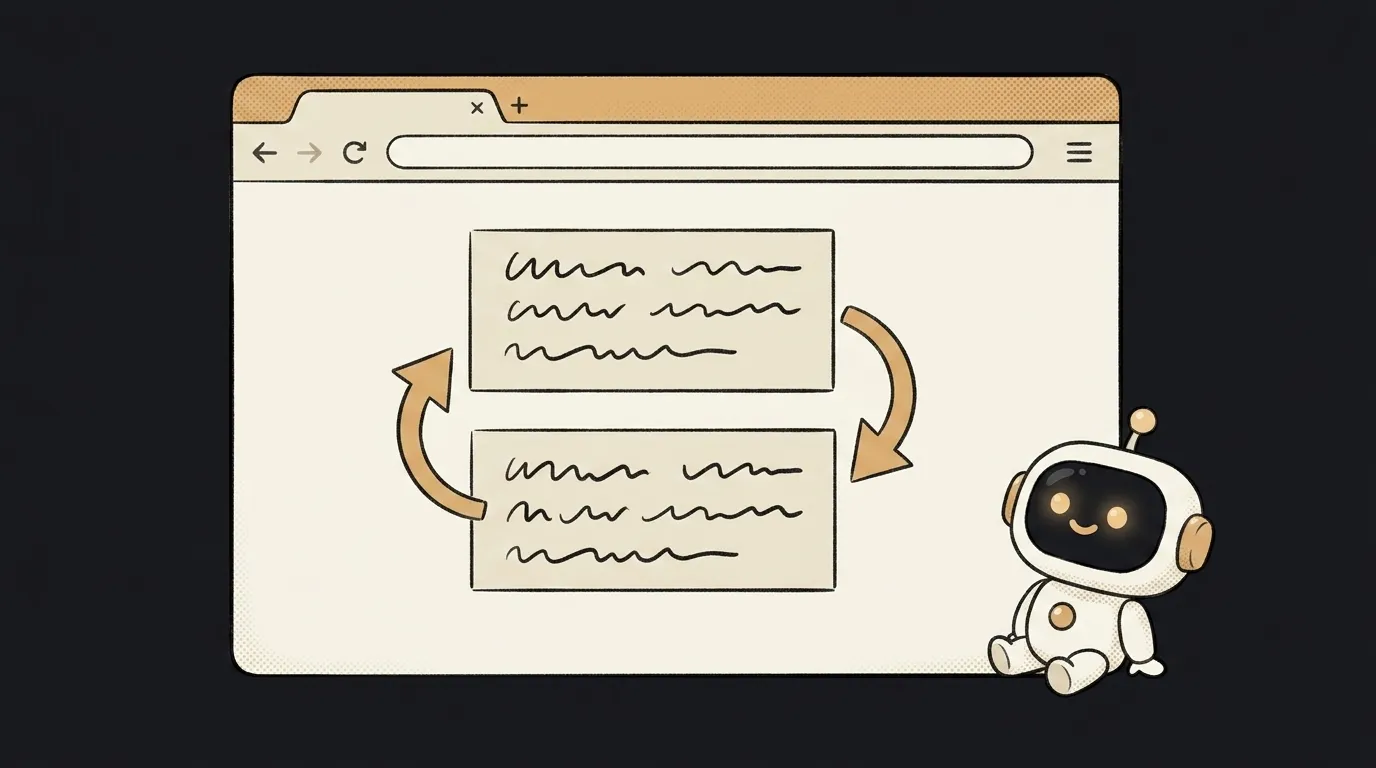
Here's the idea in one line: a single HTML page where you paste text and it gets translated right in the browser. No server, no key, no per-character fee. And no internet needed: the model is already inside the browser.
And here's what's new. "Make a translator" used to mean: wire up a cloud API, get a key, pay for every character, and ship someone's text to someone's server. In early June, Edge 148 shipped built-in AI APIs right in the browser — Translator and Language Detector. Translation runs on-device: 145+ languages, free, private, and it works offline. You call a browser function — not a third-party service. That's what this project rides on.
Why this one
This might be the first project you can ship for free, forever. No server means nothing to crash and nothing to pay for. It's just a static page: drop it on a host and it works for everyone. The perfect first "real" project that you're not afraid to show.
And the privacy isn't a slogan. The text goes nowhere — not to a cloud, not to your server (there isn't one). Everything is computed in the user's browser.
What you'll learn
- Built-in AI in the browser. You discover a new class of APIs: the model is part of the browser.
Translator.create({ ... }), thentranslate(text)— that's it. - Deploy with no backend. One page, zero server code. You'll find that shipping a project can be surprisingly simple.
- Privacy as a feature. You'll see the difference: "data went to the cloud" versus "everything ran on the device."
A ready starter prompt
Don't ask for "a web translator" — the agent will reach for a cloud API and keys. Say it plainly: everything on-device, via the browser's built-in APIs:
Build a web translator.A strong prompt closes the main mistake right away: it explicitly says "built-in browser APIs, on-device, no keys." Otherwise the agent will reflexively wire up a cloud service — and the whole point (free and private) falls apart.
What you end up with
You open your page, paste a paragraph of German, hit "Translate" — and a moment later there's English below it. You pull the network cable, try again — it works the same. You open the Network tab in dev tools — it's empty, not a single outbound request. A little translator you can ship for free and aren't afraid to share.
Start with one input and one button, get it to translate on-device — and you'll have your first project with no server, no keys, and no bills.
Voice input (on-device speech recognition via the Web Speech API) is right behind it — currently in the Edge Canary and Dev channels. Add it later, once it lands in stable.
Short story-lessons, an agent simulator and daily practice — in our mobile app. Free.
Source: On-device AI in Microsoft Edge: new models and APIs for the web (Microsoft Edge Blog)
Read next

A web page that watches your camera live — 30 frames a second, offline, no server

Describe a place in words — and hear it. AI now mixes sound as a scene, not clips
Drag a folder — your site is live. No signup needed

One image — and your character talks back, live
One selfie — and you're in any era, with the same face