You write a comic, and your hero looks the same in every panel
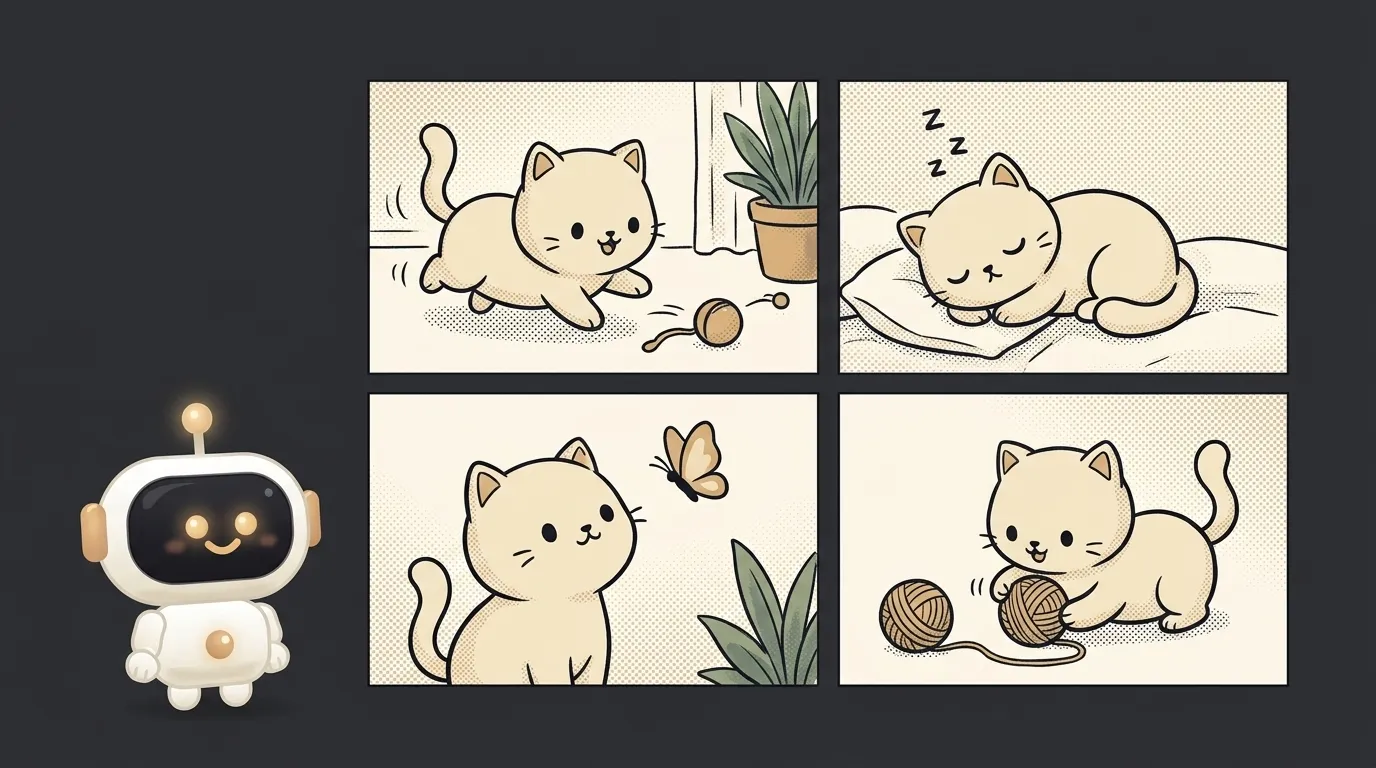
Here's the idea in one line: you type four lines of a story — "a cat finds a map", "sails off for treasure", "hits a storm", "finds the gold" — and the app hands back a finished four-panel comic. And in every panel it's the same cat: same face, same stripes, same little hat. Not four random cats — your hero, walking through the whole story.
And here's what's fresh. The model could draw pictures a year ago too. But there was one annoying catch: ask it to draw your hero twice and you'd get two different characters. In panel one the cat is orange and chubby; in panel two it's grey and skinny. For a comic that's fatal — without a recognizable hero, the story falls apart. On May 28 Google made Nano Banana 2 (that's Gemini 3.1 Flash Image) generally available, and its own description promises it: keeps up to five characters recognizable "from scene to scene", so the panels add up to a narrative. That's the new thing this project rides on.
Why this one
Plenty of people want to draw a comic — about themselves, their cat, their startup. But almost nobody can draw, and the real pain isn't even the artwork: the hero must not change between panels, or it's not a story, it's a pile of random pictures. "Name the plot, get a comic with one hero" kills exactly that pain. Stuff like this spreads: you send a friend a comic about your road trip and the first thing they ask is "how'd you make that?".
And there's less "magic" here than it looks. The app is a pipe: it takes your plot lines and a portrait of the hero, sends them to the model panel by panel, and stitches the pictures into a strip. All the difficulty lives in one good prompt.
What you'll learn
- Holding a character. The point of a comic isn't drawing a panel — it's keeping the hero the same inside it. You'll feel how the model carries one face across several pictures.
- An image as a reference. You hand the model not just text but a portrait of the hero, and ask it to draw that one. That's working with more than one kind of input at once.
- "The prompt is the feature." Consistency isn't a separate button. It's an instruction: "here's my cat, draw it in every panel." A good prompt is your main function.
A ready starter prompt
Don't ask the agent to "make a comic generator" — it'll guess the style, the panel count, and how to hold the hero. Give it context, an example, and limits:
Build an app that draws comics from text.A strong prompt leaves no room for guessing: you can see the hero portrait going in as a reference, the "don't change the appearance" rule, the strip layout. The first result lands closer to what you wanted.
What you end up with
You uploaded a photo of your cat and typed four lines about it conquering the kitchen. You hit "build" — and a few seconds later there's a strip on screen: the cat creeping toward the table, jumping, knocking over a jar, sitting smug among the shards. And in all four panels it's recognizably your cat, not four different ones. You save the picture, drop it in a chat, and everyone asks where you drew it. You just wrote four lines.
Start with one panel from one line — and you'll have a thing that turns four phrases into a story with your own hero, who doesn't swap faces halfway through.
Short story-lessons, an agent simulator and daily practice — in our mobile app. Free.
Read next
A web page that watches your camera live — 30 frames a second, offline, no server
Describe a place in words — and hear it. AI now mixes sound as a scene, not clips
Drag a folder — your site is live. No signup needed
One image — and your character talks back, live
One selfie — and you're in any era, with the same face