Re-voice your clip in another language — real speech, not a robot
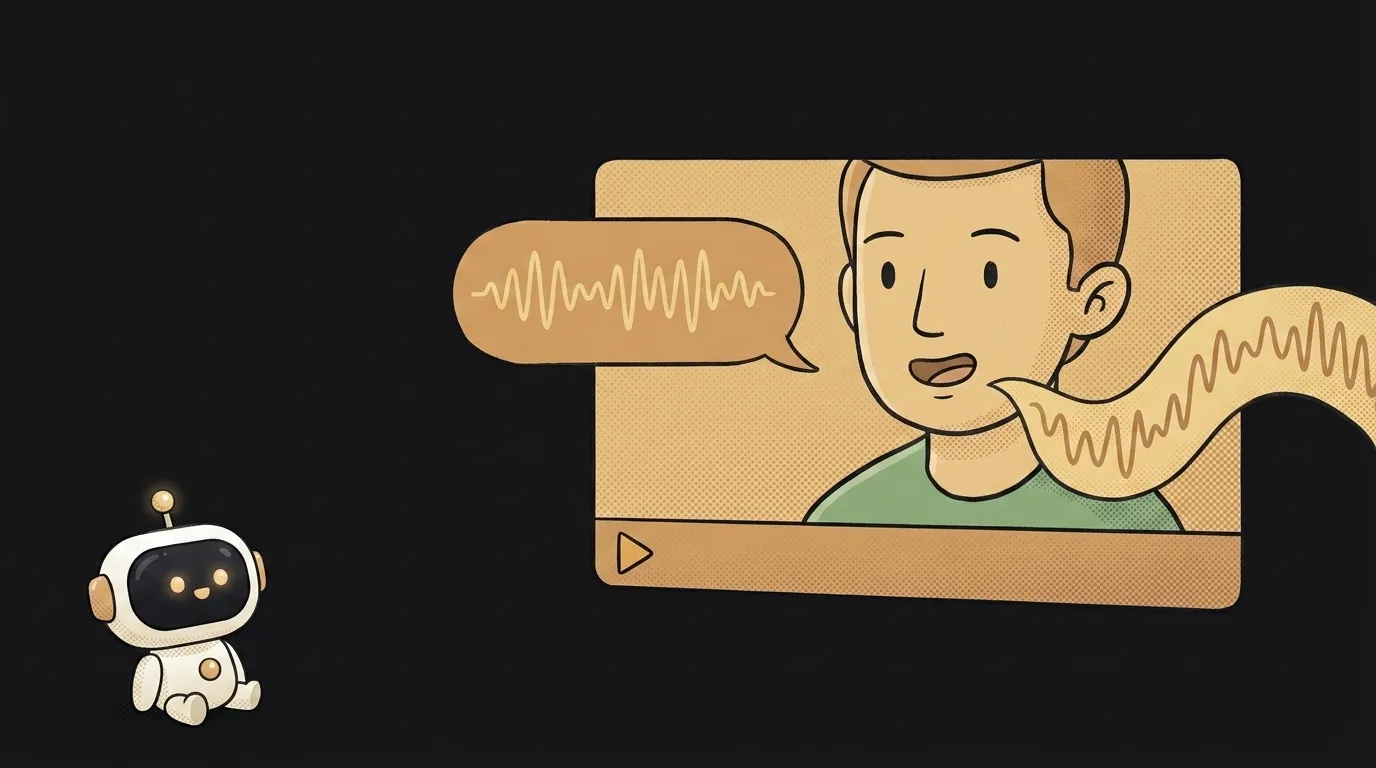
Here's the one-line idea: you've got a clip already — a reel about your cat, a short demo of your project, a late-night voice memo. You drop it into an app and get the same clip in English. Not subtitles at the bottom — a voice. Alive, with intonation, no robotic pauses. Suddenly people who didn't speak your language get it.
This isn't a live interpreter in your ear for a conversation — that one already exists. This is about content you already made: take it and re-voice it, so you can post it.
Why this just became possible
Auto-translation of speech used to be either subtitles or a robot voice that paused after every phrase: "translated… waited… spoke." Painful to hear, embarrassing to post.
In June 2026 Google showed Gemini 3.5 Live Translate — a dedicated audio model for speech-to-speech translation. It detects over 70 languages on its own, preserves the speaker's natural intonation, and removes the awkward pauses. In Google's own words: "fluid, near-real-time conversations, removing language barriers in seconds." For the first time, a translation of your speech sounds like speech, not like the voice in an elevator. That's what this project rides on.
What you'll learn
Small project, but you touch three genuinely useful things:
- Pull audio out of a video — how to split the track off and stitch it back.
- Call a model over an API — the same Gemini key you already used for images. Send the track → get the voiced translation back.
- Streaming — why audio is processed in chunks, not as one whole file, and why that matters to you.
There's less magic than it looks. The app is a pipe: it takes your clip, pulls the audio, hands it to the model, glues the translation back on.
A ready starter prompt
The model behaves better when you set boundaries instead of tossing it a bare "translate." Here's the difference:
translate this video into EnglishThe weak version hands you a flat translation. The strong one sets tone, pace, and limits — and out comes speech you can actually lay over the video.
What you'll end up with
You had a 20-second reel where you talk about your project in your language. Now it's the same reel, same rhythm, but in English, in a living voice. You post it to a second feed — and the people who scrolled past yesterday get it.
Honest about the limits: this isn't studio dubbing with perfect lip-sync. The voice is alive, but it's your content reaching a new audience, not a movie. And that's exactly what a beginner needs — to show something, not to rent a studio.
Weekend plan
- Friday night. Grab a Gemini key, open AI Studio, and run one of your voice memos through Live Translate. Just listen to how it sounds. That's the "whoa" moment.
- Saturday. Wrap it in a tiny app: upload a file → pick a language → download the voiceover. No video yet, just audio.
- Sunday. Add gluing the audio back onto the video and run three of your clips through it. Post one.
Start with the shortest clip where you're the only one talking. A chorus of voices and background music come later — first, get the simple thing working.
Short story-lessons, an agent simulator and daily practice — in our mobile app. Free.
Read next
47 vacation clips — and an agent cuts them into a video on the beat
Build a “send as-is” button — a model that hands you the email, not advice about it
A song where you change one chord — instead of spinning the generator again

The clip is already rolling — and you call out what happens next

A web page that watches your camera live — 30 frames a second, offline, no server