How to format code automatically — and why it matters when AI writes it
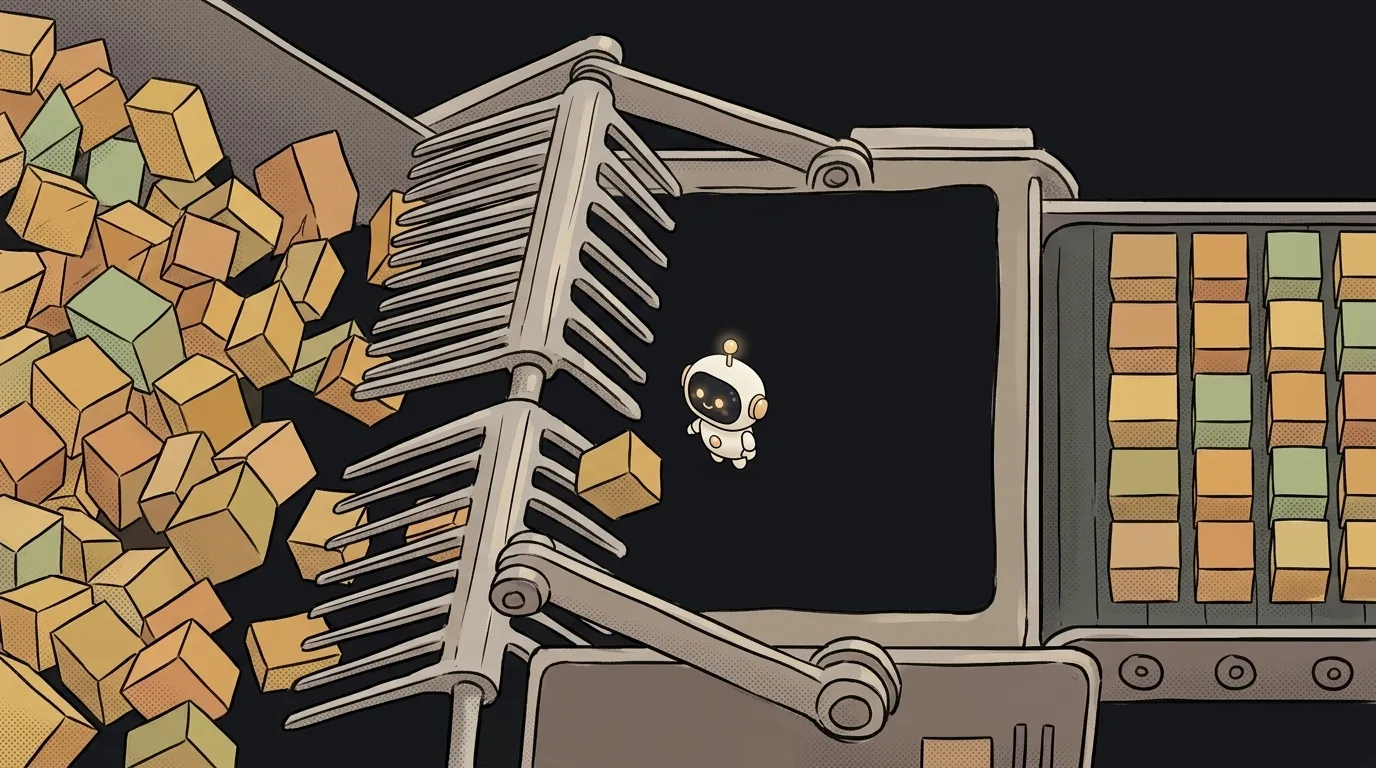
You asked AI to fix one line. It did. And along the way it changed the quotes, indents and line breaks across the whole file. Now the change list has 400 lines — and somewhere among them hides that one.
Reviewing that is impossible. And you do have to review AI code. The fix is boring but it never fails: a formatter — a program that brings all your code to one look by itself. When the look is always the same, only real edits remain in the changes.
What a formatter is
A formatter sets indents, quotes, spaces and line breaks by a single set of rules. It doesn't touch logic — only appearance. Like an iron: it removes the creases, it doesn't re-tailor the shirt.
Don't confuse it with a linter. A linter looks for suspicious spots in the logic. A formatter just tidies up. Projects usually have both.
For JavaScript, TypeScript, CSS, HTML and JSON the standard is Prettier. For Python — ruff format or Black. Below I'll show Prettier; for Python the steps are the same.
Step by step: Prettier in 10 minutes
-
Install Prettier in your project. Open a terminal in the project folder and run:
pnpm add -D --save-exact prettierWith npm it's
npm install --save-dev --save-exact prettier. The--save-exactflag pins the exact version. That matters: Prettier changes style even in minor updates, and without pinning the code will start "reformatting itself" on different machines. -
Create a settings file. In the project root, create
.prettierrc:{ "semi": false, "singleQuote": true }That means: no semicolons, single quotes. You can even leave the file empty —
{}. Then you get the defaults, and that's fine. What matters isn't which rules, but that there's one set for the whole project. -
Say what not to touch. Create
.prettierignoreand list the build folders and third-party code:dist build node_modules -
Format the whole project once.
pnpm exec prettier . --writeThere'll be lots of changes — that's normal. Make them a separate commit with a clear name: "format: prettier on the whole project". Don't mix it with real edits. Then the history shows: here only the look changed, the logic is the same.
-
Turn on format on save. In VS Code or Cursor, install the Prettier – Code formatter extension. Then open your settings (
settings.json) and add:{ "editor.formatOnSave": true, "editor.defaultFormatter": "esbenp.prettier-vscode" }Now every time you hit save, the file straightens itself out. Choosing an editor is covered in VS Code vs Cursor.
-
Teach your AI agent. An agent doesn't hit "save" in the editor — it writes files directly. So it needs the rule in words. Add to AGENTS.md:
After any edits, run: pnpm exec prettier --write on the changed files.
Don't change formatting in lines unrelated to the task.
What you get
After these steps the code looks the same no matter who wrote it — you, AI or another agent. And the key thing happens:
- Changes got short. Fix one line — the diff shows one line. You can review that in a minute.
- The arguments are over. No more asking AI to "use single quotes". The formatter does it, every time.
- Review got honest. You look at meaning, not indents. How to read AI's changes — in how to review AI-generated code.
Bonus: a check before pushing
If your project lives on GitHub, you can add a check that won't let unformatted code through:
pnpm exec prettier . --check
This command changes nothing — it only reports which files aren't tidy. It goes into automated checks so messy code doesn't reach the main branch.
Will Prettier break my code?
No. It only changes appearance: spaces, quotes, line breaks. The logic stays the same. If Prettier complains and leaves a file untouched, the code has a syntax error: it can't parse broken code and says so honestly.
Which Prettier settings should I choose?
Any — as long as there's one set for the whole project. If you're unsure, leave .prettierrc empty: millions of projects use Prettier's defaults.
What if the project already has another formatter?
Use that one. Two formatters with different rules will endlessly redo each other's work.
The AI Architect 2027 course: step by step from computer basics to your own app and first customers. 543 short lessons on your phone.
Read next

Why SSH still asks for a password when your key is set up — 3 causes

How to set up ~/.ssh/config — short server names instead of long commands

Why does SSH disconnect on its own (Broken pipe) — three causes and how to fix them

How to read command help (--help and man) — and find your version's flags in a minute

Why Ctrl+C doesn't stop a program — and how one except line causes it
