What is a diff — and why AI shows you minuses and pluses instead of the finished file
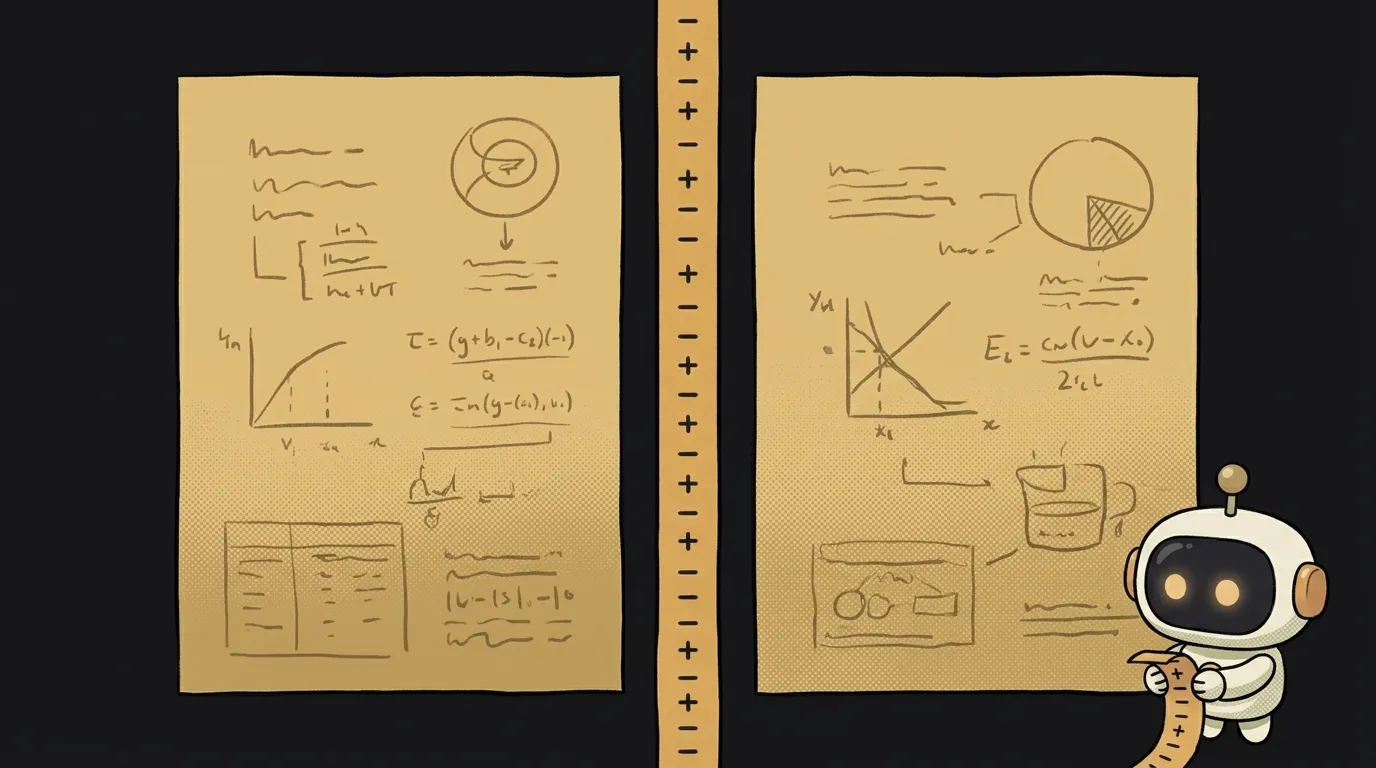
You ask an agent to fix one function. It doesn't hand you a new file — it hands you a strange wall of minuses, pluses and hash marks. First thought: "just show me the code properly."
Here's the surprise: this is properly. Better than that — it's the one place where you can catch the AI in the act. A whole new file you'd skim. A diff you'd actually read.
So let's take it apart. Ten minutes once, calm forever after.
A diff is a recipe, not a report
The common misunderstanding: people think a diff is a list of what changed. Close, but no.
A diff is an instruction for turning the old version into the new one. A recipe. Take file A, remove these lines, insert those — you get file B.
That distinction isn't philosophical. Everything else follows from it: why a diff is so short, why programs can apply one automatically, and why it has no word for "modified."
Here's what one looks like:
@@ -12,7 +12,8 @@ export function getUser(id) {
   const res = await fetch(`/api/users/${id}`);
-  return res.json();
+  if (!res.ok) throw new Error("user not found");
+  return res.json();
 }
The file might be eight hundred lines long. Six of them made it into the diff. The rest didn't change — so they have no business being in the recipe.
How to read it: minus, plus and the lines around
Everything hangs on the first character of each line. There are exactly three:
-— remove this line. It was in the old version.+— insert this line. It appears in the new one.- space — this line didn't change. It's here only so you can see where in the file this is happening.
Space-prefixed lines are called context. Usually you get three above and three below, so the edit isn't floating in a vacuum.
Now the hash-mark line that scares everyone:
@@ -12,7 +12,8 @@
Read it literally: "in the old file — starting at line 12, showing 7 lines; in the new file — starting at line 12, showing 8 lines." Minus describes the old version, plus the new one. It gained a line because two were added and one removed.
That's it. A basic diff has nothing else in it.
Why there's no such thing as a "modified" line
Look at the example again. The line return res.json(); appears with both a minus and a plus — even though not one character of it changed.
That's by design: a diff has no "modify" operation. Only "remove" and "insert." Any edit inside a line is shown as deleting it and inserting a new one.
This matters in practice, for two reasons.
First, don't panic at size. A hundred minuses and a hundred pluses can mean somebody reindented the file — not that the logic was rewritten.
Second, it's exactly why diffs are so easy for machines to apply. The instruction has no ambiguity: drop these lines, put in those. That's how git apply works, how patches land, and how a commit stores the difference between states rather than a copy of the file.
Where you'll run into one
git diffin the terminal — what you've changed but haven't committed yet.- A pull request on GitHub — a PR is shown entirely as a diff: green added, red removed.
- An AI editor — Cursor, Claude Code and the rest show you exactly this before applying an edit.
And here's the practical payoff that made this worth learning.
When an agent shows you a diff, don't look at the pluses — look at the minuses. The pluses are what you asked for. The minuses are what it decided to drop along the way. Asked for an error check, but the minuses include somebody's console.log, a comment, or a whole if branch? The agent "tidied up" for you without asking.
In a finished file you'd almost never catch that. In a diff it's immediate, because deletions are highlighted on their own. For a wider checklist, see our piece on reading AI-generated code.
Are a diff and a patch the same thing?
Almost. A diff is the difference text itself. A patch is a file holding that text, which you can send someone and apply with a command. Like the difference between a recipe you say out loud and one written on paper.
Why is a diff colored, but sometimes not in my terminal?
The color comes from the program, not the format: - gets red, + gets green. Pipe the output to a file and the colors vanish — but the leading characters stay, so it's still readable.
Do I need to know Git to read a diff?
No. The format is older and broader than Git: every version control system understands it, as does any AI editor. But if you want to get the tool itself, start with the basics of Git.
Short story-lessons, an agent simulator and daily practice — in our mobile app. Free.
Read next
What are stdout and stderr — and why errors don't land in your log file
What is an exit code — and why CI can be green while tests fail

What is a Web Worker — and why await doesn't stop your page from freezing
dependencies vs devDependencies — the difference, and why it breaks your deploy

What is Big O notation — and why your code flew on 100 rows and died on 100,000
