JSON or XML in 2026 — and why XML made an unexpected comeback
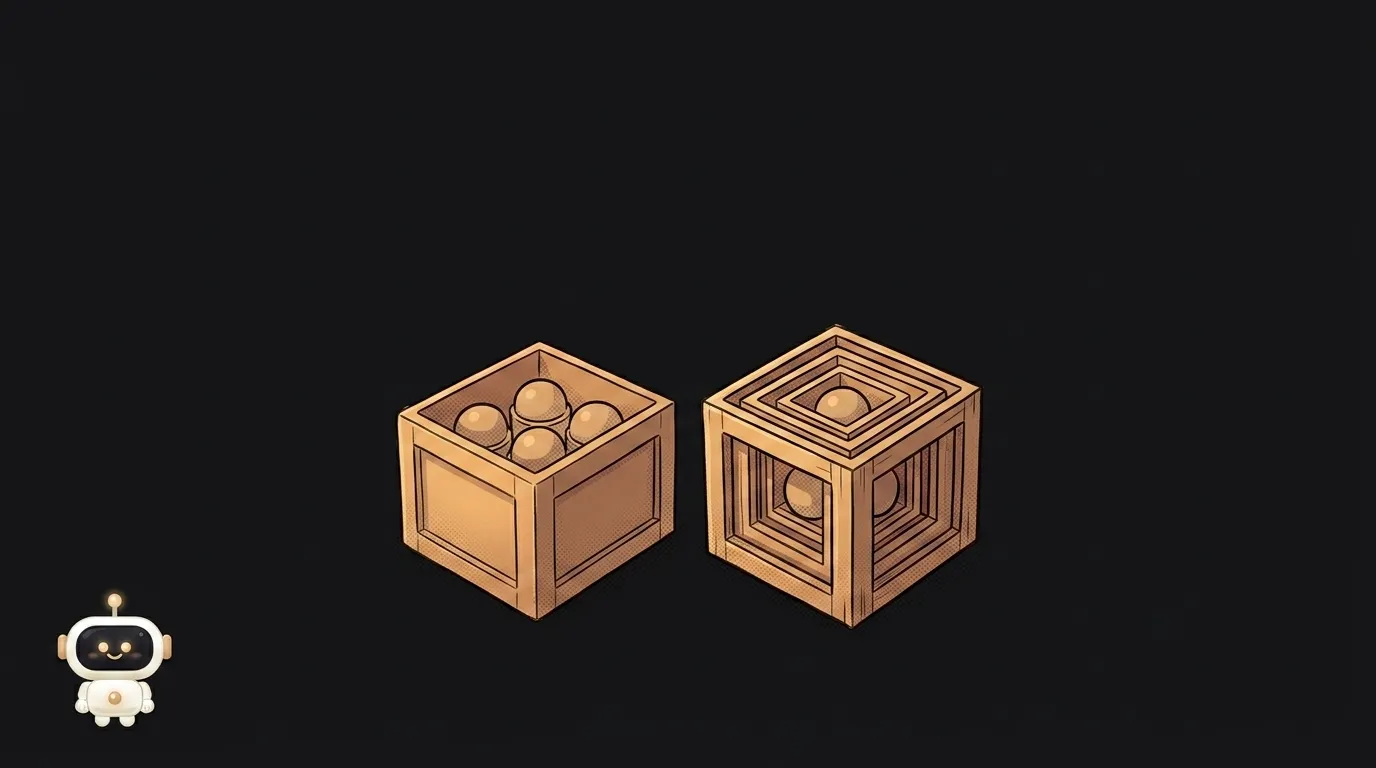
The "JSON or XML" debate has looked settled for a decade: JSON won, XML stayed behind in legacy systems. And that's true — if you're talking about APIs.
Now the funny part. A beginner in 2026 is more likely to meet XML not in someone's old codebase, but in their own prompt to a neural network. Because tagging turned out to be the best way to show a model where the instruction ends and the document begins.
First an honest comparison, then that plot twist.
What the difference actually is
The same data. JSON:
{ "user": { "name": "Anna", "age": 27 } }
XML:
<user>
  <name>Anna</name>
  <age>27</age>
</user>
JSON is a data structure: objects, arrays, numbers, strings. XML is a markup language: a tree of tags, each of which can carry attributes and nesting.
Hence the key difference: in JSON a number is a number, while in XML everything inside a tag is text until you agree otherwise. So that 27 arrives as the string "27" — a classic source of bugs.
Compared on what matters to a beginner
- Size. JSON is noticeably more compact: a field name appears once, whereas XML needs an opening and a closing tag. On large responses that's real kilobytes over the wire.
- Readability. JSON wins on simple data, XML on complex documents with mixed content. Marking up a paragraph where some words are emphasised is awkward in JSON; in XML that's its native job.
- Working with it in code. JSON is supported out of the box: one line to parse and you have an object. XML almost always needs a library, and hands you a node tree to walk.
- Comments. JSON has none at all (a familiar pain in config files). XML has them.
- Validating structure. Both can: XML has XSD, JSON has JSON Schema. XSD is older and stricter, JSON Schema is simpler and more popular today.
- Attributes. XML only: some data lives inside the tag, some next to it. Flexible, but it creates the eternal "should this be an attribute or a child tag?" question — which JSON simply doesn't have.
Short version: JSON is simpler and lighter, XML is more expressive and stricter.
Who should pick what
For your own API, your config, or traffic between your own services — JSON, no deliberation. It's smaller, human-readable, parsed in one line, and the default across the modern web. The format basics are covered in our piece on JSON, and if you're torn between JSON and YAML for config files, there's a separate comparison.
You won't choose XML — you'll inherit it. And it is very much alive:
sitemap.xmland RSS feeds — your most likely first encounter;- exchanging data with banks, government services and accounting systems — XML is the standard there;
- SVG images and Android layouts are XML too;
- Office documents: a
.docxis an archive with XML inside.
So you'll rarely be choosing between them. JSON is what you write. XML is what you're occasionally required to handle.
The twist: XML lives in prompts
Here's the interesting bit. When you hand a model a long document plus an instruction, a question appears: how does it tell them apart? Quotes and rows of dashes work poorly — the model mixes your instructions up with the text inside the document.
Tags turned out to solve this best. Anthropic's official prompting guidance explicitly recommends structuring prompts with XML tags — wrapping the different parts in descriptive tags like <document>, <instructions>, <example> so the model parses unambiguously where one thing ends and the next begins.
It looks like this:
<instructions>
Find every date in the document and return them as a list.
</instructions>

<document>
...the text goes here...
</document>
Why tags and not JSON? Because a tag has a closing half. The model sees an explicit </document> boundary and doesn't mistake the document's contents for a new command — which also lowers the risk of text inside hijacking your prompt. In JSON the boundary is a quote mark, and text inside can fake one.
A neat outcome: JSON pushed XML out of APIs and became the format the model answers in (see structured output). XML came back from the other side — in what you send the model, including the system prompt. Different jobs, different tools, both alive.
Is XML obsolete technology?
No — what went out of fashion was using it for web APIs, not the format itself. As a document-exchange standard it works and isn't going anywhere: too many systems are built on it. But nobody ships a new public API in XML in 2026.
Which one parses faster?
JSON, usually by a clear margin — it's simpler and handled by built-in language features. At pet-project scale you won't notice; the gap shows up on megabyte responses and heavy traffic.
Can I convert XML to JSON automatically?
XML to JSON — almost always, there are plenty of libraries. Back the other way — lossily: JSON has no attributes and no distinction between "one element" and "a list of one element," so a round trip easily changes your structure. If XML came from someone else's system, convert it to JSON once on the way in and work only with JSON afterwards.
The AI Architect 2027 course: step by step from computer basics to your own app and first customers. 543 short lessons on your phone.
Read next

Ed25519 vs RSA — which SSH key to choose in 2026

What is sudo — and why it asks for your password, not the admin's

What is a tar.gz file — and why a tar archive can be bigger than the files

What is a command-line flag — and why git commit -ma breaks but -am works

scp or rsync — and why rsync sent 141 bytes instead of two megabytes the second time
