An AI journal that thinks alongside you — and not a line ever leaves your phone
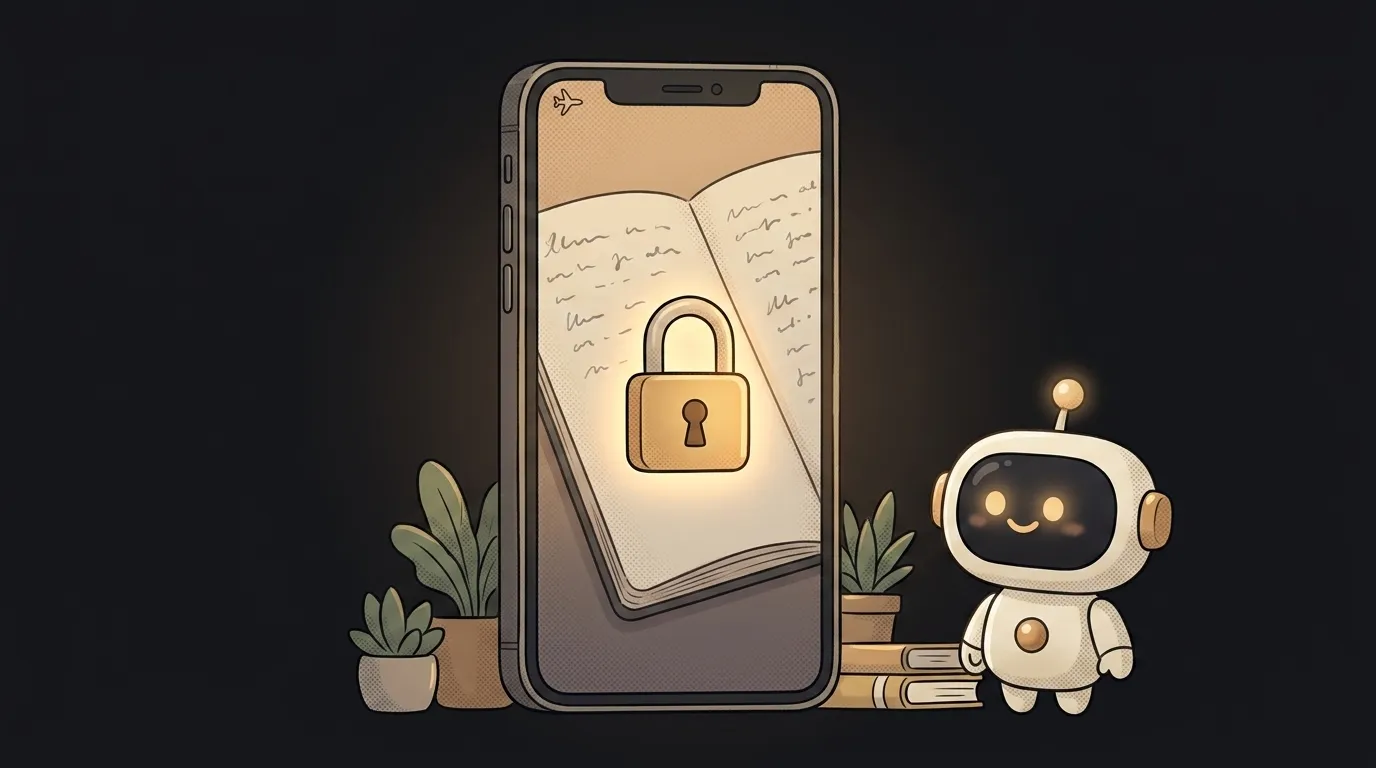
Here's the one-line idea: every evening you write a couple of lines about your day — and the app answers with one warm, calm thought: what to notice, what to sit with, what to give yourself credit for. And here's what matters — the entry goes nowhere. Not to a server, not to the cloud. It all stays on the phone.
And this just became possible. Before, an "AI journal" meant one thing: your most private lines fly off to someone else's server and you hope nobody reads them there. Then on June 8 at WWDC Apple opened free access to its model right on the device — for developers with audiences under 2M downloads. The model runs on the phone (and in Apple's secure cloud), with no API key and no charge per request. It also learned to take images as input. That's what the journal rides on.
Why this one
A journal is the most private thing on your phone. Which is exactly why "an AI that reads your journal in the cloud" sounds like a bad deal. But "an AI that thinks next to you and sends nothing out" — that's something you'd actually use.
Bonus: since the model lives on the device, it works on a plane, on the subway, with no internet. And it doesn't add a cent to any bill.
What you'll learn
- The model can live inside the app, not behind a cloud. You call AI that never touches the network for the first time. Request in, answer out, all on the phone.
- Privacy as a feature, not a footnote. "Data never leaves the device" isn't a line in a policy — it's your main selling point. You'll feel how that changes trust.
- Image input. The new version accepts photos — you can attach a shot from your day and the model factors it into the reflection. Without sending the photo anywhere.
A ready starter prompt
Don't ask the agent to "make an AI journal" — it'll drag everything to the cloud with a key. Say it plainly: the model is on-device, nothing goes out:
Build a journaling app with an AI that comments on my entries.A strong prompt pins the essentials: the model is local, no network, no key, the tone is warm and short. That's why the app turns out to be exactly the private journal you meant — not yet another cloud pipe.
What you end up with
In the evening you open the app and write "wiped out, but I finally fixed that bug and got a run in." You hit "Save" — and below the entry a calm line appears: "A day where you both finished the job and made time for yourself. That's a good balance." The phone is in airplane mode. Nothing flew off anywhere. And no API bill arrived, because there isn't one.
Start with one screen and one model call, take it to the finish — and you'll have a journal you're not afraid to trust.
Short story-lessons, an agent simulator and daily practice — in our mobile app. Free.
Source: Apple Outlines Major AI and Developer Tool Updates at WWDC 2026 — MacRumors
Read next

A web page that watches your camera live — 30 frames a second, offline, no server
Describe a place in words — and hear it. AI now mixes sound as a scene, not clips

Drag a folder — your site is live. No signup needed

One image — and your character talks back, live
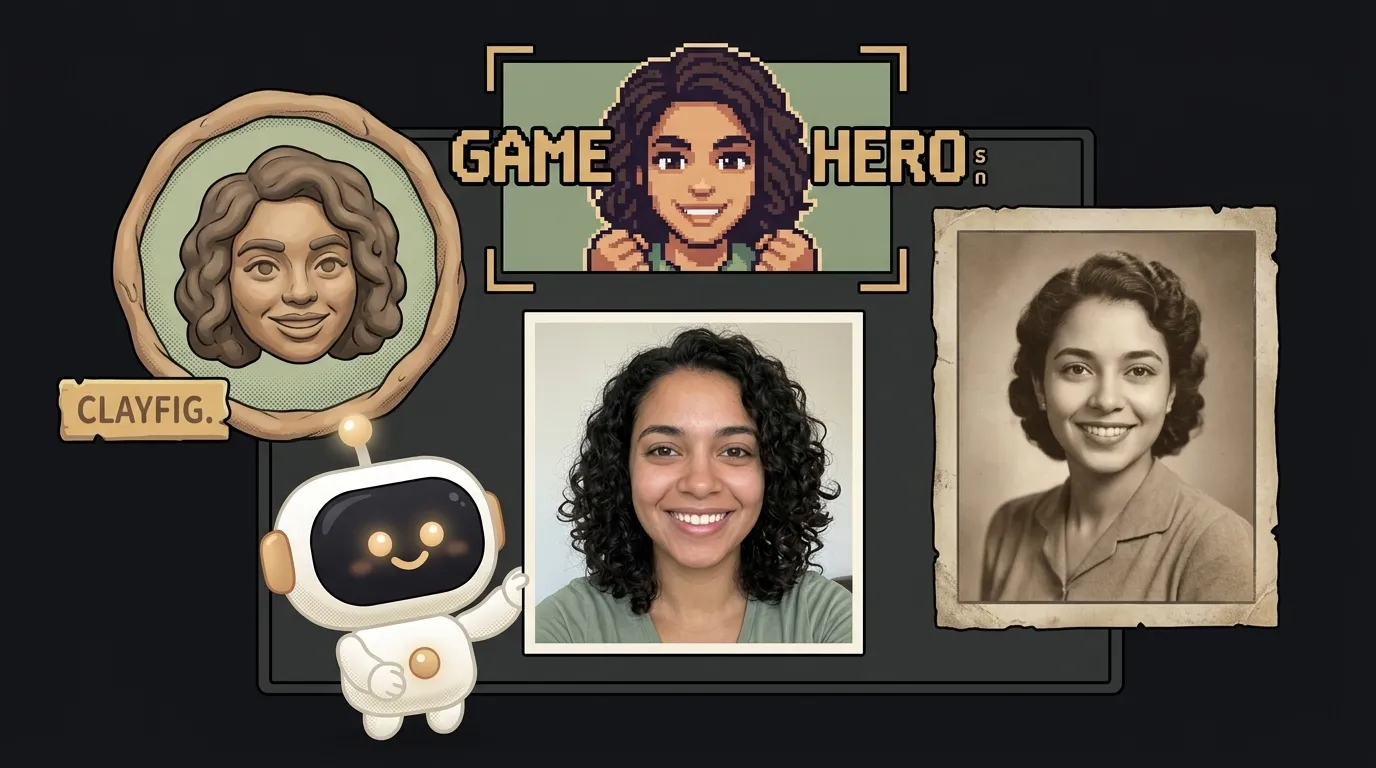
One selfie — and you're in any era, with the same face