Text-to-speech you can DIRECT — whispers, laughs and pauses right in the text
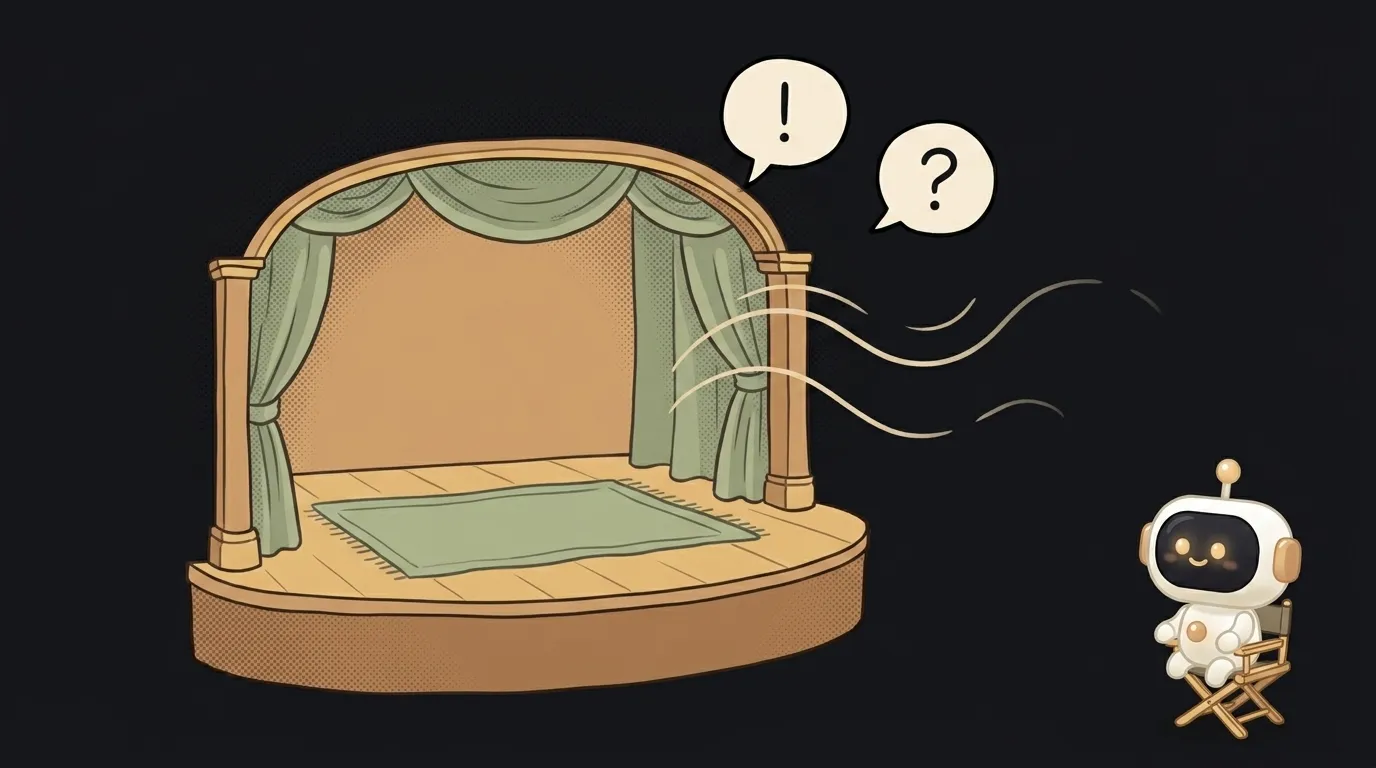
Here's the idea in one line: you paste a short dialogue between two characters, mark the lines — [whispering], [excited], [laughs] — hit a button, and out comes a sounding scene. Not a flat narrator, but two voices that actually act: one whispers, the other breaks into a laugh, and between the lines there's a living pause.
And here's what's fresh. Speech synthesis has been around a while, but it was flat: any text read out equally evenly. The Gemini 3.1 Flash TTS model just opened to developers in preview, and it has something you didn't have on hand before — audio tags. Right inside the text you write [whispers] or [excited], and the model shifts its delivery: tone, pace, emotion. A year ago "read it with feeling" meant an actor and a studio. Now it's a note in brackets.
Why this one
You're writing a bedtime story, a comic, a scene for an English lesson — and you want it to sound, not drone. A flat robot kills the magic: the villain and the bunny speak in one voice. Here you're the director. You set [menacing] on the dragon and [frightened] on the hero, and the scene comes alive. It's the same trick as "story out loud", except now you steer how it sounds, not just what's in it.
And there's less "magic" here than it seems. Your page is a simple pipe: it gathers the marked-up text, sends the model one request, returns audio. All the expressiveness lives in the tags you placed.
What you'll learn
- A steerable voice. You'll see that intonation isn't a separate technology — it's an instruction in the text. One tag reshapes a whole line's delivery. That's what breaks the "a robot is reading" feeling.
- A scene out of roles. You'll learn to cut a script into lines and hand them to different voices — the base skill behind audiobooks, bots and voice-overs.
- Tag vs. paraphrase. You'll feel the difference: you can ask "read it sadly" in words in the prompt, or drop
[sad]precisely on one line. The second is sharper and repeatable.
A ready starter prompt
Don't just tell the agent "voice this dialogue" — you'll get a flat narrator. Say it straight: the Gemini 3.1 Flash TTS model, lines with audio tags, two voices.
Make a page that voices a dialogue between two characters.The strong prompt leaves nothing to guess: it's clear this is a scene, that each character has its own voice, that the tags are delivery controls, not text to be read aloud.
What it looks like
Your kid asks for "a story about a dragon who's scared of thunder." You type five lines: the dragon speaks [in a trembling voice], the thunder [booming], a brave little mouse [cheerfully]. You hit "voice it" — and out of the phone comes a tiny play where everyone has a character. You download the mp3, put it on for the night. Then you send it to a friend — and they hear not a robot, but a scene that was played.
One small honesty at the end: the model is in preview, the voices have limits, and overdoing the tags sounds hammy — one precise tag per line beats five. But to make a flat narrator finally act, a note in brackets is enough.
Short story-lessons, an agent simulator and daily practice — in our mobile app. Free.
Source: Google: Gemini 3.1 Flash TTS — audio tags to control voice style, pace and delivery
Read next
47 vacation clips — and an agent cuts them into a video on the beat
Build a “send as-is” button — a model that hands you the email, not advice about it
A song where you change one chord — instead of spinning the generator again
The clip is already rolling — and you call out what happens next
A web page that watches your camera live — 30 frames a second, offline, no server