Point your camera at anything and ask out loud — it answers, seeing what you see
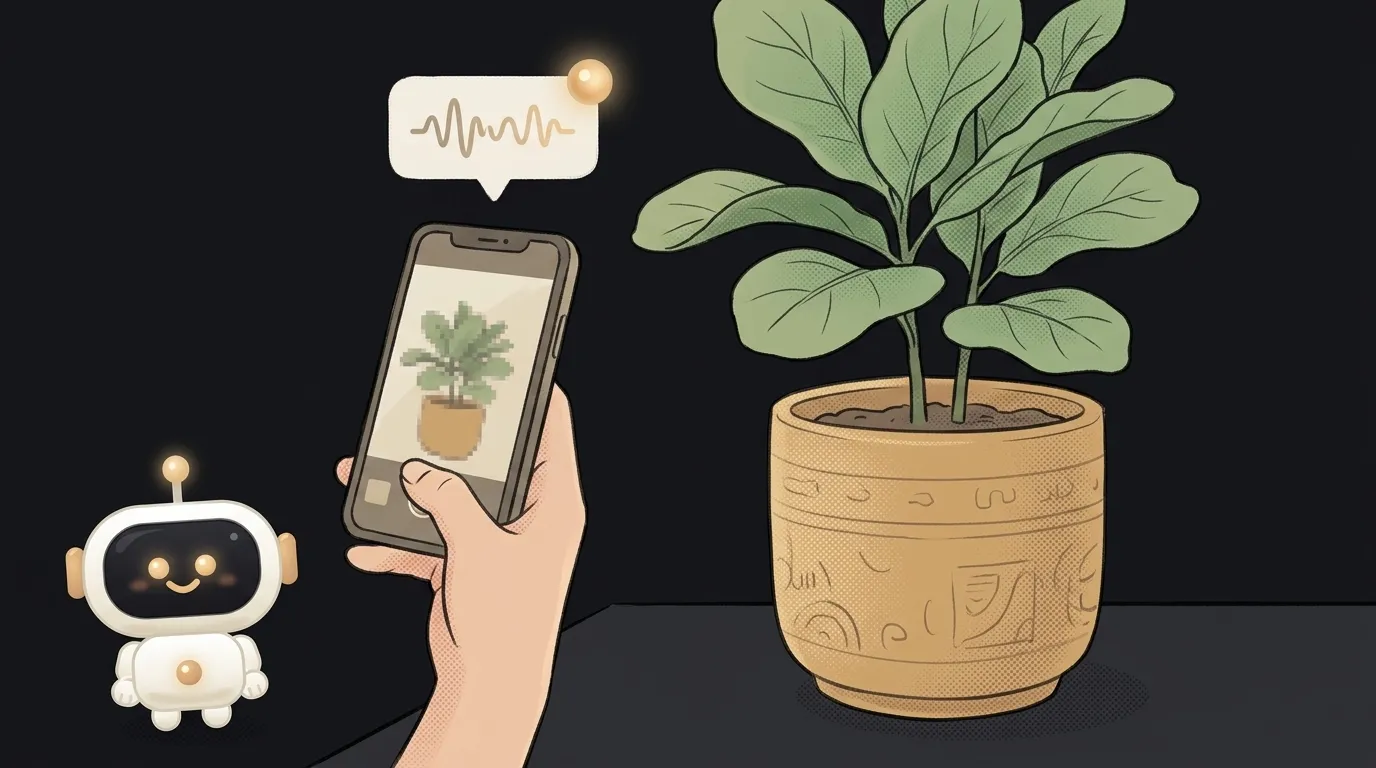
Here's the idea in one line: you point your phone at anything — the breaker box in the hall, an unknown plant, a dish on a foreign menu, a board game with confusing rules — and just ask out loud, "what is this, what do I do?" And it answers, by voice, instantly, looking through the same camera you are. No snapping, no waiting, no typing.
And here's what's new. Until now, "show a photo, get an answer" worked frame by frame: take a picture, send it, wait for text. There was no live conversation with the camera. Now Gemini has a Live API: it takes a continuous stream — audio and the camera feed at once — and replies by voice in real time. And the key part: you can cut it off mid-sentence ("no, that button over there") and it picks right up. That's the new thing this project rides on.
Why this one
Life throws "what is that?" at you every day: an unfamiliar plug, a light on the car dash, a mushroom in the woods, a button on the washing machine. Googling means stopping, putting into words the thing you don't know how to name, scrolling results. Here you just show it and ask, like a friend standing next to you. You'll use this yourself, more than once.
And there's less magic here than it seems. The app is a pipe: it takes the camera and mic stream, runs it to the model, returns a voice. All the hard part lives inside one ready-made tool.
What you'll learn
- A stream, not "request-reply." You're used to: send, wait, receive. Here the connection is live and never breaks. You'll feel how realtime works — the thing calls and voice assistants are built on.
- Several inputs at once. The model listens to the mic and watches the camera at the same time — that's multimodality in its purest form, and you'll wire it up by hand.
- Interruption as part of the UI. "You can cut it off" isn't a bug, it's a feature. You'll see why a live dialog feels better than "let me finish."
A ready starter prompt
Don't ask the agent to "make an app that looks through the camera" — it'll guess how to hold the stream and who the model should be. Give it the scenario, the character, and the limits:
Make an app that looks through the camera and answers by voice.A strong prompt leaves no room to guess: the model is named, both streams are spelled out, the answer's character is set, and interruption is allowed. The first result lands closer to what you wanted.
What it looks like
Point at the breaker box and ask "which switch killed the washer?" — you hear: "top right is flipped down, push it back up." Point at a menu in a café abroad — it reads it and tells you what's meat-free. Point at a plant that's wilting — "leaves yellow from overwatering, let the soil dry out." Not text on a screen, but a calm voice beside you, looking where you're looking.
A weekend plan
- Grab the Live API sample in Google AI Studio — it already has a "try it live" button.
- Wire the back camera and mic into it so both streams reach the model.
- Set the system role from the prompt above and turn on interruption.
- Test on three real things at home — the breaker box, any appliance button, a plant.
One evening for the skeleton, the second for the character of the answers — so the voice stays short and calm, not a lecture.
Short story-lessons, an agent simulator and daily practice — in our mobile app. Free.
Read next
47 vacation clips — and an agent cuts them into a video on the beat
Build a “send as-is” button — a model that hands you the email, not advice about it
A song where you change one chord — instead of spinning the generator again

The clip is already rolling — and you call out what happens next

A web page that watches your camera live — 30 frames a second, offline, no server