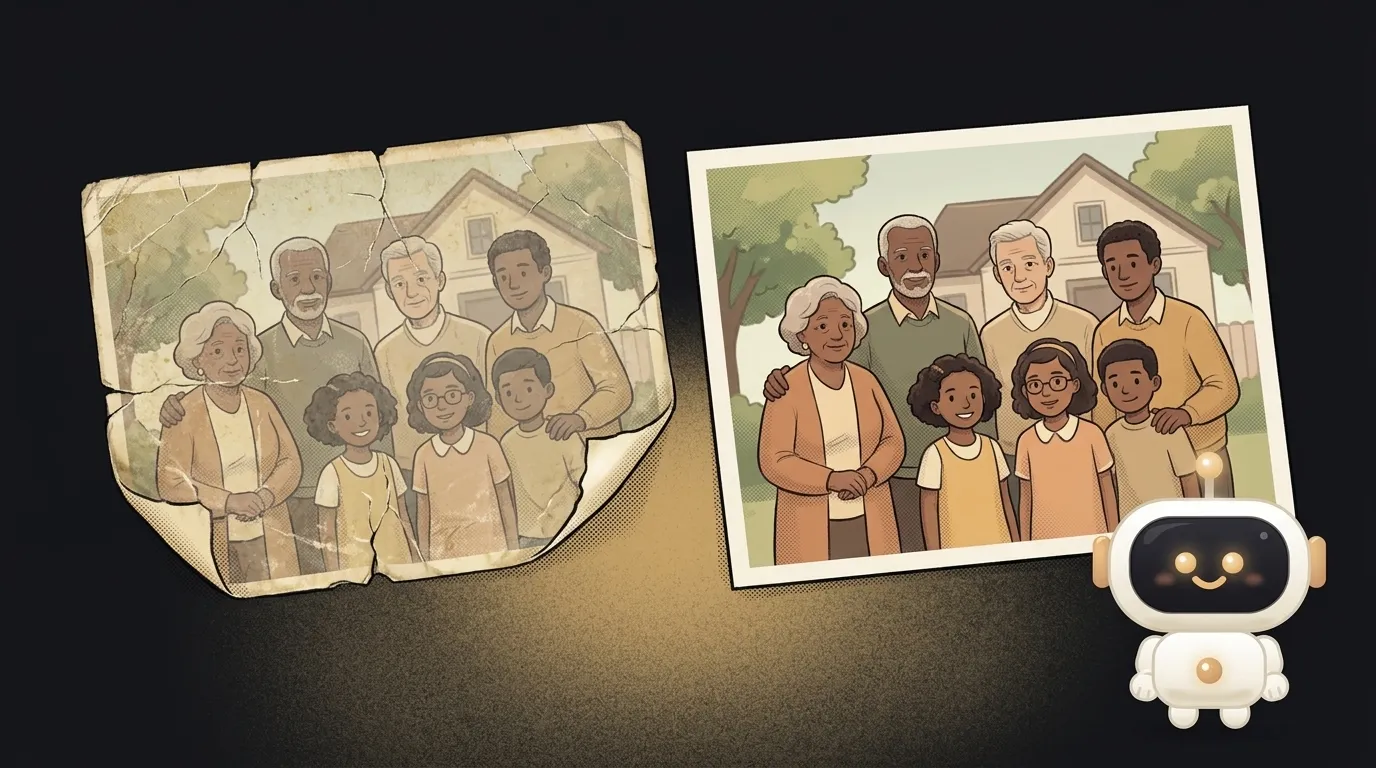
Photograph your room and see the sofa standing in it — before you order
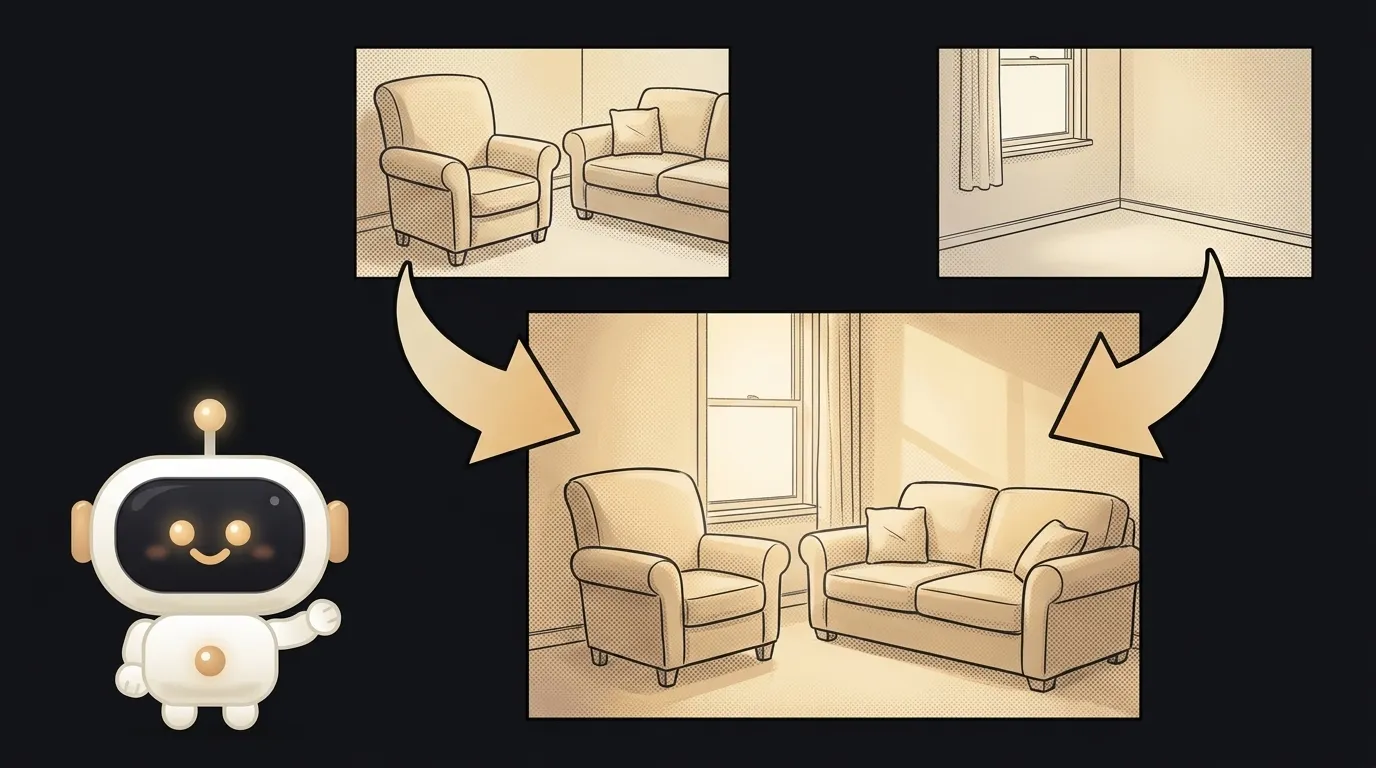
Here's the idea in one line: you photograph the corner of your room, grab the store photo of a sofa — and the app hands back one frame where that sofa is already standing in your room. At the right scale, in your light from the window. You haven't ordered anything yet, and you can already see whether it fits.
And here's what's fresh. Merging two photos into one believable scene used to be only for people on good terms with Photoshop: cut it out, match the perspective, fix the shadows — half an hour of fiddling. A normal model couldn't do it: it drew a picture from scratch instead of stitching yours together. On May 28 Google made Nano Banana 2 (that's Gemini 3.1 Flash Image) generally available, and it can take several of your photos at once and assemble one image from them — in their own example they build one scene out of six input pictures. That's the new thing this project rides on.
Why this one
"Will it fit?" is the eternal question before a purchase. A sofa, a shelf, a poster, a lamp: it looks great in the store photo, but in your room — who knows. Returning it later is a hassle. "Put it in my corner and show me" kills exactly that uncertainty. And you'll use it yourself, every time before ordering — and you'll show the photo to your flatmate too: "this is how it'll look, do we get it?".
And there's less "magic" here than it looks. The app is a pipe: it takes your two photos, asks the model to fuse them into one scene, and shows the result. All the difficulty lives in one good prompt.
What you'll learn
- Several images as input. Not one photo but two at once — the room and the thing — and one photo out. The model works with a batch of images, not a single one.
- Fusion, not generation. "Draw a room with a sofa" and "put this sofa into this room" are different tasks. The second one only works because the model holds both of your photos and stitches exactly those.
- The tool's honest limits. Fusion isn't always perfect: sometimes the shadows go wrong or the scale is off. You'll learn to spot that and ask for a cleaner redo — "make the sofa a bit smaller, shadow on the left." That's working with a model, not believing in magic.
A ready starter prompt
Don't ask the agent to "make a furniture try-on" — it'll pile on 3D and catalogs. Give it the flow, the model, and the limits:
Build an app to try furniture in a room.A strong prompt leaves no room for guessing: two images going in, the rule to keep the light and perspective, a "redo" button for the misses. The first result lands closer to what you wanted.
What you end up with
You've got your eye on a sofa online, but you're afraid it'll eat the whole living room. You photograph the corner, drop in the sofa shot from the listing — and a couple of seconds later you see it right against your wall, under your window, at real scale. Too big? You type "make it a bit smaller" and the model reassembles it. You never opened a tape measure, Photoshop, or a 3D planner. You just put two photos together and looked.
Start with one "room + thing" pair and get to a "redo" button — and you'll have a thing that answers "will it fit?" in a couple of seconds, instead of after delivery and a return.
Short story-lessons, an agent simulator and daily practice — in our mobile app. Free.
Read next

A web page that watches your camera live — 30 frames a second, offline, no server
Describe a place in words — and hear it. AI now mixes sound as a scene, not clips

Drag a folder — your site is live. No signup needed

One image — and your character talks back, live
One selfie — and you're in any era, with the same face