slice vs splice in JavaScript — the difference, and why splice returns what you don't expect
You want to remove the second item from a cart, so you write:
const newCart = cart.splice(1, 1)
You expect newCart to hold the cart without that item. Instead it holds only the removed item. And cart itself changed too. Two surprises in one line.
slice and splice differ by one letter but behave almost oppositely. Let's go through the difference point by point, and at the end say plainly which to use.
What slice and splice do
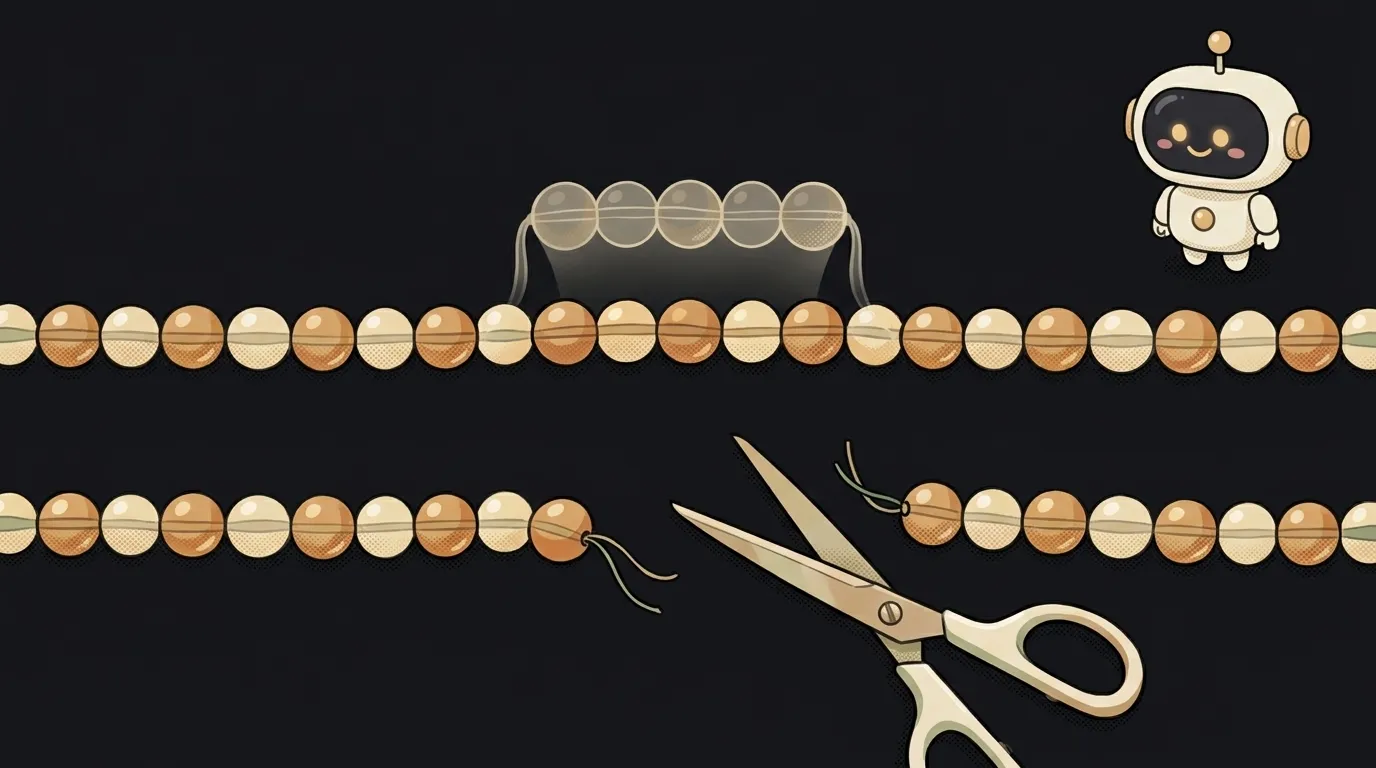
Picture a string of beads.
slice is a clear copy of a piece. You point: "from this bead to that one", and you get a new string of copies. The original beads hang there intact.
const letters = ["a", "b", "c", "d", "e"]
letters.slice(1, 3)   // ["b", "c"]
letters               // ["a", "b", "c", "d", "e"] — untouched
splice is scissors. It cuts a piece out of the string itself and can sew new beads into the gap. The string is different afterwards.
const letters = ["a", "b", "c", "d", "e"]
letters.splice(1, 2)  // returns ["b", "c"] — what was cut out
letters               // ["a", "d", "e"] — the original changed
Five criteria side by side
1. Does it change the original array?
slice— no. The original stays as it was.splice— yes. It edits the array in place.
2. What does it return?
slice— a new array with the chosen piece.splice— an array of the removed items. Not the result, the offcuts. That's where the cart bug comes from.
3. What do the numbers in brackets mean?
slice(start, end)— from where and up to where. The item at positionendisn't included.slice(1, 3)takes items 1 and 2.splice(start, count)— from where and how many to remove.splice(1, 3)cuts three items starting at position 1.
The second number means different things. That's the second most common mix-up.
4. Can it insert?
slice— no, it only copies.splice— yes: anything after the second number is inserted where the cut was.arr.splice(1, 0, "new")removes nothing and just adds an item at the second position.
5. Where else does it work?
sliceexists on strings too:"hello".slice(0, 3)gives"hel". Negative numbers count from the end:arr.slice(-2)is the last two items.spliceexists only on arrays. In JavaScript you can't change a string in place at all.
Why it matters in React
In React, state must not be changed in place. React notices changes when it receives a new array. If you do items.splice(...) and then pass that same items to the setter, React decides nothing changed and the screen doesn't update.
That's why splice barely shows up in React. Instead:
- Remove by position:
items.filter((_, i) => i !== index)— a new array without the item. - The same, shorter:
items.toSpliced(index, 1). This issplice's "safe twin": it does the same thing but returns a new array and leaves the old one alone. It's in every modern browser. - Copy a piece:
items.slice(0, 10)— the first ten, for pagination for example.
Functions that don't damage their input are called pure. Why that's so valuable is covered in what is a pure function.
Who should use what — the verdict
Default to slice. It's predictable: it breaks nothing and returns exactly what you asked for. It's the right choice 9 times out of 10, especially in React.
Need to remove or insert — use toSpliced or filter. You get a new array, and the original stays whole.
splice — only on purpose. When you definitely want to change the array in place, it's not in state, and you don't need the old version. For example, a temporary array inside a single function.
If you see splice in AI-written code next to setState, it's almost certainly a bug. Ask for it to be replaced with toSpliced.
One more habit that saves hours: if you store the result of splice in a variable, name it honestly — removed, not newCart. Then the bug from the start of this article simply won't happen: the name itself reminds you it holds the offcuts.
How do I remember which one changes the array?
splice has one extra letter — and it leaves a scar on the array. Short slice just looks and copies.
How is slice different from copying with three dots?
arr.slice() with no arguments and [...arr] with the spread operator do the same thing — a full copy of the array. Both copies are shallow: nested objects stay shared with the original.
Does toSpliced really work everywhere?
It arrived in the 2023 standard and is supported in current Chrome, Safari, Firefox and Node.js 20+. If your project must run in very old browsers, use filter.
The AI Architect 2027 course: step by step from computer basics to your own app and first customers. 543 short lessons on your phone.
Read next

Ed25519 vs RSA — which SSH key to choose in 2026

What is sudo — and why it asks for your password, not the admin's

What is a tar.gz file — and why a tar archive can be bigger than the files

What is a command-line flag — and why git commit -ma breaks but -am works

scp or rsync — and why rsync sent 141 bytes instead of two megabytes the second time
