A partner you talk to out loud — and cut off mid-sentence, like a real person
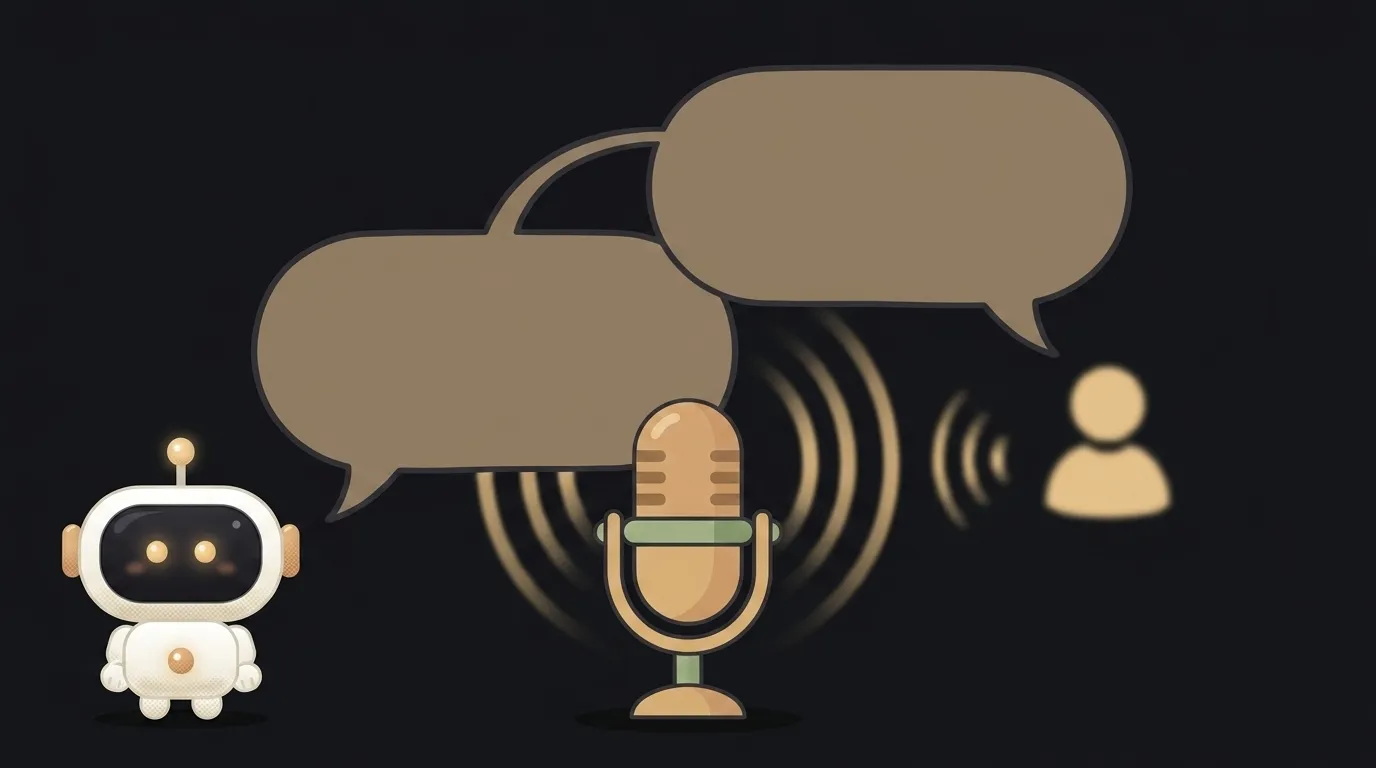
Here's the idea in one line: you say out loud — "let's rehearse a job interview in English" — and the app answers with a voice, right away, no pause. It asks a question, listens, reacts. Want to clarify in the middle of its sentence? You cut in, and it doesn't break — it picks up. A live conversation, not a voice recorder.
And here's what's new: this didn't work before. Voice apps ran on "record → transcribe → send text → wait → speak the reply" — a two-second gap yawned between your line and the answer, and you couldn't interrupt. On August 25 OpenAI shipped GPT Realtime 2: speech-to-speech in real time, interruption handling, and a "silent listening mode" — the model stays quiet while you think out loud, and jumps in when needed. That's what brings the conversation to life.
Why this one
Speaking out loud is a different skill from writing. A language, a pitch, a thesis defense, a hard phone call — you rehearse those by saying them, but a live partner isn't around. Typing into a chat isn't the same: you train your fingers, not your speech. Talking out loud with someone who answers without lag and patiently re-asks — that's something you'll do on the way somewhere or before bed.
And there's less "magic" than it looks. The app is a thin layer: it holds a voice connection to the model and gives it a role. All the difficulty is in one instruction — who the model should be in this conversation.
What you'll learn
- Voice both ways, in real time. Not "audio in, text out," but a constant stream back and forth. A completely different kind of app than the usual "request-response."
- A role via the system prompt. The same engine becomes an examiner, a language tutor, or an interviewer — only the instruction changes, who it should be. You'll see that a partner's character is text, not code.
- Conversational behavior. Interruptions, pauses, "let me think" — you set not just the words but how it should act: when to stay quiet, when to re-ask, when to correct.
A ready starter prompt
Don't ask the agent to "make a voice assistant" — you'll get aimless chatter. Name the role, the scenario, and how to behave:
Make an app you can talk to by voice and it answers.A strong prompt leaves no room for guessing: the role is clear, the step-by-step scenario is clear, the behavior in pauses is clear. The conversation comes out like a real one on the first try, not a robot with a button.
What you end up with
The evening before an interview you tap the button and speak out loud. The voice asks: "Tell me about a project you're proud of." You answer, stumble, start over — it calmly waits. At the end of your line, a short reaction and the next question. Ten minutes of this, and tomorrow you don't mumble. You didn't type. You said it out loud — with someone who's always around.
Start with one button and one role — and you'll have a partner who trains your voice, not your fingers.
Short story-lessons, an agent simulator and daily practice — in our mobile app. Free.
Source: OpenAI's 3 New Realtime Voice API Models: What Builders Need to Know (MindStudio)
Read next

A web page that watches your camera live — 30 frames a second, offline, no server
Describe a place in words — and hear it. AI now mixes sound as a scene, not clips

Drag a folder — your site is live. No signup needed
One image — and your character talks back, live
One selfie — and you're in any era, with the same face