Snap a sign — get the same photo, but in your language
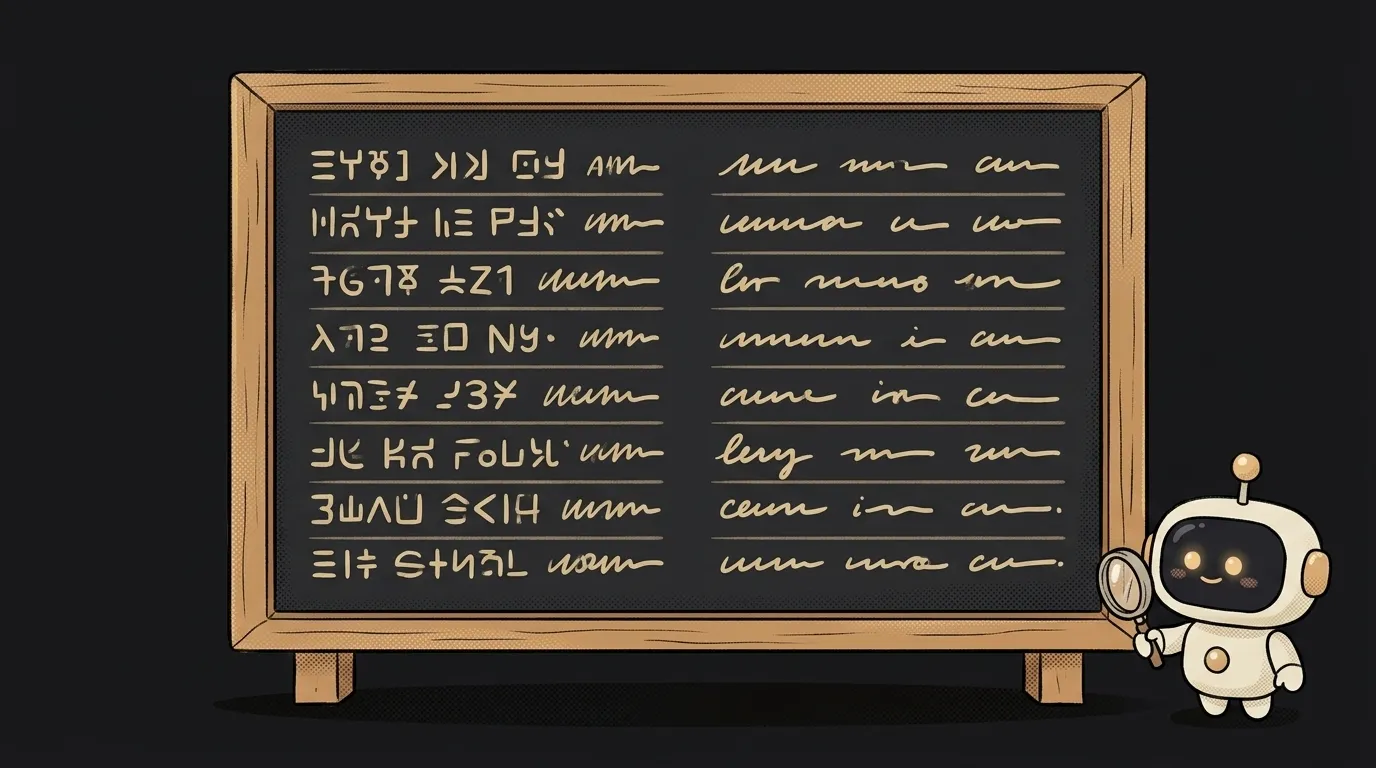
Here's the idea in one line: you photograph a menu, a sign, or some packaging in a language you don't read — and you get back the same photo, but now the text is in your language. Not a separate translation below, not a caption on top. The actual shot, with the words translated and sitting exactly where they were, in the same kind of type.
And here's the fun part — a year ago this wasn't this easy. To translate text right on a photo you needed a whole pipeline: detect the text, carefully erase the old letters, type in new ones without breaking the layout. A week of fiddling. Now one model reads the picture, translates, and prints the translation back in — keeping the placement, the font, the line order. That's what Nano Banana Pro is built on — Google's model that renders legible text right inside an image and translates it in place.
Why this one
This is the thing that saves you on a trip. A menu in Thai, instructions in Korean, an ingredients list in tiny print — point, and a couple of seconds later you're holding a readable version. And the output is a real image you can save and send a friend: "look what I'm eating." You can't forward an overlay.
And there's less magic here than it looks. The app is a pipe: take the photo, hand it to the model with one instruction, show the result. All the difficulty lives in one good prompt.
What you'll learn
- An image in, an image out. Here the model doesn't describe the photo in words — it returns a new photo. That's a different mode: image editing, image-to-image.
- "Don't touch the rest." The most important part of the prompt is the boundary: translate only the text, leave everything else as it was. You learn to tell the model not just what to do, but what not to do.
- "The prompt is the feature." Translating text on a photo isn't a separate technology. It's an instruction: "read the words, translate them, give me back the same picture." A good prompt is your main function.
A ready starter prompt
Don't tell the agent "make a photo translator" — it'll guess at what to translate and what to return. Give it context, an example, and limits:
Make an app that translates text on photos.The strong prompt leaves no room to guess: the flow is clear, the boundary is clear ("only change the language of the text"), and the behavior when there's nothing to translate is clear. The first result lands closer to what you wanted.
What you end up with
You're standing at a window with a menu in Thai. You snap it — three seconds later, on your screen, the same menu, the same layout, but the lines are readable: "fried rice with chicken," "tom yum soup." You save it, send it to a friend. You didn't type the translation by hand or check letters against a dictionary. You just pointed the camera.
Start with one screen, take it to done — and you'll have a pocket translator that hands you a real picture, not a caption stuck on top of it.
Short story-lessons, an agent simulator and daily practice — in our mobile app. Free.
Read next
47 vacation clips — and an agent cuts them into a video on the beat
Build a “send as-is” button — a model that hands you the email, not advice about it
A song where you change one chord — instead of spinning the generator again
The clip is already rolling — and you call out what happens next

A web page that watches your camera live — 30 frames a second, offline, no server