Drop in a lecture video — get notes with timestamps
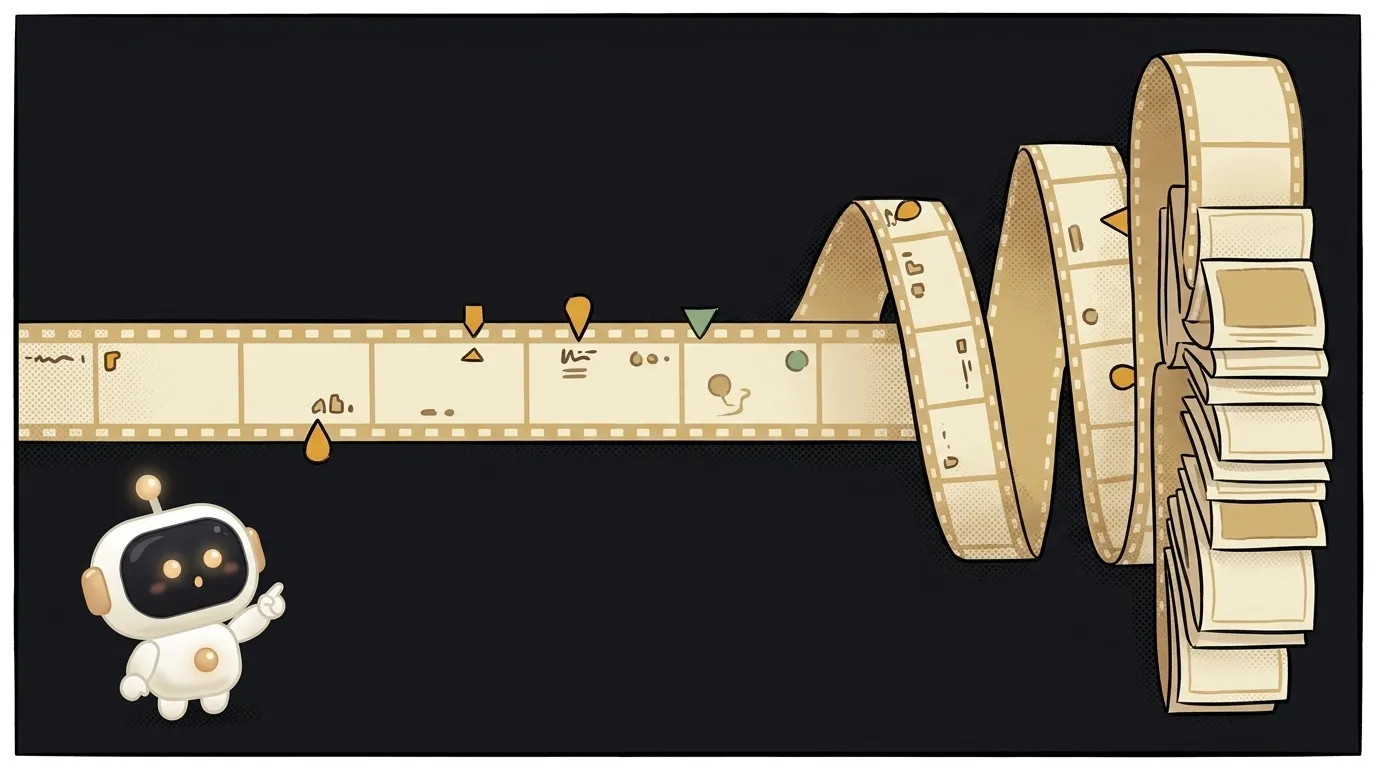
Here's the idea in one line: you hand the app an hour-long lecture or tutorial, and it sends back a table of contents with timestamps. "00:00 — intro, 02:14 — what a token is, 09:40 — embeddings, 18:05 — wrap-up." Tap a row and you jump straight to that spot.
And here's the fun part — a year ago this wasn't this easy. To "understand" a video you had to pull frames, transcribe the audio separately, then stitch it all together — a whole pipeline. Now one model just watches the video and answers in text. In May, Gemini 3.5 Flash went generally available: it chews through video at plain-text prices and runs several times faster than older models. It can also point at a specific moment in MM:SS form — that's what the timestamps ride on.
Why this one
Everyone hoards video: saved lectures, call recordings, forty-minute tutorials. Opening them later is a chore — you don't know where the useful bit is, and blind scrubbing takes forever. A timestamped table of contents turns a pile of "I'll watch it someday" into something you actually use.
And there's less magic here than it looks. The app is a pipe: take the video, hand it to the model, get a list of moments, show it. All the difficulty lives in one good prompt.
What you'll learn
- Video as input. Before, you sent the model text, maybe an image. Here it's a whole video file. The model watches the picture and hears the audio at the same time.
- Structured output. Not "summarize the video in words," but "return a list: timestamp + chapter title." That kind of answer drops straight into a clickable list.
- "The prompt is the feature." Splitting into chapters isn't a separate technology. It's an instruction: "here's a video, find the meaningful chunks and mark which second each starts at." A good prompt is your main function.
A ready starter prompt
Don't tell the agent "make a video summarizer" — it'll guess at the format and the fields. Give it context, an example, and limits:
Make an app that summarizes videos.The strong prompt leaves no room to guess: the flow is clear, the exact fields are clear (time and title), and what to do with them is clear. The first result lands closer to what you wanted.
What you end up with
You open the app and pick a forty-minute lecture recording. A minute later there's a five-line digest and a table of contents. You spot "12:30 — hands-on." You tap it, the player jumps right there. You didn't rewatch the whole thing or scrub blindly. You opened the part you needed in one tap.
Start with one screen, take it to done — and you'll have a thing that cracks open any video in a minute.
Short story-lessons, an agent simulator and daily practice — in our mobile app. Free.
Read next
47 vacation clips — and an agent cuts them into a video on the beat
Build a “send as-is” button — a model that hands you the email, not advice about it
A song where you change one chord — instead of spinning the generator again
The clip is already rolling — and you call out what happens next

A web page that watches your camera live — 30 frames a second, offline, no server