Ramble on the go — and the screen shows a tidy to-do list, not a mush
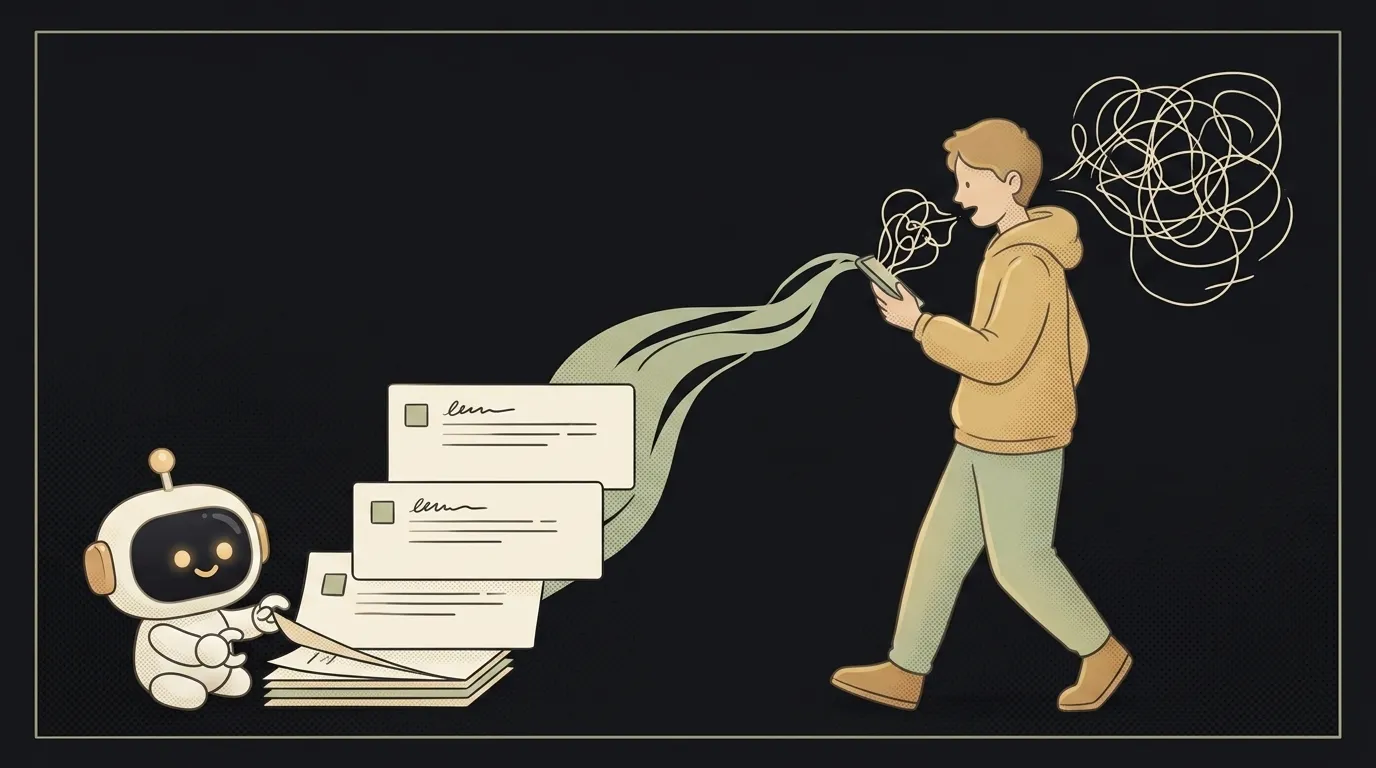
Here's the idea in one line: you walk down the street and talk everything in your head into the phone — "call the bank, oh, an idea for the landing page, and don't forget the Friday deadline." And the app hands back not a solid block of text but a sorted list: tasks apart, ideas apart, dates highlighted.
And here's what's fresh: it's not just that speech became text — that was already doable. What's fresh is that the text became clean. On June 2 Microsoft showed MAI-Transcribe-1.5: by their claim, the best transcription model, five times faster than competitors, across 43 languages — and, crucially, with built-in support for your terms. Transcripts used to trip over jargon and names. Now they don't.
Why this one
Your best thoughts don't come at a desk — they come on the road, in the shower, on a walk. There's no time to write them down: by the time you grab a notebook, the thought is gone. Talking it out takes two seconds. But ordinary transcription hands back a wall of text with no punctuation, which you then have to sort yourself. You want a list you can act on right away.
And there's less "magic" here than it looks. The app is a two-stage pipe: first the model turns sound into clean text, then a second instruction sorts the text into buckets. All the complexity lives in two careful requests.
What you'll learn
- Sound as input. You send the model an audio file, not text — and get a meaningful answer. That's a different kind of input than you're used to.
- A two-step chain. First "transcribe," then "sort into categories." The output of step one is the input to step two. That's how a raw stream becomes structure.
- A structured answer. Not "summarize what I said," but "return tasks, ideas, and dates as separate lists." Then you can show the model's answer as checkboxes right away.
A ready starter prompt
Don't ask the agent to "make a voice-notes app" — you'll get a recorder with a wall of text. Describe both stages, the format, and an example:
Make an app that records voice and transcribes it into notes.A strong prompt leaves no room for guessing: both stages are visible, the exact format you need is visible, and so is the "invent nothing" rule. The first result lands closer to what you wanted.
What you end up with
You're walking home, mumbling a minute of chaos on the way. You open the app — and there are three tidy blocks already: "Tasks: call the bank, send the report," "Ideas: a landing page with a calculator," "Dates: deadline — Friday." You tick the boxes. You didn't type. You just talked to yourself on the road.
Start with one record button, get it to three lists — and you'll have a notebook that keeps up with your thought, instead of the other way around.
Short story-lessons, an agent simulator and daily practice — in our mobile app. Free.
Источник: Microsoft: launching seven new MAI models (MAI-Transcribe-1.5)
Read next

A web page that watches your camera live — 30 frames a second, offline, no server
Describe a place in words — and hear it. AI now mixes sound as a scene, not clips
Drag a folder — your site is live. No signup needed

One image — and your character talks back, live
One selfie — and you're in any era, with the same face