What is a deadlock — and why the «deadlock detected» error just saved you
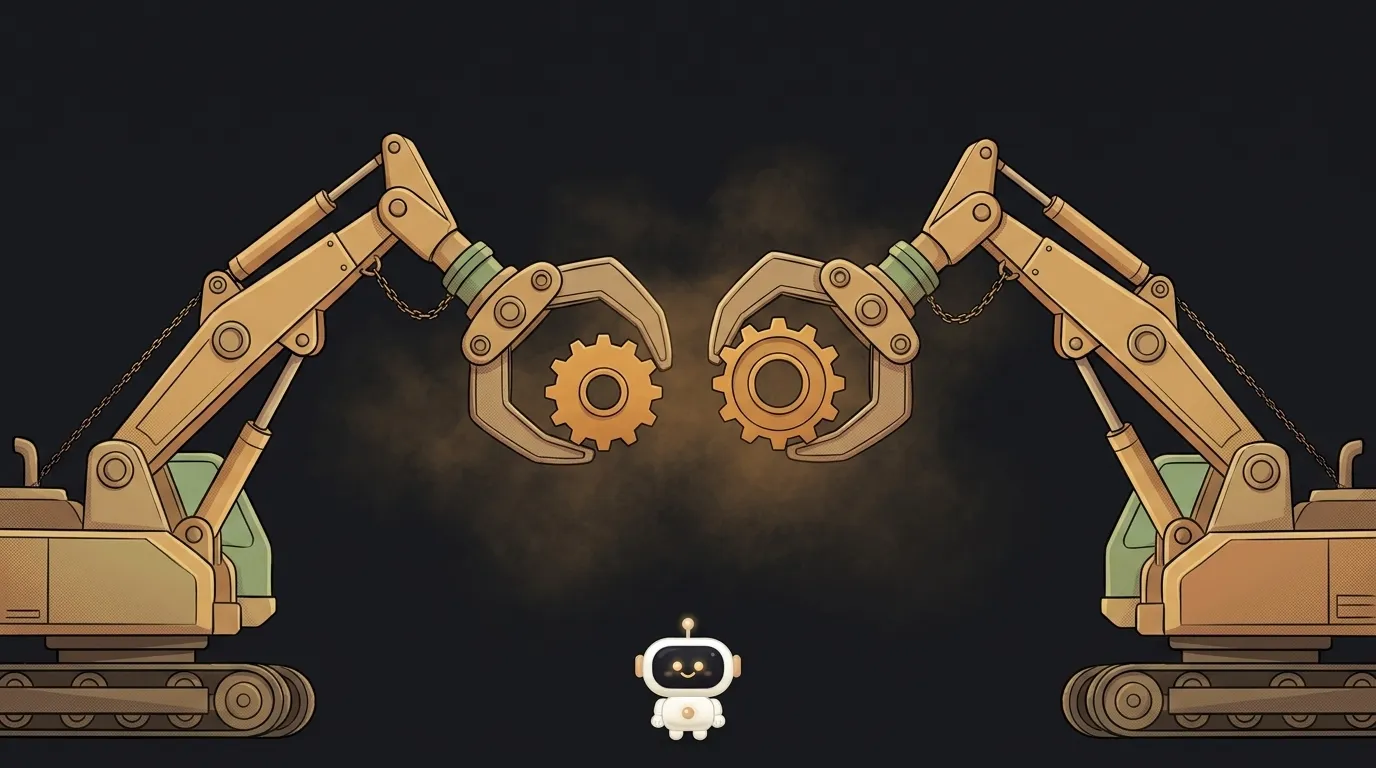
Here's a paradox: the "deadlock detected" error looks like a catastrophe, but it's actually a rescue. The database found an eternal hang in your code, killed one transaction and saved the rest. The real disaster isn't this error — it's a deadlock that nobody detected.
What a deadlock is, in plain words
Picture two people at one desk. Each needs a pen and a sheet of paper. The first grabbed the pen and waits for the paper. The second grabbed the paper and waits for the pen. Neither will give up theirs until they get the other's. Both will wait forever.
That's a deadlock — a mutual block. In a database it looks like this:
- Transaction A locked row 1 and wants row 2.
- Transaction B locked row 2 and wants row 1.
- Both wait for each other. Forever.
The key word is a ring. A waits for B, B waits for A. The waiting has closed onto itself.
How a deadlock differs from "it's just slow"
Ordinary waiting ends: someone holds the row, finishes, releases it. Slow, but alive.
A deadlock is infinite by construction. No member of the ring can finish, because each is waiting for another member of the ring. Time doesn't heal it — wait an hour if you like.
And don't confuse it with a race condition. A race is two runners competing — the result depends on who got there first. In a deadlock, nobody finishes at all.
A live example: two transfers head-on
The classic place people catch a deadlock is money. Alice sends money to Bob, and in the same millisecond Bob sends money to Alice. Each transfer is a transaction of two SQL commands:
-- transfer Alice → Bob        -- transfer Bob → Alice
UPDATE accounts                UPDATE accounts
SET balance = balance - 100    SET balance = balance - 50
WHERE name = 'alice';          WHERE name = 'bob';
-- Alice's row is locked       -- Bob's row is locked

UPDATE accounts                UPDATE accounts
SET balance = balance + 100    SET balance = balance + 50
WHERE name = 'bob';  -- waits  WHERE name = 'alice';  -- waits
The first transaction locked Alice and waits for Bob. The second locked Bob and waits for Alice. The ring is complete. Note: each transaction is flawless on its own — the deadlock is born only from their opposing order.
How the database finds deadlocks on its own
Here's the interesting part. Postgres doesn't hope deadlocks won't happen. It stands guard.
If a transaction waits for a lock longer than about a second, the database builds a "who waits for whom" graph and searches it for a ring. Found one — it picks a victim transaction and kills it with the "deadlock detected" error. The ring is broken, everyone else moves on.
That's why this error is good news: the guard did its job.
In regular code, though — threads, async tasks, two mutexes — there is no such guard. The program just hangs. No error, no message. A database deadlock is loud; a code deadlock is silent — and the silent one is more dangerous.
How to write code without deadlocks
Three rules cover almost every case.
- One locking order. A deadlock is only possible when resources are taken in different orders. Make a deal with yourself: everyone updates rows in ascending id order — and the ring has nowhere to form. Updating two accounts? Sort their ids before the transaction.
- Short transactions. Don't wait for anything slow inside a transaction: an API call, user input. The shorter you hold a lock, the smaller the window for a ring.
- Retry after the error. Caught "deadlock detected"? Don't panic — rerun the transaction. This is a normal scenario: the victim was chosen, the ring is gone, the second attempt almost always succeeds.
Is a deadlock a bug in the database?
No. The database merely honestly detects the ring that the operation order in your code created. The fix belongs in the code — usually a single, consistent locking order is enough.
Do beginners even get deadlocks?
Easily: two webhooks update the same two rows at the same time, but in different orders. With one user, everything works. Parallel requests arrive — and random "deadlock detected" errors begin.
My program hangs with no error — is that a deadlock?
Possibly. If the hang is eternal and appears under parallel work — suspect a waiting ring in your code. Restart, then add a log line: who took which resource and what they're waiting for. The ring becomes visible in the logs.
The AI Architect 2027 course: step by step from computer basics to your own app and first customers. 543 short lessons on your phone.
Read next

Ed25519 vs RSA — which SSH key to choose in 2026

What is sudo — and why it asks for your password, not the admin's

What is a tar.gz file — and why a tar archive can be bigger than the files

What is a command-line flag — and why git commit -ma breaks but -am works

scp or rsync — and why rsync sent 141 bytes instead of two megabytes the second time
