What is a dependency — and why one library pulls in two hundred
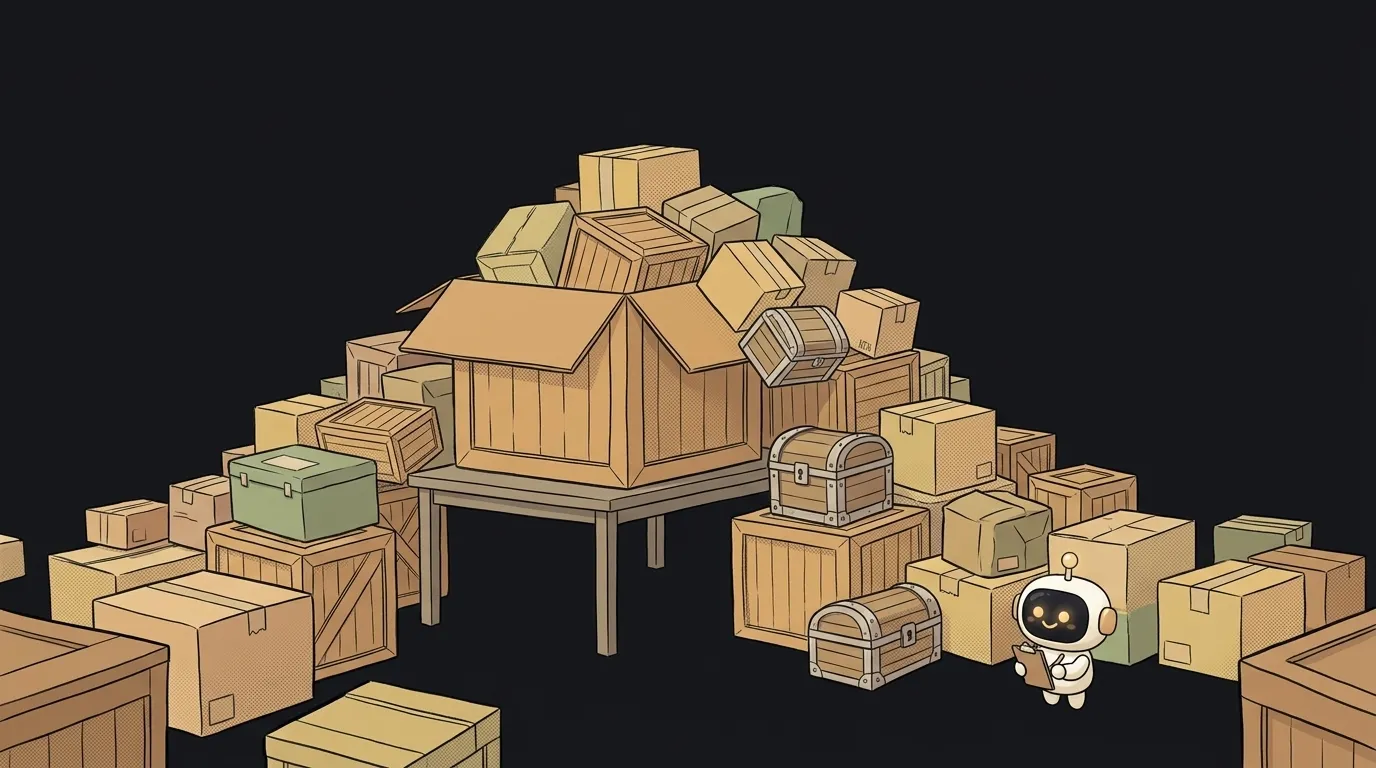
You ask an agent to add one small thing to your project — say, showing dates nicely. It installs one library. You look in the project folder and there are a hundred and ninety packages.
You didn't do anything wrong and the agent hasn't lost it. That's just how this works.
And here's what follows, which people rarely notice: your project almost certainly contains more of other people's code than your own. By a factor of tens. And when it breaks, you're the one answering for it.
What a dependency is, in plain words
A dependency is someone else's code that yours depends on.
Literally: without it, your app doesn't start. Not "works worse" — doesn't start.
You didn't write it and you've probably never read it. You just said "I need human-readable dates," and a package manager downloaded someone's solution into a folder next to your code.
The list of these lives in a separate project file. In JavaScript that's package.json; in Python, requirements.txt or pyproject.toml. The file is small — usually 5 to 15 lines. That's exactly where the illusion comes from that you barely have any dependencies.
Why one library drags in two hundred
Because the author of your library is a person too. And they also didn't want to write everything themselves.
So you get a chain:
- you installed a library for dates;
- it needs a library for time zones;
- that one needs a library for parsing strings;
- and down it goes, several floors deep.
Your 5–15 lines are the direct dependencies: the ones you picked. Everything they dragged along is transitive: you never chose those and usually don't even know their names.
Which answers "why is that folder bigger than my entire codebase." You see the top of the list; what gets installed is the whole tree.
A dependency isn't "downloaded" — it's "will be downloaded"
This is where beginners' intuition breaks. It feels like a library is a file you downloaded once and there it sits.
Nope. What's written in your project file isn't "this library" — it's a rule for which version to fetch. An entry like ^4.17.1 roughly means "version 4, no older than 4.17.1, take fresh small updates."
In practice: you build today and get 4.17.1. You build six months later on another machine and might get 4.22.0. Your code didn't change, but a different project got assembled.
That's why a second file shows up next to it — package-lock.json or its equivalent. It pins the exact versions of the whole tree, transitive ones included. You commit it, and you don't delete it "to clean things up": it's the only record of what a working build was made of.
It's also behind one of the most common build failures — when the list file and the lock file drift apart. Symptoms broken down separately: why npm install fails.
One more consequence, less obvious. Since the code arrives from the internet on every install, it can also disappear from there. In 2016 an author deleted an eleven-line package from npm that padded spaces onto the start of a string. Builds at thousands of projects worldwide stopped that same day — because it sat deep in the tree of half the popular libraries.
Install it, or write it yourself
The skill here isn't "avoid dependencies" — without them you'd spend a year on what takes an evening. The skill is pricing them.
Three questions before installing:
- How much code am I letting in for the thing I need? If the package does one function you could write in ten lines, write the ten lines. If it handles time zones, install it — that's a swamp and you will drown in it.
- Is it alive? Check the last update date and the open issues. A package untouched for three years is code you'll be fixing yourself.
- What happens if it breaks? A library for a button — you'll survive. A library that money or passwords pass through — entirely different conversation.
A separate note for working with an agent. Models love installing packages: it's the shortest path to a working answer. Ask directly: "solve this without new dependencies, and if that's impossible, explain why." It often turns out you can — you just never asked.
A habit worth keeping: every couple of months, open your list of direct dependencies and read it out loud. Anything whose purpose you can't explain in one sentence is a candidate for removal. Usually two out of ten turn out to be dead weight.
How is a dependency different from a library?
A library is the code itself. A dependency is a relationship: your project doesn't work without it. The same library is a dependency to you and just a library to someone who never installed it.
Can I delete the dependencies folder?
Yes, that's safe — it rebuilds from your project files. The lock file is the one you shouldn't delete: without it you lose the exact composition of a build that worked.
What's a vulnerability in a dependency?
It's a hole in someone else's code that's already running inside your app. Package managers can list them with one command. Worth looking — especially at direct dependencies, the ones you can actually do something about.
Short story-lessons, an agent simulator and daily practice — in our mobile app. Free.
Read next
What are stdout and stderr — and why errors don't land in your log file
What is an exit code — and why CI can be green while tests fail

What is a Web Worker — and why await doesn't stop your page from freezing
dependencies vs devDependencies — the difference, and why it breaks your deploy

What is Big O notation — and why your code flew on 100 rows and died on 100,000
