What is a git worktree — and why keep a second folder of the same project
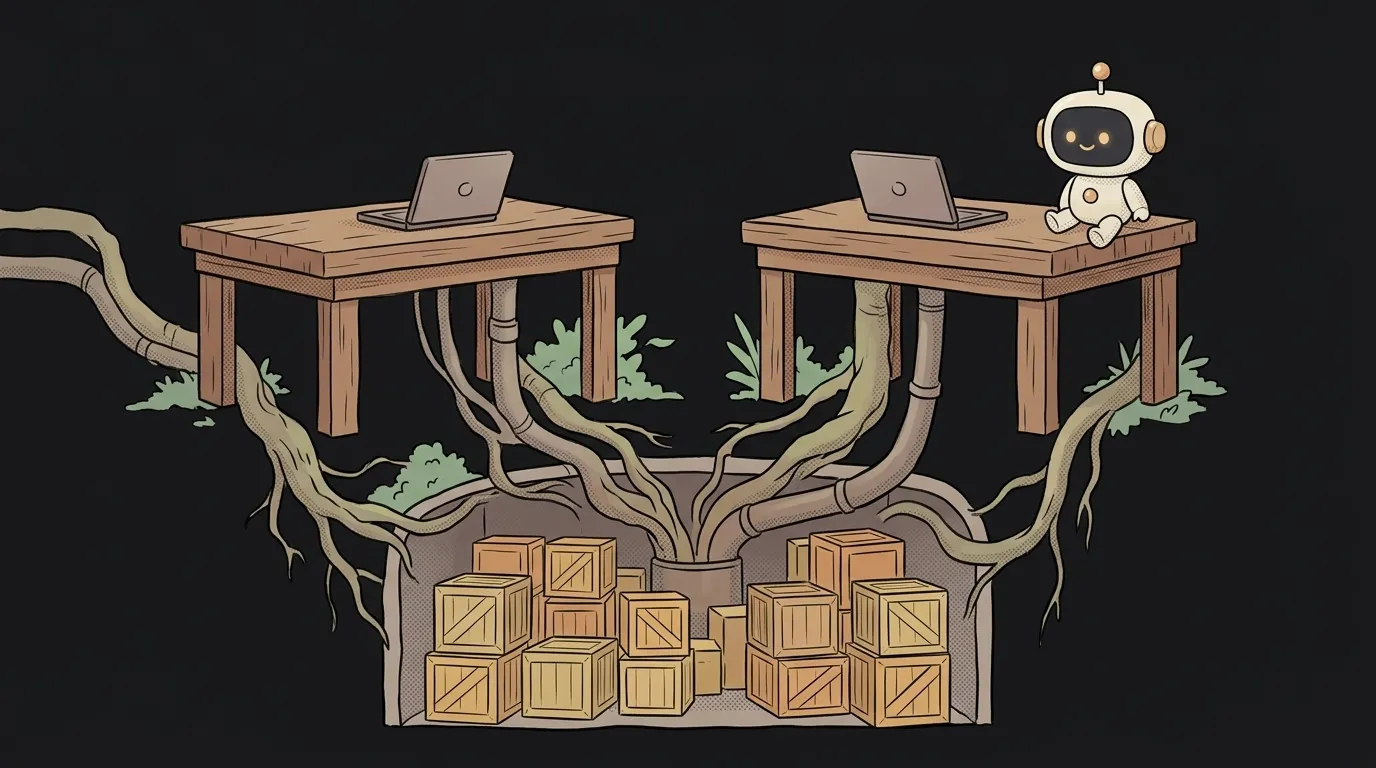
You're used to this: a project is one folder, and that folder is on one branch. Want another? You run git switch, and the files change underneath you. Whatever was half-finished has to be stashed somewhere.
Here's the surprise: that limit isn't Git, it's habit. One project history can live in several folders at the same time. The mechanism is called a worktree.
What it actually is
git worktree creates another folder of project files, attached to the same repository.
git worktree add ../shop-payments -b feature/payments
A sibling folder shop-payments appears with the feature/payments branch in it. Your main folder hasn't changed by a single byte: main is still checked out there, half-finished work and all.
Note what this is not. It's not a second clone. History, commits and branches are shared and live in one place. No second copy of the repository lands on your disk, and there's nothing extra to download.
List your working folders, and remove one when you're done:
git worktree list
git worktree remove ../shop-payments
Why a human being wants this
The classic case is an urgent fix mid-flight. You're halfway through a big feature, everything is broken, and in comes "there's a typo on the production button."
Without a worktree: stash your changes, switch, fix, switch back, unstash, and try to remember where you were.
With a worktree: open a second folder on a hotfix branch, fix it, push, delete the folder. Your first folder sat untouched the whole time — editor open, server running, state intact.
Second case: comparing. Keep main and your branch open side by side, in two windows, and look with your eyes instead of squinting at a diff.
The 2026 use case: agents that don't fight over files
And here's why worktrees suddenly became an everyday tool.
Run two AI agents in one folder and they'll trip over each other. One is editing a file while the other switches branches and yanks it out from under the first. The result: mixed-up edits, a commit landing on the wrong branch, and half an hour figuring out who broke what.
Give each one its own working folder and the problem disappears physically. The agent sees only its own tree, edits only its own files, commits to its own branch. That's exactly why subagents working in parallel usually get split across worktrees.
It also removes a common source of merge conflicts: conflicts are still possible when you merge, but at least they don't get born from two people trampling one folder.
Three things everybody trips on
1. You can't check out the same branch twice. Git flatly refuses: the branch is already in use by another working tree. That's protection, not stubbornness — otherwise two places would edit one state. Fix: a fresh branch per folder.
2. Dependencies don't come along. node_modules, your virtual environment, the .env file — none of that is in Git, so none of it is in the new folder. You'll install and copy those again. The first run in a fresh worktree almost always fails for exactly this reason.
3. Folders need removing properly. Deleting the directory by hand isn't enough: Git still thinks it exists. Use git worktree remove (and git worktree prune afterwards if needed).
How is this different from just switching branches?
git switch changes the branch in the same folder — files get overwritten, and uncommitted work has to be stashed. A worktree overwrites nothing: it adds a new folder next door. Both branches stay open.
Isn't that the same as cloning the project again?
No, and the difference matters. A second clone is a separate copy of history: its own branches, its own state, synced by hand through the remote. A worktree runs on one history — commit in one folder and the other sees it immediately, no push required.
Where should the folder live — inside the project or next to it?
Next to it is simplest: ../project-hotfix. If you put it inside the project (handy when you have many), add that directory to .gitignore — otherwise Git sees the second working folder as a pile of new files and offers to commit them.
Should a beginner bother?
If you're still learning Git basics, start with branches and commits — worktrees can wait. But the moment you run more than one agent at a time, or keep dropping work for urgent fixes, the three commands above pay for themselves on day one.
Short story-lessons, an agent simulator and daily practice — in our mobile app. Free.
Read next
What are stdout and stderr — and why errors don't land in your log file
What is an exit code — and why CI can be green while tests fail
What is a Web Worker — and why await doesn't stop your page from freezing
dependencies vs devDependencies — the difference, and why it breaks your deploy

What is Big O notation — and why your code flew on 100 rows and died on 100,000
