What is a job queue — and why your bot answers twice
Your bot got one message — and replied to it twice. Sometimes three times. You dig through the code looking for the extra call, and it isn't there.
Here's the thing: you didn't make the extra call. The service that sent the event did. You didn't answer it fast enough, so it assumed the message got lost and sent the same one again. And again. Your code faithfully processed every copy.
The fix isn't a hack in your handler. It's one piece of architecture — a job queue.
The sender doesn't wait long
When a user messages your bot, Telegram (or Stripe, or GitHub) sends you a webhook — an HTTP request carrying the event. And it waits for a short answer: “got it.”
It waits seconds, not minutes. No answer means a failed delivery, so it retries. That's not a bug, it's protection against lost events: better to deliver twice than not at all.
Now overlay the reality of AI apps. A reasoning model thinks for 30–90 seconds. Image generation takes up to a minute. Video takes minutes. All that time your handler stays silent, because it's dutifully waiting on the model.
Two outcomes follow, both bad:
- The sender gives up waiting → redelivery → your user gets duplicates.
- The platform kills your function on timeout. Serverless functions have a hard ceiling — from tens of seconds to a few minutes, depending on where you host. The response dies halfway and the user gets nothing.
That's why “just wait for the model inside the webhook” isn't an option. Not because it's slow (that's its own topic), but because nobody is going to let you wait.
A queue is a coat-check ticket
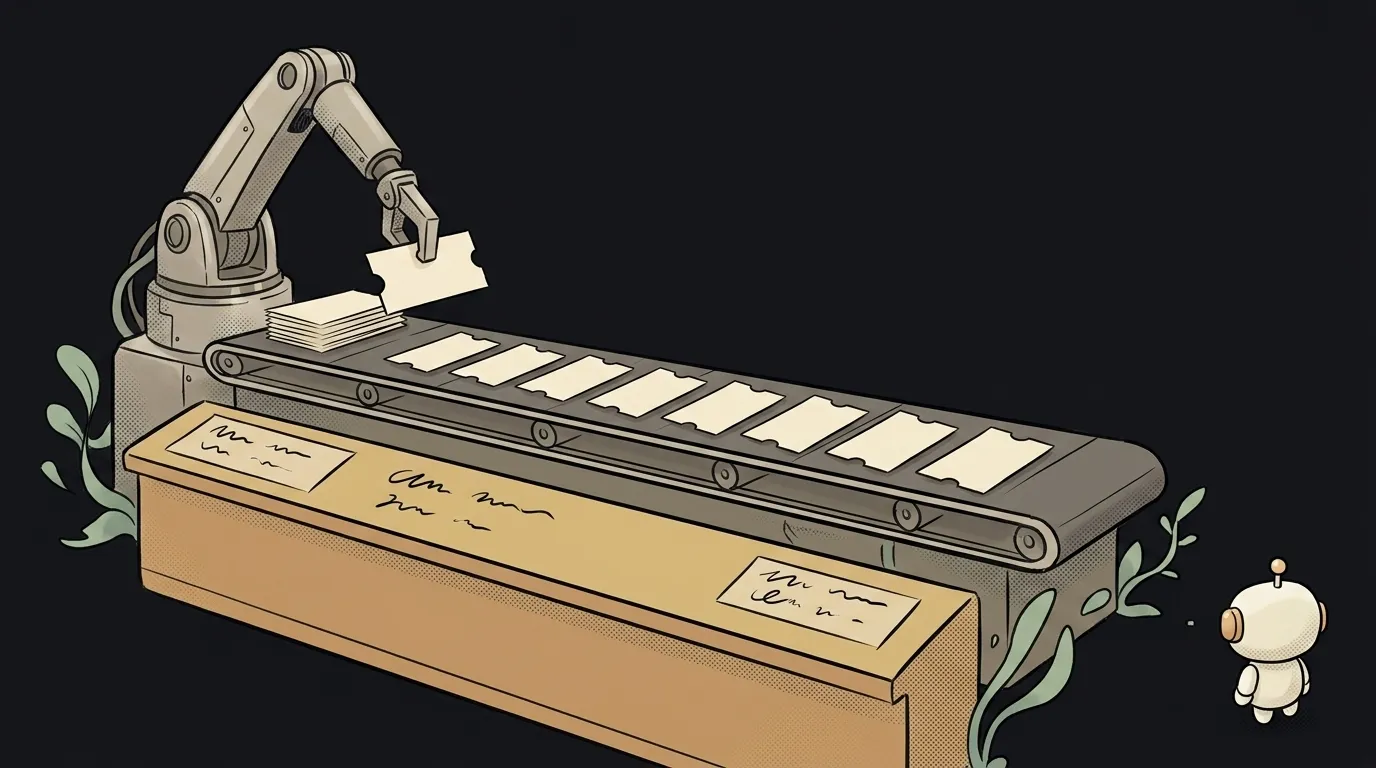
Picture the coat check at a theatre. You hand over your coat, take a ticket, and walk away. The attendant doesn't hold you at the counter while they hang it up.
A job queue works the same way, and it has three parts.
- The receiver. Your webhook handler. It does three things: validate the event, write a job to the queue, answer
200 OK. Anything that takes more than a second is forbidden here. - The queue itself. Storage for jobs: a row in a database table, Redis, or a ready-made service like QStash, Inngest or Trigger.dev. It remembers the order and what's already been picked up.
- The worker. A separate process that takes a job, calmly waits three minutes for the model if it has to, and sends the result to the user itself — as its own message.
Meanwhile the user sees an instant “Got it, working on it” instead of silence, and a finished answer a minute later. Subjectively that feels faster than a minute of nothing, even though the stopwatch says otherwise.
What a queue gives you for free
Beyond killing timeouts, you get three things you'd otherwise hand-write.
Retries on failure. The model errored or the network dropped — the queue puts the job back in a minute. Your user doesn't lose a request over one unlucky second.
Duplicate protection. Store the event's identifier in the job (Telegram calls it update_id, Stripe uses the event id). A second copy arrives, you see it's already there, and you quietly answer “got it.” The duplicates disappear.
Smoothed load. 500 messages land at once — the queue feeds them to your worker at a sane pace instead of blowing through your model's rate limit. It's the same spike-flattening you get from scheduled jobs, only event-driven.
When you don't need one
Honestly: not always. If your bot replies in half a second with ready text, a queue is an extra layer.
Add one when any of these is true:
- the work takes more than a couple of seconds (AI, image generation, reports, mailouts);
- the job must not be lost (payments, orders);
- traffic comes in spikes;
- you've already seen duplicate replies or timeout cut-offs.
You can start extremely small: a jobs table in your database and a separate process that grabs new rows from it every few seconds. Six columns is all you need:
id— your own job number;event_id— the source event's identifier, your key against duplicates;payload— the event data as JSON;status—new / running / done / failed;attempts— a retry counter, so a permanently failing job doesn't loop forever;created_at— when it arrived.
That's already a real queue. Just remember: the worker needs somewhere to live permanently — on your laptop it dies with the lid, which has its own breakdown.
Is a queue the same as cron?
No. Cron starts work by time: “every day at 9:00.” A queue starts work by event: “a message arrived, handle it.” They're often used together: cron wakes the worker, the worker drains the queue.
How many workers do I need?
Start with one. A single worker processes jobs one after another, and that's enough for almost any project at the start. Add a second when you see the queue growing faster than it drains.
The AI Architect 2027 course: step by step from computer basics to your own app and first customers. 543 short lessons on your phone.
Read next
What is headless mode for an AI agent — and why it silently skips steps
What is a hook in an AI agent — the rule the model can't ignore
What is a slash command in an AI agent — and why it's just a saved prompt

What is an Agent Skill — and why it costs almost nothing

What is a subagent — and why it saves context, not time