What is a monorepo — and when one repository beats three
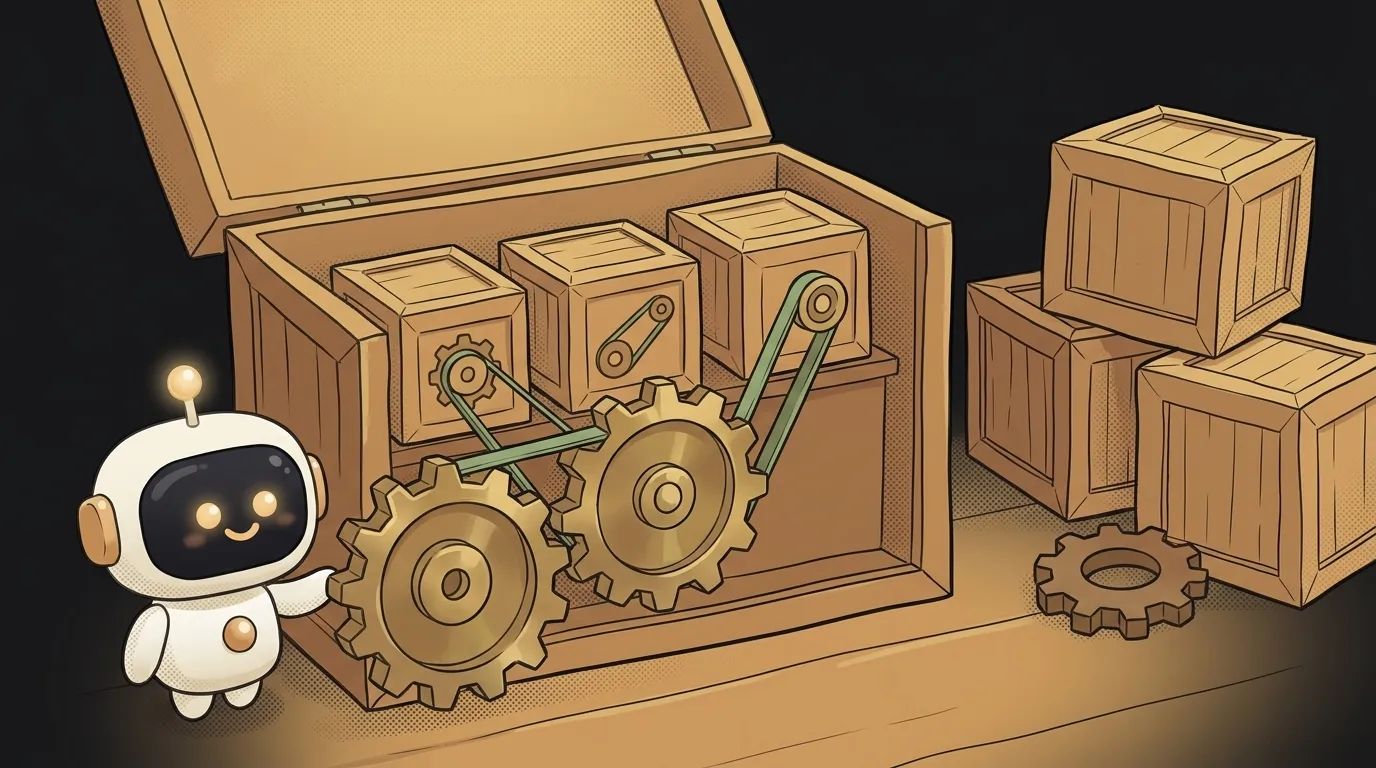
Here's the trap. You have three projects: a website, a mobile app and a Telegram bot. Three repositories — tidier that way, surely.
One day you rename a server field from name to full_name. You fix the website, commit, deploy. Two days later a message arrives: "the app shows a blank where my name should be." The app lives in another repository and never heard about the rename.
A monorepo is the answer to exactly that pain. And it isn't about folders.
What it actually is
A monorepo is one repository holding several separate projects. Usually like this:
my-app/
  apps/
    web/       ← website
    mobile/    ← app
    bot/       ← Telegram bot
  packages/
    shared/    ← common code: types, date formatting, error texts
Each project stays independent: its own build, its own dependencies, its own deploy. All they share is one history and one git clone.
Let's separate two words people mix up constantly:
- Monorepo — about where the code lives. One repository, many projects.
- Monolith — about how the app runs. One big program instead of a dozen small services.
They're independent. You can have a monorepo full of separate services, or a monolith alone in its own repository.
What you get
One change ships as one commit. Renamed a field on the server — you fix the website and the app in the same commit. The story from the intro becomes physically impossible: you can't merge half of it.
Shared code stops being copy-paste. Date formatting, error texts, the User type live in packages/shared and get imported like any library. Fix it in one place, it's fixed everywhere. Without a monorepo that's either copy-paste or publishing your own package — which is its own versioning chore.
One version of each dependency. You never get the case where the website has one version of a library, the app another, and the bug reproduces on only one of them.
One pull request shows the whole picture. The reviewer sees the change end to end, not two halves in different tabs.
What you pay for it
The downsides are real, too.
- Rebuilding everything on every sneeze. A naive setup rebuilds and tests all projects even when you touched one file in the bot. Fixable with "build only what changed" — but you have to set it up.
- The repository grows. Cloning takes longer, and code search gets noisier with hits from other projects.
- You need a workspace manager. For
packages/sharedto be importable as a library, your package manager has to support workspaces. All the modern ones do — npm, pnpm, yarn — but it needs configuring. - Access is all-or-nothing. Grant access to the repository and you've granted it to every project. Fine for a two-person project, a real question for a contractor.
How you actually switch it on
Less magic than it sounds. In the root package.json you declare workspaces:
{
  "private": true,
  "workspaces": ["apps/*", "packages/*"]
}
Now shared code is imported like a normal dependency — by name, not by a path full of dots:
// apps/web/package.json
{ "dependencies": { "@my-app/shared": "workspace:*" } }
import { formatDate } from "@my-app/shared";
One install at the root serves every project: shared libraries sit in one place instead of three copies. The workspace:* line means "take the local version from this repository, don't go to the internet."
What matters: packages/shared isn't a folder you reach into with ../../. It's a real package with its own package.json. That's the whole point.
Do you actually need one?
Simple rule: if the projects ship together and share code, use a monorepo. If they live separate lives, don't.
Use one when:
- you have a frontend and a backend for the same product;
- your app has a landing page and a bot, and they talk about the same data;
- you're solo or a pair, and hopping between three folders is just annoying.
Skip it when:
- the projects are unrelated — a practice landing page and a real service;
- the code is open source and some projects must stay private;
- you have exactly one project. A lone repository doesn't become a monorepo — and doesn't need to.
You can move to a monorepo later and keep your Git history. But it costs an hour of fiddling, so it's easier to decide early.
Does a monorepo mean all the code in one file?
No — files and folders inside each project stay normal. Only the number of repositories changes: one instead of three.
Won't the repository get huge?
For big companies, yes. For you, no. Text code weighs almost nothing: hundreds of thousands of lines is a few megabytes. What actually bloats a repository is images, video and accidentally committed archives.
How is a monorepo different from a folder of projects on my disk?
Shared history. A folder is just proximity; a monorepo gives you one commit per change, one review and one build. If the line between "a local folder" and a repository is still fuzzy, see Git vs GitHub.
The AI Architect 2027 course: step by step from computer basics to your own app and first customers. 543 short lessons on your phone.
Read next

Why SSH still asks for a password when your key is set up — 3 causes

How to set up ~/.ssh/config — short server names instead of long commands

Why does SSH disconnect on its own (Broken pipe) — three causes and how to fix them

How to read command help (--help and man) — and find your version's flags in a minute

Why Ctrl+C doesn't stop a program — and how one except line causes it
