What is a mount point — and where files go when nobody deleted them
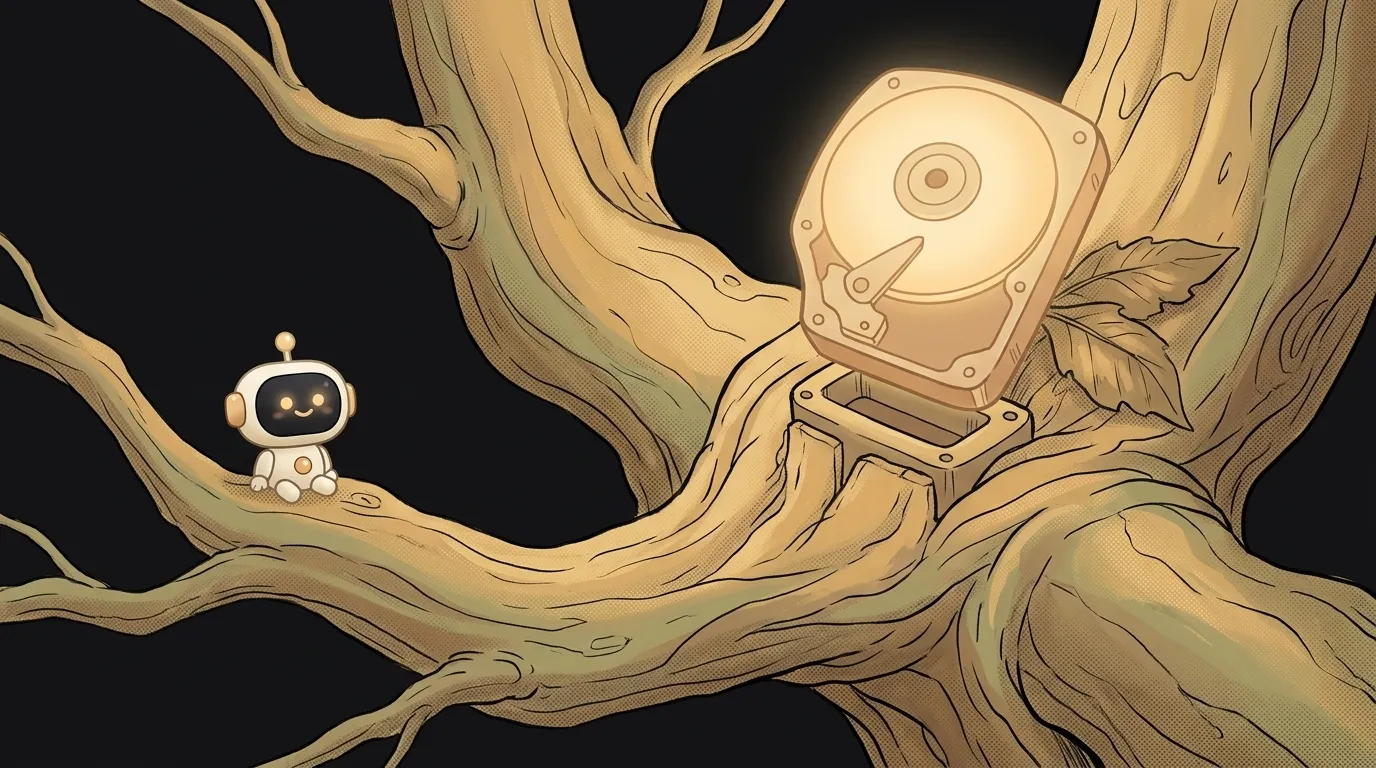
Here's something that happens to almost everyone once. A folder had files in it. You attached a disk to that folder. The files vanished. Nobody deleted anything.
Then you detach the disk — and they're back. Whole, untouched.
It's not magic and not a glitch. That's how a mount point works. Understand it, and you'll also understand why Docker sometimes "loses" your node_modules.
What a mount point is
On Windows every drive gets its own letter: C:, D:, a USB stick — E:. Several separate folder trees.
On Linux and macOS there's one tree. It starts at the root /. A new disk doesn't get a letter — it's attached to some folder inside that tree. That folder is the mount point.
Plug in a USB stick — it shows up as, say, /media/usb. Go into that folder — you're on the stick now. Go one level up — you're back on the main disk. The border is invisible: plain cd and ls, no letters.
To see what's attached where:
df -h       # disks, their size and mount points
findmnt     # the same as a tree
df -h .     # which disk you're on right now
The last command is the most useful one. It answers "where are my files actually being written?"
Where the files go
Now the puzzle from the start. The /data folder was ordinary, with old.txt inside. Then a disk was mounted on it.
Mounting doesn't delete or merge. It covers the folder from above, like a lid. While the disk is attached, you see only its contents. The old old.txt didn't go anywhere — it's under the lid, on the main disk, you just can't reach it.
Easy to check:
umount /data
ls /data      # old.txt is back
There's a nasty side to this. Say the backup disk didn't attach after a reboot. The script didn't notice and wrote the backups into the empty folder — that is, onto the system disk. Space ran out, the server stopped. That's the classic from the article about the No space left on device error: df says everything is full, and du finds nothing big in the folders. Sometimes the extra data is hidden exactly under a mount point.
Why Docker loses node_modules
Same mechanism — and the most common place beginners meet it. Docker has the -v flag: attach a folder from your computer inside the container.
docker run -v "$PWD":/app my-app
The image already had /app/node_modules from the build. But you mounted your project folder over /app. The lid went on top. Inside the container you now see your folder — and it has no node_modules, or they were built for a different system.
The result: Error: Cannot find module 'express'. Even though the module was definitely in the image.
The fix is one more mount point, just for that subfolder:
docker run -v "$PWD":/app -v /app/node_modules my-app
The second -v with no left side creates a separate volume for node_modules. It lies on top of your folder and brings back the modules from the image. In docker-compose.yml it's one line, - /app/node_modules, in the volumes list.
How to mount a disk yourself
Say you bought an extra disk for your VPS. Here's the whole path:
lsblk                        # find the new disk, e.g. sdb
sudo mkfs.ext4 /dev/sdb      # only for a NEW empty disk: erases everything
sudo mkdir /mnt/data         # an empty folder — the future mount point
sudo mount /dev/sdb /mnt/data
df -h /mnt/data              # check: the size should be the new disk's
After a reboot the disk will be gone unless you add it to /etc/fstab. Get its permanent UUID with sudo blkid /dev/sdb and add a line:
UUID=your-uuid /mnt/data ext4 defaults,nofail 0 2
nofail matters: without it, a server with a missing disk may not boot at all. And to avoid repeating the backups-on-the-system-disk story, a script can check before writing: mountpoint -q /mnt/data || exit 1 — it quietly stops if the disk isn't in place.
Where else you'll meet it
- WSL on Windows. The
C:drive inside Linux lives at/mnt/c— that's a mount point. A project in/mnt/c/Users/...runs noticeably slower: every file goes through a bridge between the systems. Keepnpm installand builds in your Linux home folder,~/projects. - Servers and clouds. An extra disk on a VPS doesn't just appear. It's mounted into a folder like
/mnt/data, and to make it attach after a reboot it goes into/etc/fstab. - Temporary memory. On Fedora, Arch and recent Debian,
/tmpis a mount point for a "disk" in RAM. Everything there disappears after a reboot. - Mac. External disks show up in
/Volumes/Name— same idea, just a different folder.
Can I mount a disk on a folder that already has files?
Yes, the system won't stop you. But the old files will hide under the disk until you detach it. That's why people usually mount into an empty folder.
How is a mount point different from a shortcut?
A shortcut is a pointer file to another place; you can delete it. A mount point is an ordinary folder to which the system attached a whole file system. Inside it you're physically on another disk. A similar confusion happens with hard links — there one file has several names, while here a folder's contents get swapped.
What happens if I pull out a USB stick without ejecting?
Some data may not have been written yet: the system buffers writes in memory and flushes them in batches. umount or "Eject" waits for the writes, so your files arrive intact.
Short story-lessons, an agent simulator and daily practice — in our mobile app. Free.
Read next
What is umask — and why 666 minus 033 isn't 633

What is a daemon in Linux — and why your bot dies when you close your laptop

Single or double quotes in the terminal — and where your $5 went

What is xargs — and why rm can't hear your pipe

What is swap memory — and why your build dies with the word Killed