What is swap memory — and why your build dies with the word Killed
You rented the cheapest server: 1 GB of memory, a few dollars a month. You uploaded your project and ran npm run build. For a minute it hums along. Then the terminal prints one word:
Killed
No stack trace, no error line. Exit code 137. This isn't a bug in your code. The system ran out of memory and shot the fattest process. What usually saves it is one thing — swap.
What swap is
Swap is a chunk of disk the system uses as spare RAM.
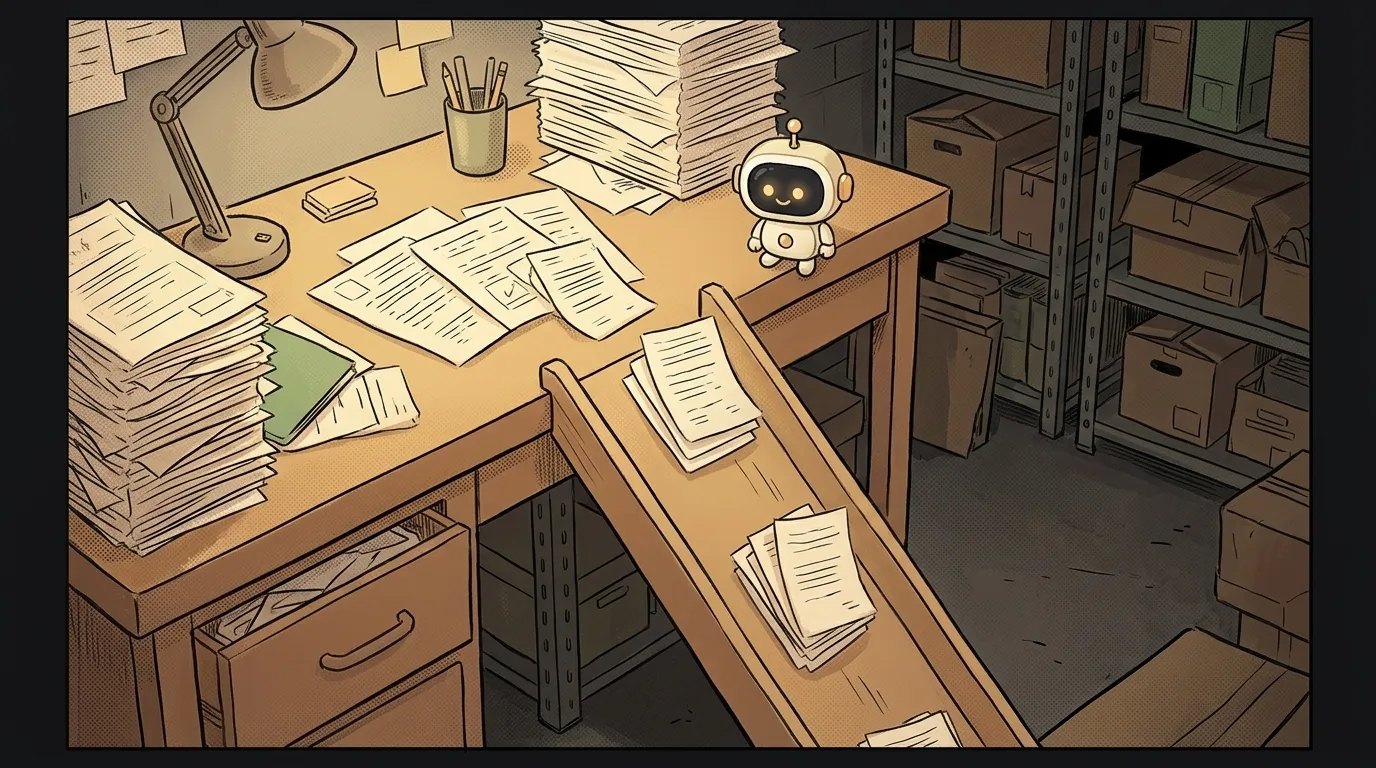
Picture a desk. The desk is RAM: everything at hand, fast to work with. But it's small. When the papers no longer fit, you don't throw them away — you take them down to the basement. The basement is swap. Lots of room down there, but you have to walk down for every sheet.
On Windows the same thing is called the page file (pagefile.sys). On a Mac it's just swap, and it's always on.
How it works
Every program asks the system for memory in chunks — pages, usually 4 KB each. While there's enough RAM, everything lives there.
When RAM runs out, the system looks for pages nobody has touched in a while. Say, a browser tab you opened yesterday. It moves them to disk, into swap. The freed space goes to whoever needs it right now.
If a program touches a moved page again, the system brings it back. That's slow: an SSD is hundreds of times slower than RAM. But the program doesn't die — it just waits.
And if there's no swap at all? Then Linux wakes up the OOM killer — the "out of memory" killer. It picks the process that ate the most and sends it SIGKILL. Hence Killed and code 137: that's 128 + 9, the signal number. More on these numbers in the article on exit codes.
Why this is your problem
Here's where you'll meet swap even if you never planned to learn about it.
- A cheap VPS. Many server images ship with no swap at all. 1 GB is enough to run the site. It isn't enough to build it:
next buildornpm installeasily peak above a gigabyte. - Docker. An image build fails with
exit code 137— the same OOM killer. What a container is, see the article on Docker. - An 8 GB Mac. In Activity Monitor, on the Memory tab, there's a "Swap Used" line. If it says 10 GB and everything crawls, you're short on memory, not CPU.
How to add swap to a server
Here's a working recipe for Ubuntu and Debian. First, check whether you have swap at all:
free -h
swapon --show
If the Swap line shows zeros and swapon prints nothing, there's no swap. Let's create a 2 GB file:
sudo fallocate -l 2G /swapfile
sudo chmod 600 /swapfile
sudo mkswap /swapfile
sudo swapon /swapfile
What's going on:
fallocatereserves a file of the right size on disk.chmod 600locks it from other users: passwords from memory can end up in there.mkswapformats the file for swap.swaponturns it on right now.
To make swap survive a reboot, add a line to /etc/fstab:
echo '/swapfile none swap sw 0 0' | sudo tee -a /etc/fstab
Run free -h again — your 2 GB will show up in the Swap line. Restart the build: it'll be slower at the peak, but the OOM killer won't touch it anymore. Make sure there's disk space first; if there isn't, see the article on No space left on device.
When swap won't save you
Swap is a cushion, not a cure. If a program constantly needs twice the memory you have, the system will keep shuffling pages back and forth forever. That's called thrashing: the disk is 100% busy, the server doesn't even answer ssh. Only more RAM helps there.
One more trap. The Node.js error JavaScript heap out of memory is not the system running out of memory. It's Node's own limit. Swap won't help. You raise the limit with NODE_OPTIONS=--max-old-space-size=2048.
How much swap should I add?
For a small server, 1–2 GB is plenty. The goal is to survive peaks like a build, not to keep half a program in there all the time.
Does swap wear out an SSD?
On modern SSDs — no, as long as swap is a cushion for rare peaks. What wears the disk is constant thrashing, and that's already a sign you need more memory.
Why do servers come without swap?
Many cloud providers turn it off in their images so the disk doesn't slow down neighbors. The choice is left to you — so check free -h on every new server.
Short story-lessons, an agent simulator and daily practice — in our mobile app. Free.
Read next

What is xargs — and why rm can't hear your pipe

What is a dotfile — and why they were hidden by accident

curl vs wget — the difference, and why curl saved an empty file
What is a TTY — and why a program goes silent when output goes to a file

What is a subshell — and why your loop counter is back to 0