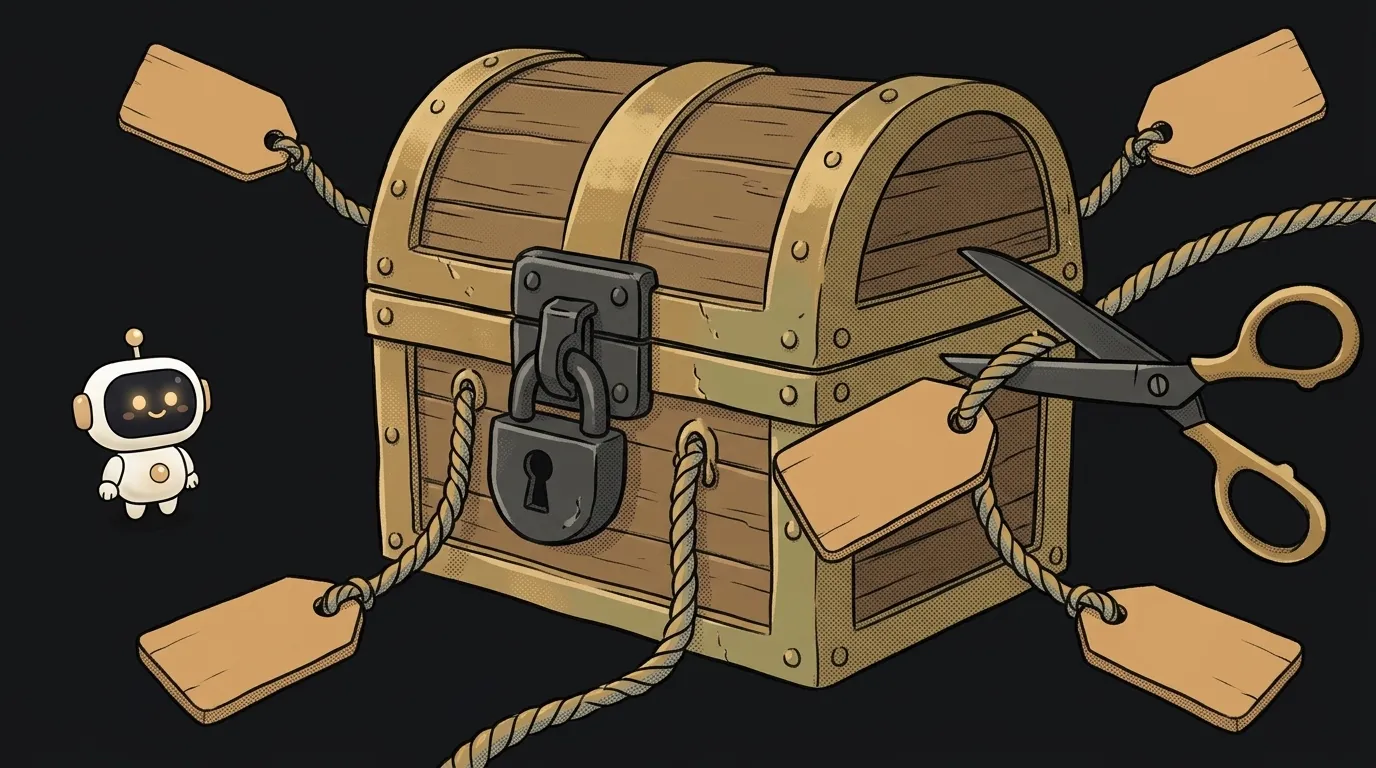
What is a heredoc (<<EOF) — and why every $ vanished from your script

You ask an AI to create a deploy script straight from the terminal. It sends a command:
cat > deploy.sh <<EOF
echo "Deploying branch $1 to $HOME/app"
EOF
You run it. The file appears. You open it — and inside:
echo "Deploying branch to /home/user/app"
$1 is gone. $HOME turned into your real folder. The script is broken before its first run. It's not the AI's fault, and not bash's. The culprit is one missing pair of quotes. Let's see what a heredoc is — and where it bites.
What a heredoc is
A heredoc (short for "here document") is a way to hand a command several lines of text right in the terminal. No separate file.
It looks like this:
cat <<EOF
First line
Second line
EOF
The << sign says: "text follows." The word after it is the end marker. Bash collects every line until it meets that marker alone on a line. Then it feeds the collected text to the command's input, as if it were sitting in a file.
The marker doesn't have to be EOF. It can be END, TEXT, PROMPT. EOF is just habit — from "end of file."
Why the $ disappeared
Here's the main trick. Without quotes, a heredoc behaves like a string in double quotes. Bash looks inside and substitutes everything that looks like a variable or a command:
$HOME→ your home folder;$1→ the first argument. There isn't one in the terminal, so it's empty;$(date)→ the current date. The command runs right now.
Sometimes that's what you want. Say, building an email with the user's name. But when you're writing a script into a file, substitution breaks everything. The $ should land in the file as-is and fire later.
The cure is one pair of quotes around the marker:
cat > deploy.sh <<'EOF'
echo "Deploying branch $1 to $HOME/app"
EOF
Now bash touches nothing inside. The file gets exactly what you see. A rule for life: writing code into a file — quote the 'EOF'.
What if you need both? Say, substitute the port now but keep $1 for later. Then leave the marker unquoted and escape the $ you want to keep with a backslash:
cat > run.sh <<EOF
echo "Starting \$1 on port $PORT"
EOF
Here \$1 lands in the file as $1. And $PORT is taken from an environment variable right now. You can mix like this, but it's hard to read. If you have more than two escaped $, split the text into two heredocs.
Where you've already seen it
Look at how agents like Claude Code make a commit. Often like this:
git commit -m "$(cat <<'EOF'
fix: handle empty cart

Cart page crashed when the list was empty.
EOF
)"
It looks scary, but now you can read it yourself. The heredoc collects a multi-line message. $(...) turns it into one string for -m. And the quotes around 'EOF' protect the text: if the message contains $PATH or a backtick, they won't execute.
The same trick works for feeding a model a long prompt from the terminal. For example, claude -p with text via a heredoc. A multi-line request without the escaping hassle.
Three rakes everyone steps on
1. An end marker with a space. The closing EOF must stand alone on its line. No spaces after it and no indent before. Otherwise bash doesn't recognize it and keeps waiting. In a script that ends with the warning here-document delimited by end-of-file. In the terminal — with a > prompt that won't go away. If that happened, see how to get out in why your terminal is frozen.
2. Indents with <<-. Want to indent a heredoc nicely inside an if? There's <<-EOF: it strips leading indentation. But only tabs. Your editor quietly swapped tabs for spaces — and the heredoc stopped closing.
3. sudo and permissions. The command sudo cat <<EOF > /etc/app.conf fails with Permission denied. Because > is run by your shell, not by sudo. cat has the rights, but plain you opens the file. The working version:
sudo tee /etc/app.conf > /dev/null <<'EOF'
port=8080
EOF
Here tee opens the file, and it's already running under sudo.
What is <<< in bash?
It's a here-string, the heredoc's little sibling. It feeds a single string to the input: grep error <<< "$log". Handy when the text already sits in a variable.
Why is a heredoc better than echo?
echo is fine for one line. With multi-line text you get \n, escaped quotes and different behavior across shells. A heredoc reads like plain text — what you see is what you get.
Does heredoc work on Windows?
In PowerShell the similar thing is called a here-string and is written with @' ... '@. In WSL and Git Bash, the regular bash heredoc works.
Short story-lessons, an agent simulator and daily practice — in our mobile app. Free.
Read next
What is a TTY — and why a program goes silent when output goes to a file

What is a subshell — and why your loop counter is back to 0

find vs grep — which command to search with, and why grep takes forever

What is a zombie process — and why kill -9 can't touch it
What is a pipe in the terminal — and why an endless command ends instantly