What is a TTY — and why a program goes silent when output goes to a file
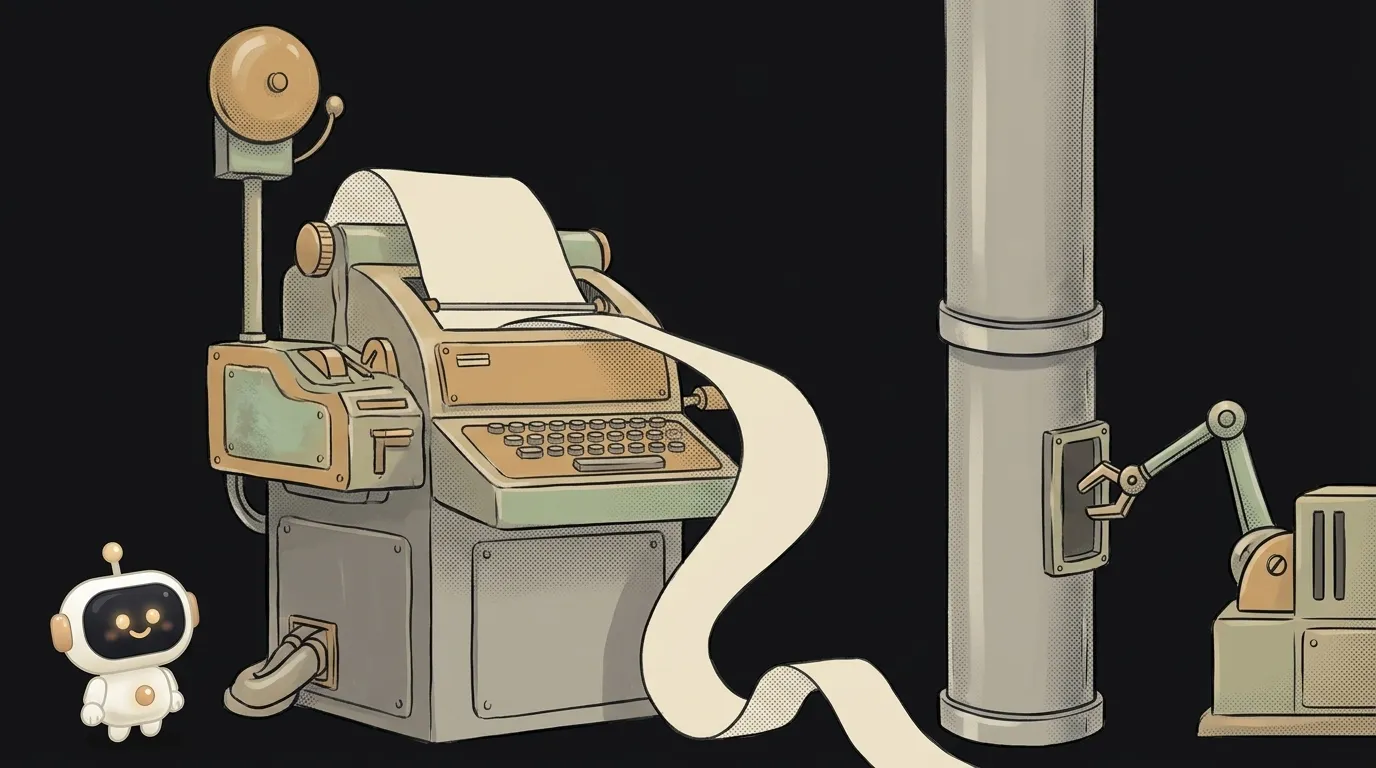
You run a Python script. It prints progress: "processed 1", "processed 2"… All alive.
Now you want to save the output to a log and type python job.py | tee job.log. And the screen is empty. A minute. Five. You're sure the script hung. Then it dumps every line at once — and exits.
The script didn't hang. It just realized no human is watching anymore. Programs can check that. And the check is called TTY.
What a TTY is
TTY is short for teletypewriter. A hundred years ago that was a typewriter wired to another one just like it. Later, teletypes were hooked up to computers as the screen and keyboard. That's where the name comes from.
Teletypes are long gone, but the word stayed. Today a TTY is a "live" terminal: a window with a person in front of it who sees the output and can press keys. Your terminal is a TTY. A file, a pipe, a CI log — aren't.
Any program can ask the system: "is my output going to a TTY right now?" Check it yourself:
[ -t 1 ] && echo "a human is watching" || echo "output goes into a pipe"
Run it like that, then again with | cat at the end. The answer changes. The 1 here is the stdout stream number; output streams have their own breakdown.
What programs do differently without a TTY
The moment the human "disappears," many tools change behavior. On purpose, with the best intentions:
- Colors vanish.
ls,grep,gitand test runners stop coloring output, so junk like^[[31mdoesn't end up in the log. lswrites one column. In the terminal — a grid; in a pipe — one file per line. Easier for the next command.git logdoesn't open a pager. In the terminal it shows history page by page; in a pipe it hands over everything at once.- Python holds output back. That's our case. For a human, Python prints line by line. For a pipe, it collects a buffer of a few kilobytes and releases it in a batch. Faster, but to you it looks like a hang.
The fix is one setting:
python -u job.py | tee job.log
# or
PYTHONUNBUFFERED=1 python job.py | tee job.log
The -u flag turns off the buffer. Lines flow immediately again. The same trouble hits grep in the middle of a pipe; it has a --line-buffered flag.
What doesn't work at all without a TTY
Some programs need a human on the other end. Without a TTY they crash or wait forever:
sudocan't ask for a password:a terminal is required to read the password.docker exec -itin CI fails withthe input device is not a TTY. Thetin-itasks for a terminal, and CI has none. Drop thet, keep-i.- Interactive wizards like
npm init,git rebase -i, or a "Continue? (y/n)" question wait for an answer nobody will give.
How do you know the weirdness is about TTY? A simple test: run the command as usual, then the same with | cat at the end. If the behavior changed — colors gone, output arrived in a batch, the question disappeared — it's TTY. If nothing changed, look for the cause elsewhere.
And if a program absolutely needs a terminal and there isn't one? Linux has the script command, which slips in a fake TTY: script -q -c "npm test" /dev/null. The program thinks a human is watching and behaves like it's in a window. Use it rarely: usually it's better to find a flag like --yes.
Why this matters when AI runs the commands
Agents like Claude Code and Codex run commands without a TTY. They read output as text from a pipe, not by looking at a window.
That gives you three things you'll notice:
- The agent's logs have no colors, and
lslooks like a list. That's normal. - A command waiting for a "y/n" answer can hang the agent. That's why good agents add
--yes,-yorCI=true. If an agent seems stuck on an install — check whether it asked a question. - A Python script launched by an agent stays "silent" until the end. Ask it to add
-u— and progress becomes visible.
Same deal in CI/CD: a build on a server is also a world without a TTY.
How do I force colors in a pipe?
Most tools have a --color=always flag, for example grep --color=always error log | less -R. Many Node tools understand the FORCE_COLOR=1 variable.
What are /dev/tty and pts?
Those are TTY names in the system. The tty command shows yours, for example /dev/pts/0. "pts" means pseudo-terminal: a terminal window pretending to be an old teletype.
Why does ssh sometimes say "Pseudo-terminal will not be allocated"?
You gave ssh a command or piped input, and it decided a terminal wasn't needed. If the remote command is interactive, add the -t flag.
Short story-lessons, an agent simulator and daily practice — in our mobile app. Free.
Read next

What is a subshell — and why your loop counter is back to 0

What is a heredoc (<<EOF) — and why every $ vanished from your script

find vs grep — which command to search with, and why grep takes forever
What is a zombie process — and why kill -9 can't touch it
What is a pipe in the terminal — and why an endless command ends instantly