What is a passkey — and why it can't be stolen from the server
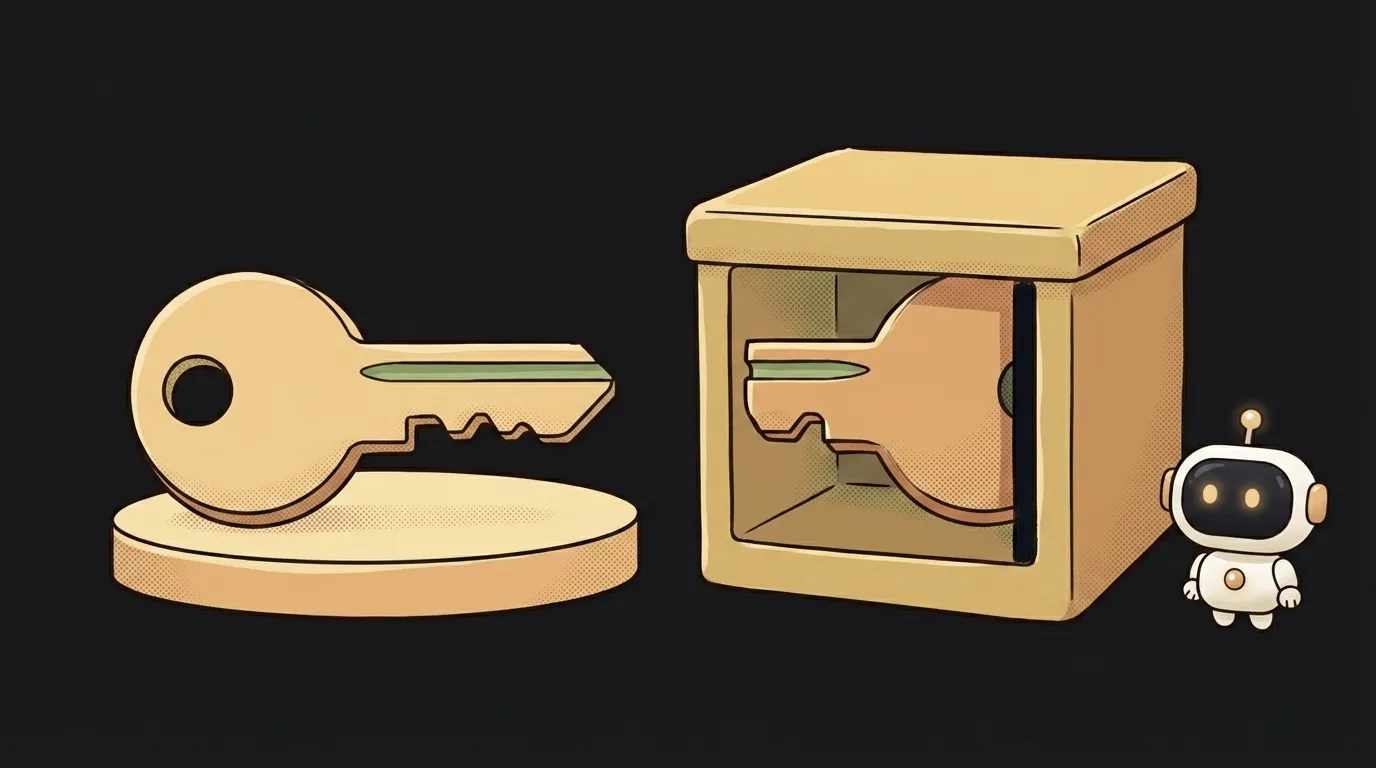
Databases leak all the time — boring reality. And here's the surprising part: if a site logs you in with passkeys, a stolen database gets an attacker exactly nowhere. Not "it's hard" — there's simply nothing secret in there.
Let's see how that works.
What a passkey is, in plain words
A passkey is a login without a password. Instead of a secret word you get a pair of keys:
- the private one stays on your device — you never see it and never type it;
- the public one you hand to the site when you sign up.
A public key is like your mailbox number. Anyone may know it. Nobody can open the box with it.
So the site stores exactly the half that's useless to a thief. Compare that to a password: there the site keeps at least a hash, and a hash can be brute-forced. Here there's nothing to brute-force.
How it works: the server sets a puzzle, the device signs it
Signing in looks like one tap. Inside it's a short dialogue:
- The server sends a random string — a challenge.
- Your device signs it with the private key.
- The server checks the signature with the public key and lets you in.
The secret never travels. Only the signature does, and it's good exactly once, for that one challenge.
Face ID or your fingerprint don't send anything to the server. They only allow the device to use the key. Your biometrics stay inside the phone.
Where a passkey comes from in the first place
The key pair is created by your device, not by the site — at the moment you agree to set a passkey up.
It goes like this: the site says "let's create a key for this account", the phone asks for biometric confirmation, generates the pair and hands out only the public half. The private one stays inside and is never shown.
A detail that surprises people: one account can hold several passkeys. One per device is normal, and in fact preferable. A laptop, a phone, a hardware key fob in a drawer: each with its own pair, all tied to the same profile.
Hence a practical rule: add a second passkey right away, not after you lose the first device.
Why phishing stops working
This is the real win, and it has nothing to do with how alert you are.
Every passkey is bound to the site's domain. A key for kodiq.ai exists for kodiq.ai only.
You open an email, land on kodiq-login.ru — the browser honestly looks for a key and doesn't find one. Nothing to sign, nothing to type, nothing to hand over.
A password can't do that. A password can be typed anywhere, including on a very convincing copy. Passkeys are protected by mechanics, not by vigilance — which is why they hold up on a bad day, when you're in a hurry.
"The key never leaves your device" — and when that's untrue
You'll hear that line everywhere, but it isn't always true. Passkeys come in two kinds.
- Device-bound — the key is tied to one device and physically cannot leave it. That's how hardware key fobs work.
- Synced — it's copied between your devices through iCloud Keychain or Google Password Manager, encrypted.
Almost everything you meet on a phone is the second kind. That's not a hole, it's a deliberate trade: otherwise a drowned phone would mean losing the account forever.
The practical takeaway: your security is now exactly as strong as your Apple or Google account. Turn on 2FA there — it's the key to the whole set now.
Signing in on someone else's laptop
Your passkey lives on the phone, but you need to log in from a laptop. That's what cross-device sign-in is for: a QR code appears on screen, you scan it with the phone and confirm with biometrics.
One detail worth knowing: besides the QR code, the two devices check each other over Bluetooth. That's not a quirk, it's protection. The phone has to be physically near the laptop, so a QR code sent to you in a messenger is useless to a scammer.
FAQ
Is a passkey the same as two-factor auth?
No. 2FA is a second step on top of a password, while a passkey replaces the password. That said, it's two-factor by nature: you need the device plus your fingerprint or face.
What happens if I lose my phone?
A synced passkey comes back to a new device along with your Apple or Google account. A device-bound one doesn't — which is why services always keep a backup way in.
What if I'm on Android and need to log in on someone's Mac?
It works: cross-device sign-in over QR doesn't care about ecosystems. Your passkey simply stays on your phone and isn't copied anywhere.
If you're deciding what to ship in your own app, read the breakdown of passkeys vs passwords — it's honest about the downsides. And for wiring up a login without inventing one, see how to add login to your app.
The AI Architect 2027 course: step by step from computer basics to your own app and first customers. 543 short lessons on your phone.
Read next

Ed25519 vs RSA — which SSH key to choose in 2026

What is sudo — and why it asks for your password, not the admin's

What is a tar.gz file — and why a tar archive can be bigger than the files

What is a command-line flag — and why git commit -ma breaks but -am works

scp or rsync — and why rsync sent 141 bytes instead of two megabytes the second time
