What is a server — in plain words (it's not a box in a basement)
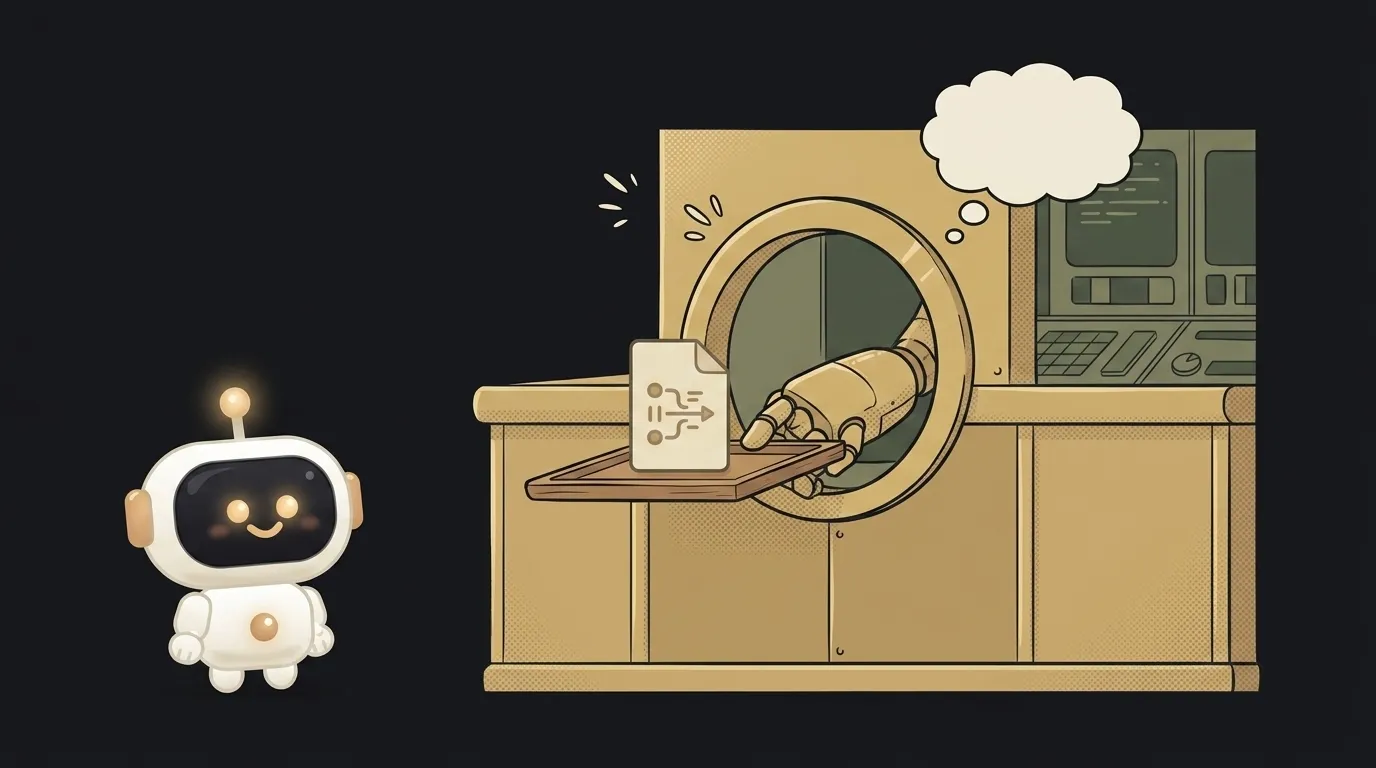
You probably picture a server as a humming black box in a cold room, tangled in cables. Here's the surprise: a server is a program first, not hardware. Your own laptop can become one in ten seconds. Let's clear the fog.
A server is a program that waits and answers
One line: a server is a program that sits and waits for a request, then answers it. That's it. The word comes from serve — like a waiter: stands ready, you ask, it brings.
That "box in a room" is just a computer running such a program around the clock. But program and hardware are different things. One physical machine runs dozens of server programs at once. And a server program can run anywhere — even on your laptop.
How it works: the client asks, the server answers
Everything on the internet is a "client → server" pair. The client is whoever asks (your browser, a phone app). The server answers.
You open a site — the browser (client) sends a request: "give me the home page." The server program on the other end builds a response and sends it back: here's your HTML, images, data. The browser draws it — you see the page. This conversation repeats hundreds of times as you scroll.
Key point: a server never starts anything itself. It stays quiet until asked. No request, no answer. That's why servers are "kept on" — so there's always someone ready to reply.
Why this matters for vibe coding
When you build an app with AI, you almost always split it into two halves: frontend and backend. The frontend is what the user sees. The backend is your server: it stores data, checks passwords, does the math, talks to the database.
While the app lives only on your machine, the server runs on localhost — "this very computer." The moment you want to show the project to others, the server has to live somewhere it's always reachable, not just when your laptop is on. That's what "deploying" means.
Where you'll meet a server in practice
localhost— a server running right on your own computer, for development. Only you see it. If it acts up, check why localhost isn't working.- Hosting / the cloud — someone else's powerful computers, where your server lives 24/7 and is reachable by everyone. That's the "deploy" step.
- An API — a server that answers not with pages but with raw data for other programs. More on that in what is an API.
Get the "waits for a request → answers" idea and half the backend jargon stops being scary.
Example: what happens when you open a site
Let's break one visit to a site into steps — this is the whole client-server idea:
- You type the address — the browser (client) sends the server a request: "give me the home page."
- The server gets the request, dips into the database for data if needed, and builds a response.
- It sends back HTML, styles, images.
- The browser draws it all — you see a finished page.
The whole internet is billions of these short "asked → answered" exchanges running every second. Get the loop and you stop confusing whose job is whose: the client asks and draws, the server stores and answers.
Does a server have to be a powerful computer?
No. Power only matters when thousands of clients knock at once. A learning project runs fine on the cheapest tier, and for development your laptop is enough. "Server" is a role a program plays, not a hardware price tag.
What's the difference between a server and hosting?
A server is a program (or the computer it runs on). Hosting is a service: you rent space on someone's server so your code is always reachable. Roughly: the server is "who answers," hosting is "where it lives."
Is serverless a server without a server?
The name is misleading: servers are there, you just don't manage them. You hand over only the code, and when and where to run it is the provider's job. More in what is serverless.
Can my laptop really be a server?
Yes, and that's not a figure of speech. Run a local command like npm run dev and a real server spins up on your machine, answering on localhost. The only difference from a "grown-up" server is that only you can see it, because it's not exposed to the internet. Same code, same role — just an audience of one.
The AI Architect 2027 course: step by step from computer basics to your own app and first customers. 543 short lessons on your phone.
Read next

Ed25519 vs RSA — which SSH key to choose in 2026

What is sudo — and why it asks for your password, not the admin's

What is a tar.gz file — and why a tar archive can be bigger than the files

What is a command-line flag — and why git commit -ma breaks but -am works

scp or rsync — and why rsync sent 141 bytes instead of two megabytes the second time
