What is a stack in programming — and why Ctrl+Z works the way it does
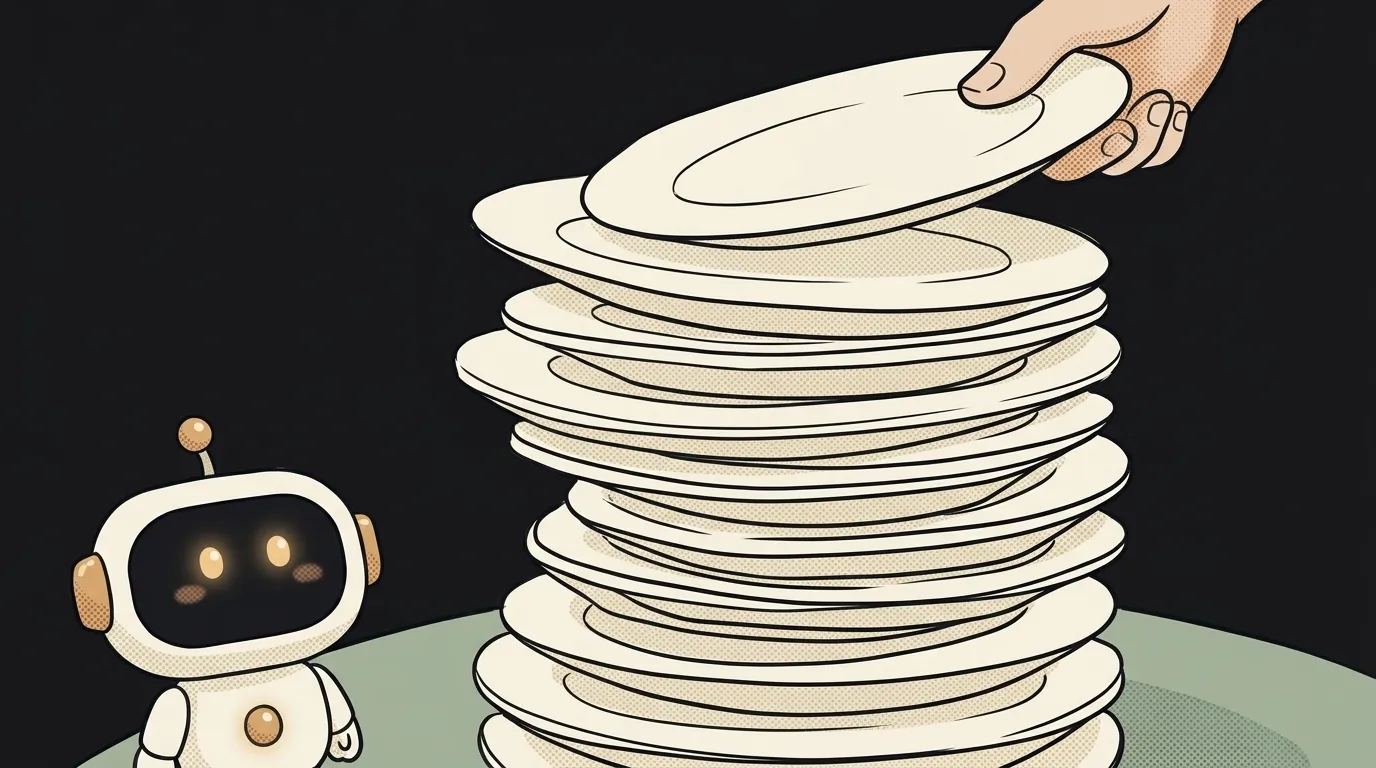
Press Ctrl+Z five times in a row. It undoes the last action, then the one before, then the one before that. Never the other way round. You can't undo your third action without first undoing the fourth and the fifth.
That's not a design choice by the editor's makers. It's a stack — one of the simplest data structures there is. And here's the fun part: the browser's Back button and the way your code calls functions run on exactly the same idea. Let's figure it out in five minutes.
What a stack is
A stack is a list that only has a top. You can only put things on top. You can only take things from the top.
Picture a pile of plates. A new one goes on top. You can't grab the bottom one without lifting the ones above it. Whatever went on last comes off first.
The rule has a dull name — LIFO, "last in, first out". You don't need to memorize it. The picture of the pile is enough.
A stack has just two main operations:
- push — put something on top;
- pop — take the top item off and hand it back.
Sometimes there's a third — peek: look at the top item without removing it. That's it. No "insert in the middle".
What a stack looks like in code
JavaScript has no separate "stack" type. A regular array plays the role — it already has the methods you need:
const history = [];

history.push("typed a word");     // put on
history.push("made it bold");     // on top
history.push("deleted a para");   // on top again

history.pop(); // → "deleted a para" — undo the last one
history.pop(); // → "made it bold"
That's almost a working Ctrl+Z. Every action goes onto the stack. Undo takes the top one off and reverts it.
Python is the same: a list, append instead of push, and the same pop.
Notice the restriction. We deliberately don't reach into the middle of the array, even though the language allows it. A stack isn't a special data type — it's an agreement about how you treat the data. That agreement is exactly what makes the code predictable.
Where you've already met a stack
The Back button. Every page you open goes onto a stack. Back takes the top one off. If you go back and then click a new link, everything that was "ahead" is gone. The Forward button greys out — its pile was thrown away.
Bracket checking. Your editor highlights an unclosed bracket with a stack too. It sees ( or { — pushes it. It sees a closing one — pops the top and checks the pair. No match, or the stack is empty — error. Reached the end with something left on the stack — a bracket was never closed.
The call stack. The most important one. When function a calls b, and b calls c, the program piles them up: c on top, b under it, a at the bottom. When c finishes, it's popped off, and work resumes exactly where b left off.
You see this stack every time your code crashes. That wall of red text is a stack trace — a snapshot of the call pile at the moment of the error. The top line is where it broke. Below it — who called whom to get there.
Why know this if AI writes your code
Three practical things.
First — reading errors. Once you see a stack trace as a pile, the wall of text stops being scary. You look for the top line from your own file. The rest is the path to it.
Second — recognizing the famous error Maximum call stack size exceeded. It literally means "the pile of calls got too tall". The pile has a ceiling. In Node.js it's roughly twelve thousand calls of a simple function — we checked on Node 22. Hit it and the program crashes. Most often it's a function that endlessly calls itself — but not always. We covered every cause in why Maximum call stack size exceeded happens.
Third — asking AI the right way. "Add a change history with undo" is vague. "Keep actions in a stack, undo pops the top one, any new action clears the redo stack" is a spec. The model gets it on the first try. And you'll understand what it wrote when you read its code.
Is Ctrl+Y a stack too?
Yes, a second one. An undone action isn't thrown away — it goes onto a second "redo" stack. Ctrl+Y pops from there. As soon as you do something new, the second stack is cleared. That's why you can't redo an undone action after a fresh edit.
How is a stack different from a queue?
The exit order. In a stack, the last one in leaves first — like a pile of plates. In a queue, the first one in leaves first — like a checkout line. "Who gets processed next" problems are queues. "Go back" problems are stacks.
Is a stack the same as a "tech stack"?
No, it's just a similar word. A "tech stack" is a project's set of tools layered on each other: database, server, interface. The only thing it shares with the data structure is the image of a pile.
The AI Architect 2027 course: step by step from computer basics to your own app and first customers. 543 short lessons on your phone.
Read next

Ed25519 vs RSA — which SSH key to choose in 2026

What is sudo — and why it asks for your password, not the admin's

What is a tar.gz file — and why a tar archive can be bigger than the files

What is a command-line flag — and why git commit -ma breaks but -am works

scp or rsync — and why rsync sent 141 bytes instead of two megabytes the second time
