What is a URL — and why the server never sees anything after the #
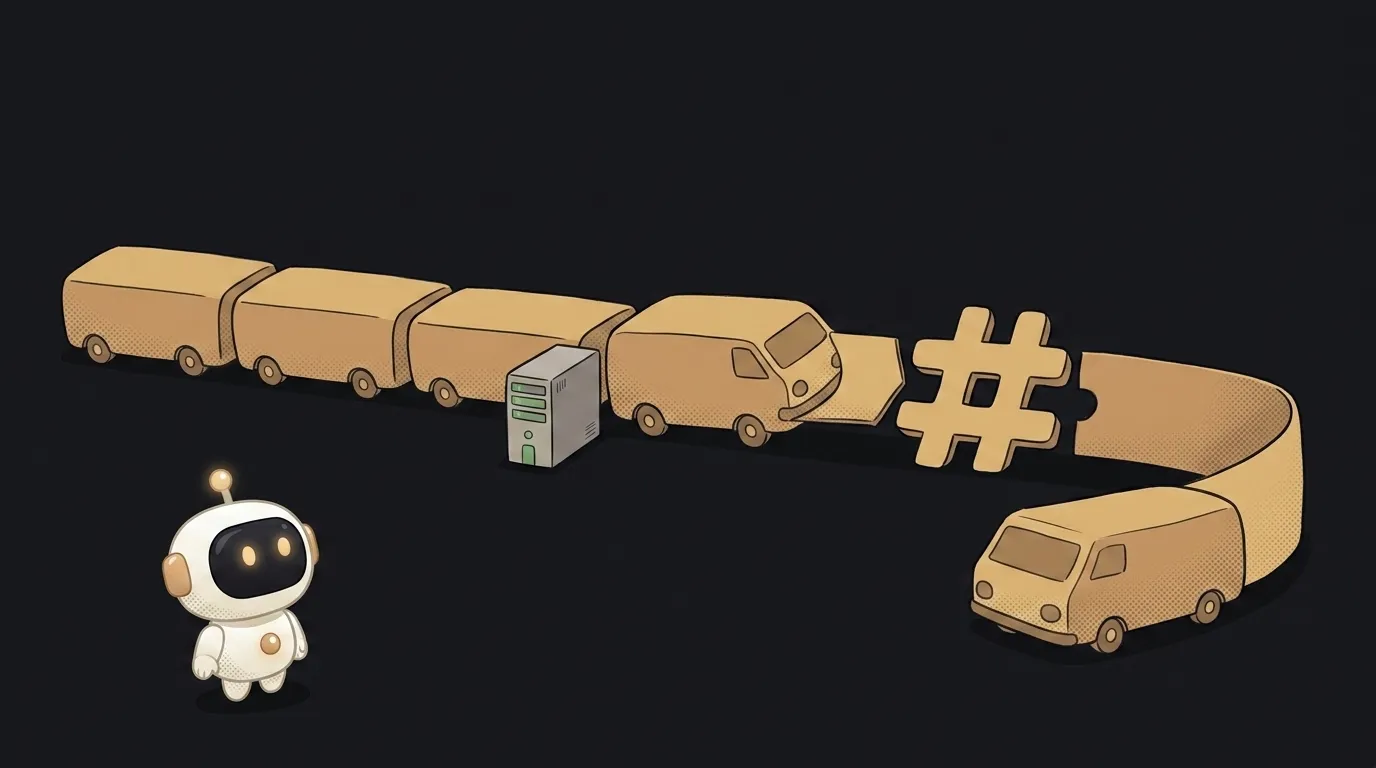
Here's a fun one. The address in your browser bar looks like a single long string — but it's really six separate parts. And one of them never reaches the server. Ever. You can write anything you like in there; the server will never know.
Let's cut an address into pieces. Five minutes, and half of those confusing errors stop being confusing.
What an address is made of
Let's take a long one, so there's plenty to slice:
https://shop.example.com:443/catalog/shoes?color=red&size=42#reviews
https://— the scheme. Which protocol to knock with.httpsis the secure one,httpthe open one; there are alsomailto:andtel:.shop.example.com— the host. Hereexample.comis the domain andshopis a subdomain. The name makes sense to a human, not to a computer — so the browser first asks DNS which IP address hides behind that name.:443— the port. The door on the server. For https it's 443, for http it's 80, and the browser fills those in silently. That's whylocalhost:3000looks unfamiliar: that port is non-standard, so you have to type it./catalog/shoes— the path. What exactly you're asking for.?color=red&size=42— the query. Key-value pairs joined by&. Used for filters, search, and tagging where traffic came from (?utm_source=...).#reviews— the fragment. Also called the anchor, or the hash. And this one is special.
The hash — the part the server never sees
Everything before the # goes to the server. Everything after it stays in the browser.
This isn't "usually" or a setting somewhere — it's how the request itself works. When you click …/shoes#reviews, the server sees exactly /catalog/shoes. It knows nothing about reviews.
Which is why:
- Jumping to an anchor doesn't reload the page. You clicked "go to reviews" and the browser simply scrolled a document it already had. Nobody went anywhere.
- Server analytics can't tell anchors apart. In the logs, all six sections of the page look identical — because the server really did receive them identically.
- This got used as protection. The old way of signing in through third-party services put the token right after the
#, precisely so it stayed in the browser and never landed in a server log.
The query, on the other hand, is seen by everyone
With ? it's the exact opposite, and that's worth remembering separately. Query parameters end up:
- in server logs — where they sit for months;
- in browser history and address-bar autocomplete;
- in the
Refererheader — meaning they travel to someone else's site if a visitor clicks an external link from your page.
Hence the rule: secrets don't go in a URL. Not an API key, not a session token, not a password. Headers and the request body exist for that — and there's a separate walkthrough on where secrets actually belong.
One more thing that scares everyone: spaces and non-Latin letters turn into %20 and a parade of percent signs. That's percent-encoding — a URL only allows a narrow set of characters, and everything else is encoded byte by byte. The link looks like soup, but it works.
Case and slashes: two traps on flat ground
Two details that hand people a 404 and then keep them guessing.
The domain ignores case, the path doesn't. EXAMPLE.COM and example.com are the same site. But /About and /about are two different paths, and a plain server will honestly answer the first one with a 404. Simple rule: keep file and page names lowercase, always.
A trailing slash is a different address. Technically /about and /about/ aren't the same. Most sites set up a redirect from one to the other — but not all. If a link suddenly leads nowhere and the address looks right, check the last character.
Why this matters when you're coding with AI
A model will happily generate fetch("/api/items?id=" + id) — and that's where your job starts. Almost every "nothing works" at this point is really an address taken apart:
- Does the path start with
/?/api/itemsis from the site root.api/itemsis relative to the current folder, so on the page/admin/usersit quietly becomes/admin/api/items. - Is the host the same? If the address points to a different domain or port, the browser switches on CORS checks — and your request dies there, even though the server answers fine.
- Parameter values need encoding. The name "Ivan Petrov" without encoding will split the address at the space. In code that's what
encodeURIComponentis for.
Keep one picture in your head — scheme, host, port, path, query, hash — and next time you'll point at the broken part instead of guessing.
What's the difference between a URL and a domain?
The domain is just the host name, example.com. A URL is the full address of a specific page, including the scheme, path and query. You buy one domain; you can have as many URLs on it as you want.
Why do links have %20 and percent signs in them?
That's percent-encoding: characters that aren't allowed in an address (a space, non-Latin letters, an & inside a value) get replaced by their byte codes. The browser does it for you. Such a link is safe to copy — it's identical to the original.
The AI Architect 2027 course: step by step from computer basics to your own app and first customers. 543 short lessons on your phone.
Read next

Ed25519 vs RSA — which SSH key to choose in 2026

What is sudo — and why it asks for your password, not the admin's

What is a tar.gz file — and why a tar archive can be bigger than the files

What is a command-line flag — and why git commit -ma breaks but -am works

scp or rsync — and why rsync sent 141 bytes instead of two megabytes the second time
