What is encryption — and why the browser padlock doesn't protect your database
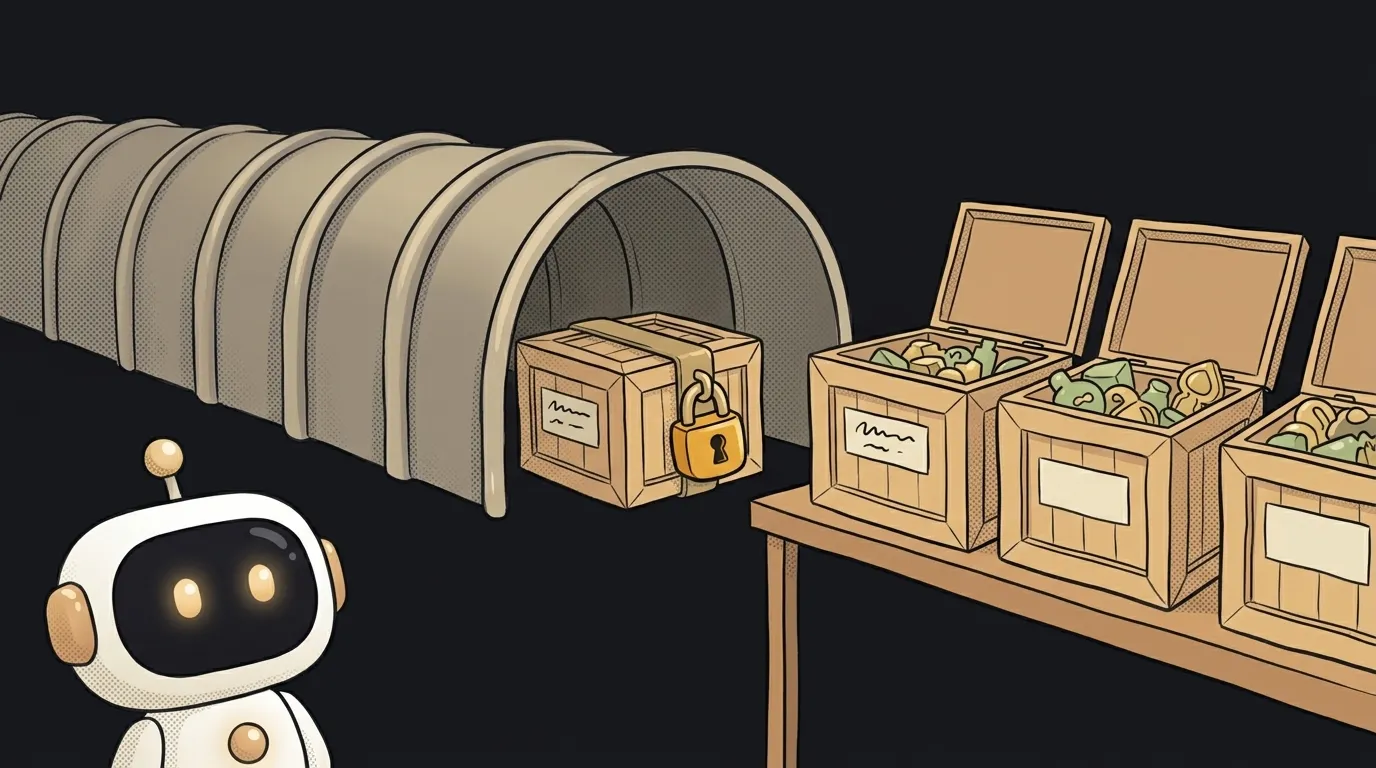
Here's the thing almost everyone trips over: the padlock in the address bar protects the road, not the warehouse.
A user sent you a password — nobody read it on the way. And in your database it sits there in plain text. The padlock was there. The protection wasn't.
Let's sort out what encryption actually is, where it stops — and why these are two separate settings, not one.
Encryption is a lock, not a shredder
Encryption takes data and turns it into noise following a certain rule. The rule is called a key.
The key property: the process is reversible. With the key you get the original back. Without it you're looking at garbage.
Hello --[key]--> 8f3aQz!x9d --[key]--> Hello
And here's the crucial difference from its neighbour. Hashing is a shredder: the text can never be reassembled, not even by the owner. That's why passwords are hashed, not encrypted — the site doesn't need to know your password, it only needs to compare a fingerprint.
Simple rule:
- You'll need to read it later — encrypt (messages, card numbers, documents).
- You only need to compare — hash (passwords).
If you "encrypted the passwords", you made things worse: now there's a key that turns all of them back.
Two different encryptions: in transit and at rest
This is where the padlock confusion lives.
In transit. Data travels from browser to server through a dozen machines that aren't yours: the café router, the ISP, the data centre. Encryption in transit means all of them see only noise. That's HTTPS — the padlock itself.
At rest. The data has arrived and landed in your database. The road ends here. If the database isn't encrypted, anyone who gets to the server or to a backup reads everything like a normal table.
The key point: the server decrypts data in order to work with it. Otherwise it couldn't find a user by email or sort orders. So between "arrived" and "written to disk" your data is always briefly in the clear.
Which gives you the takeaway worth keeping: the padlock doesn't mean the data is safe at the destination. It only means nobody peeked on the way.
End-to-end — when the server doesn't know either
There's a third mode, and it's the strictest: end-to-end encryption (E2EE).
Here the key exists only on the sender's and the receiver's side. The server in the middle stores and forwards noise, and cannot read it even if it wanted to. That's how messengers like Signal work.
A practical consequence rather than theory: if a service can show you your old conversation in the web app after a password reset, there's no end-to-end encryption there. It can decrypt it, so it has the key.
The same question applies to AI. When you paste a chunk of a work conversation into a chat, HTTPS honestly protects the channel. But on the provider's side the text is decrypted — otherwise the model couldn't read it. Encryption here isn't about your prompt's privacy at all.
What to actually do in your first project
Good news: you barely write any of this by hand. Bad news: you have to remember to turn it on.
- HTTPS — a free certificate is issued automatically by almost any host today. Just make sure the site opens over
https://and the old address redirects to it. - Hash passwords, don't encrypt them. Don't invent anything — take a proven library (Argon2, bcrypt), it does the right thing.
- Encryption at rest is usually a checkbox in your cloud provider's settings, not code.
- Keys don't live in code. A key committed to the repo turns the whole scheme into theatre. Keep it in environment variables — same as your API keys.
And the one question worth asking about any data you hold: if someone downloads my entire database, what do they get to read? That answer is more useful than a list of algorithms.
Which encryption algorithm should I pick?
Probably none — you don't pick it by hand. Today's defaults are AES-256 for data and TLS for the channel, and they're already inside your host, your database and your HTTP library. A hand-rolled "encryptor" is the most reliable way to make things worse.
If data is encrypted, why do I still need backups?
Different disasters. Encryption saves you from someone reading it, a backup saves you from losing it. And backups should be encrypted too: a copy of your database sitting in the cloud as a plain file cancels out the protection on the original.
Can I search encrypted data?
Honestly — mostly no. If a field is encrypted, the database sees noise and can't sort or filter by it. That's why teams encrypt the truly sensitive bits (an ID number, a token) rather than the whole table.
The AI Architect 2027 course: step by step from computer basics to your own app and first customers. 543 short lessons on your phone.
Read next

Ed25519 vs RSA — which SSH key to choose in 2026

What is sudo — and why it asks for your password, not the admin's

What is a tar.gz file — and why a tar archive can be bigger than the files

What is a command-line flag — and why git commit -ma breaks but -am works

scp or rsync — and why rsync sent 141 bytes instead of two megabytes the second time
