What is semantic HTML — and what it changes when nothing changes on screen
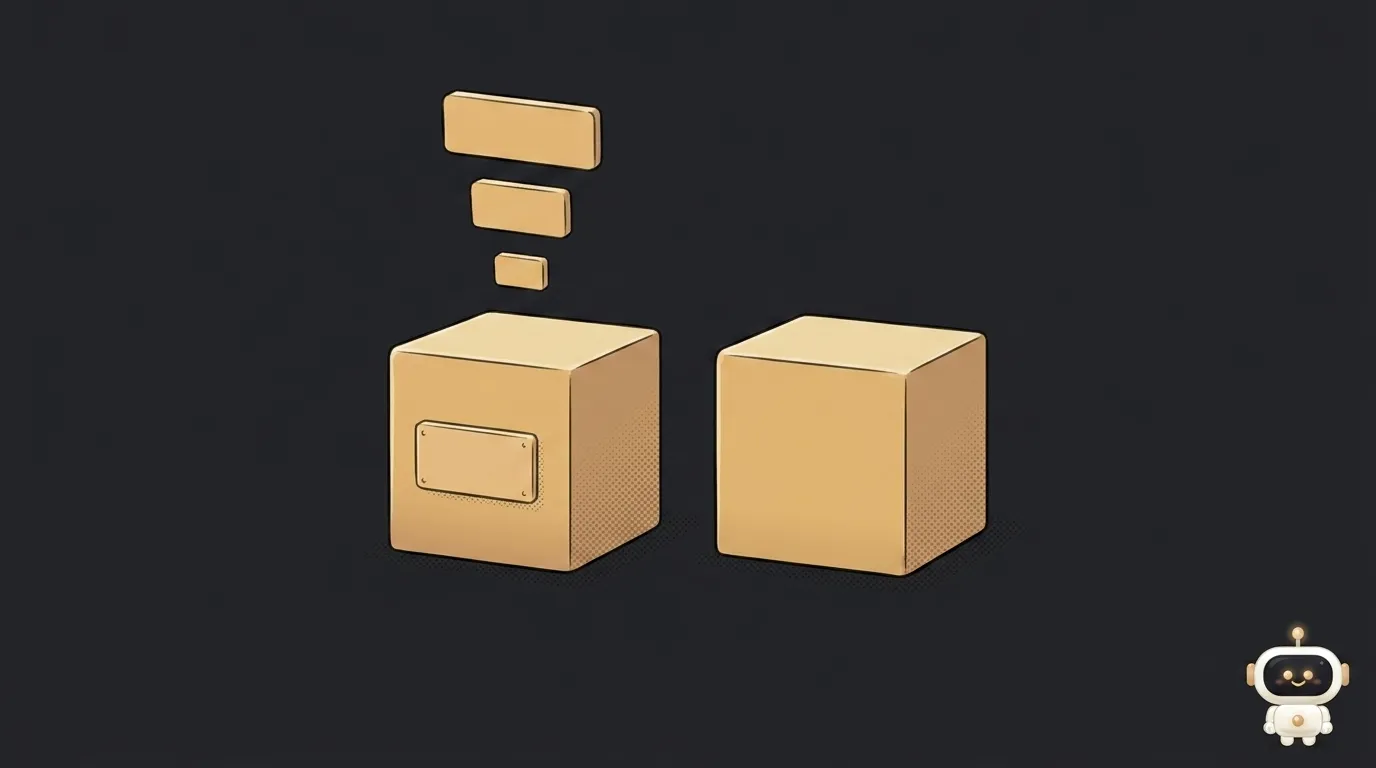
Take a big line of text on a page. It might be a heading — or it might be ordinary text someone just made larger. To the eye there's no difference at all.
For everyone who reads the page without eyes, the difference is enormous. That's where semantic HTML starts.
Same look, different meaning
MDN puts it this way: the h1 element is semantic — it gives the text it wraps "the role (or meaning) of 'a top level heading on your page.'"
And here's the fake:
<span style="font-size: 32px; margin: 21px 0;">Not a top-level heading!</span>
The docs are blunt about it: "This will render it to look like a top level heading, but it has no semantic value, so it will not get any extra benefits."
That's the whole definition. Semantic HTML means picking the tag by what the content means, not by how it looks by default. A heading is h1…h6. A menu is nav. The main content is main. A self-contained chunk like a post card is article. The footer is footer. A button is button, not a div with a click handler.
The general rule fits in one line: HTML describes the data; how it looks is entirely CSS's job.
What actually changes
Three things, and the first is the most underrated.
People who navigate by headings. In the WebAIM screen reader survey, asked how they find information on a lengthy page, 71.6% answered "navigate through the headings on the page." Another 13.6% use the find feature. And nearly nine in ten say heading levels are useful to them. If your "headings" are divs with a big font, the page reads to those people as one flat wall of text with no table of contents.
Search. MDN lists it first among the benefits: search engines treat the contents of semantic elements as important keywords. It doesn't replace SEO and won't move rankings on its own, but it's free and you do it once.
You, a month from now. Finding the right block among main, nav and article is far easier than among thirty identical divs. And when you ask an AI to fix the header, it has the same advantage: header is a header, while div class="wrapper-2" is a riddle.
The trap nearly everyone falls into
There's a lovely legend: put a heading inside a nested section and the browser will work out that it's a subheading. That you can use five h1s as long as you spread them across nested section elements.
It doesn't work. It never did.
MDN says nesting multiple h1 elements in nested sectioning elements "was allowed in older versions of the HTML standard. However, this was never considered a best practice and is now non-conforming." The reference it points to has a telling title — "There Is No Document Outline Algorithm." No browser and no assistive technology ever implemented it.
What that means in practice:
- You set the levels by hand. One
h1per page, thenh2, thenh3. - Don't skip levels. After
h2comesh3, noth4. - Don't use headings for font size. That's what the CSS
font-sizeproperty is for.
One fresh addition: HTML now has the global attributes headingoffset and headingreset, which shift a heading's computed level. Exactly the job the non-existent algorithm was supposed to do — only now explicitly, on your command.
The minimum set that covers almost everything
There isn't much to learn:
header,nav,main,footer— the four pillars of a page;article— a self-contained chunk (a post card, a comment);section— a meaningful part that has its own heading;h1…h6— the heading hierarchy;button,a,label,ul/li— instead of clickabledivs.
Want to go further and describe not the structure but the facts themselves? That's structured data — a separate block of information about the page.
Three mistakes visible in every first project
A clickable div instead of button. The most expensive of the three. A real button gets for free everything you'd otherwise hand-code: it takes focus when you Tab to it, fires on Enter and Space, and is announced by a screen reader as a button. A div with a click handler does none of that — for someone on a keyboard, that button doesn't exist.
Several h1 elements on one page. Usually accidental: the logo in the header became an h1, and so did the article title. Keep one — the one that describes the page's content.
A heading used for font size. Need bigger text in the middle of a paragraph? That's CSS's job, not an h3. Otherwise a section appears out of nowhere in the outline a screen reader builds.
You can check all of this in a minute: open the page, press Tab a few times and watch where the focus ring lands. If it skips right past your main button, you've found mistake number one.
Will semantic tags lift my search ranking?
Not by themselves. They help a crawler read your structure correctly, but position comes from content, links and speed.
What if I build my site in a website builder?
Then the builder decides for you, and often decides badly. Open a finished page and check: is there exactly one h1, and do the headings run in order? That's fixable in the block settings.
Can I just use div for everything?
The page will work. But screen readers, crawlers and future-you will stop understanding its structure — and in the document tree everything becomes identical, nameless boxes.
The AI Architect 2027 course: step by step from computer basics to your own app and first customers. 543 short lessons on your phone.
Read next

Ed25519 vs RSA — which SSH key to choose in 2026

What is sudo — and why it asks for your password, not the admin's

What is a tar.gz file — and why a tar archive can be bigger than the files

What is a command-line flag — and why git commit -ma breaks but -am works

scp or rsync — and why rsync sent 141 bytes instead of two megabytes the second time
