#accessibility

border vs outline — the difference, and why a hover border makes everything jump
border vs outline in CSS: the difference, why a border on hover shifts your layout by 2 pixels while outline doesn't, and which to use for focus and cards.

What is prefers-reduced-motion — and why less motion doesn't mean no animation
prefers-reduced-motion is the Reduce Motion system setting your site reads with one line of CSS. Which motion makes people sick and what you can keep.
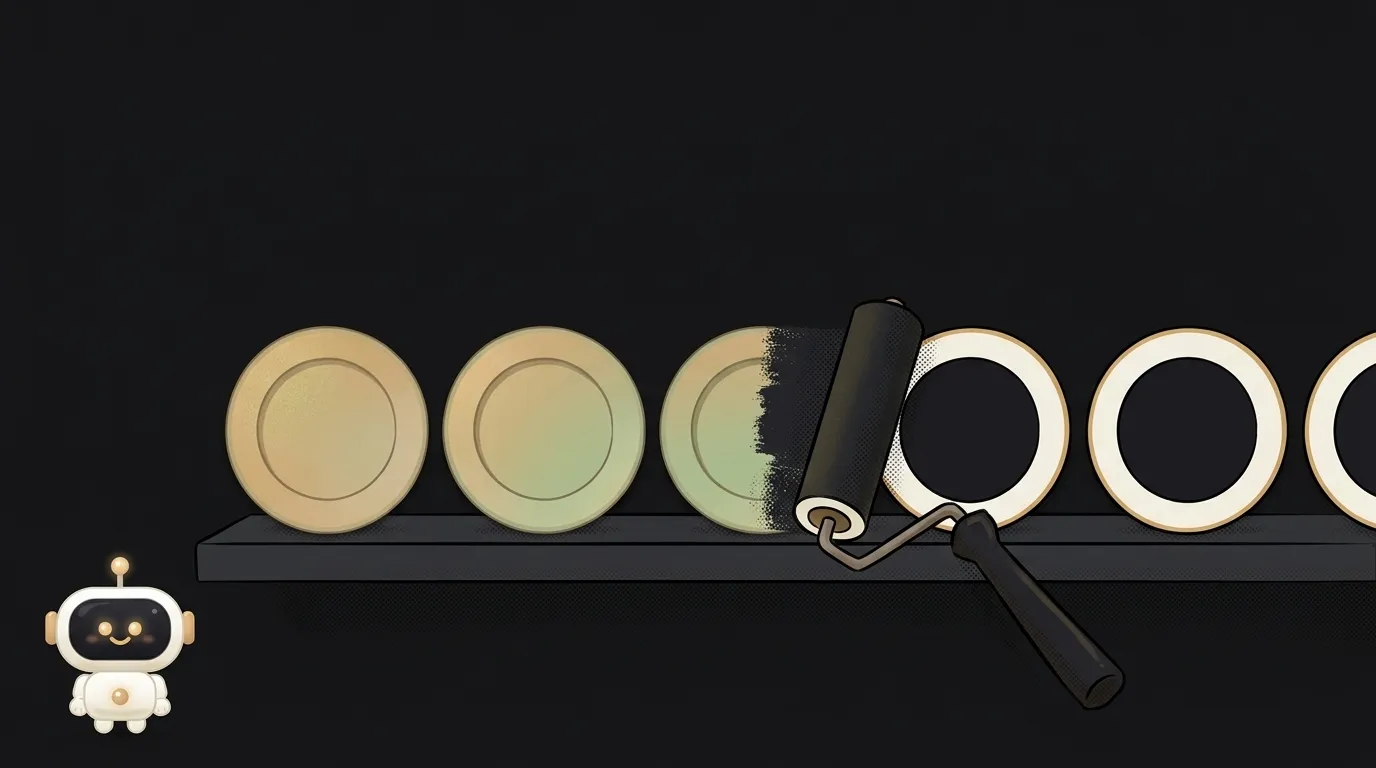
What is forced colors mode — when Windows repaints your website
Forced colors is the high contrast mode where Windows swaps your site's colors for its own. What breaks, how to test it in a minute, and the CSS fixes.
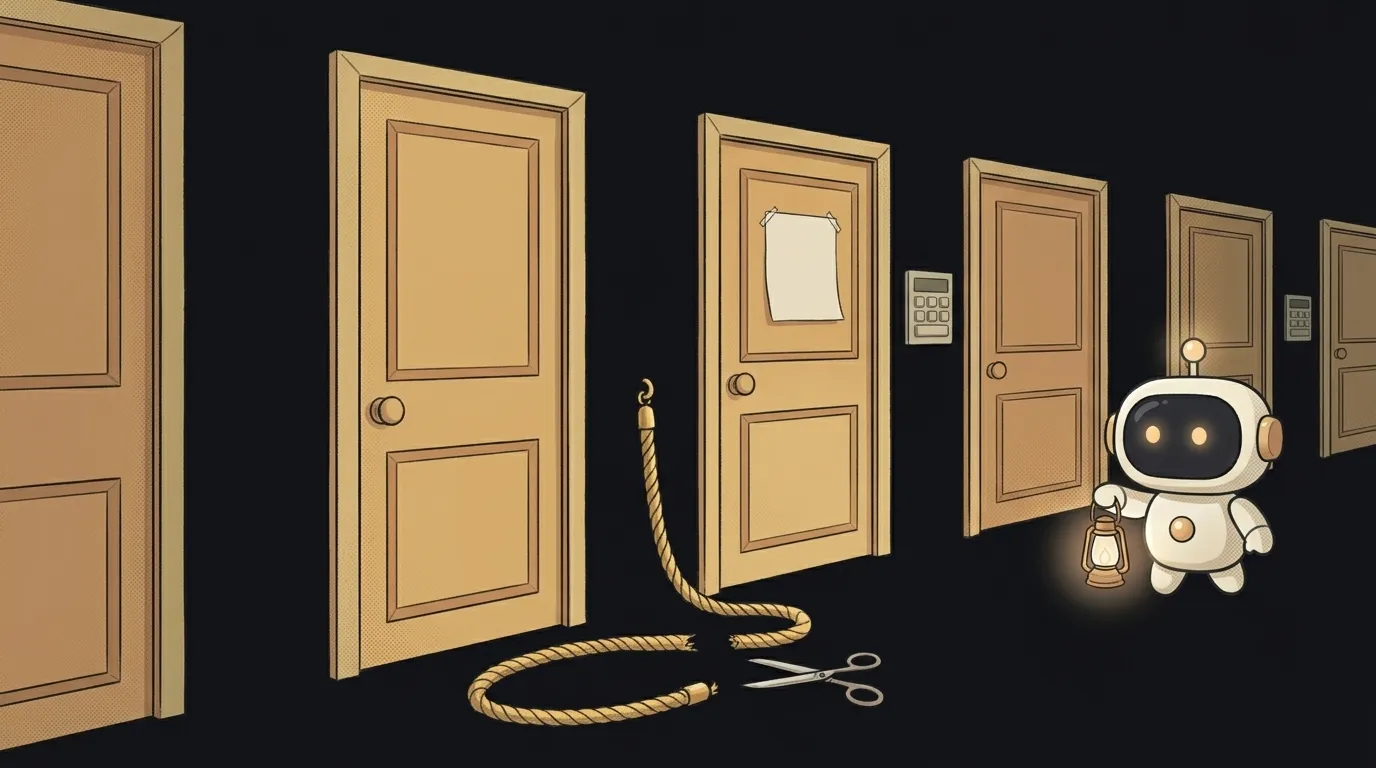
Why your focus outline disappeared — 4 causes and how to bring it back
No focus outline when you press Tab? Four causes: outline: none in your CSS, a clipping parent, a sticky header and color — how to check and fix each.
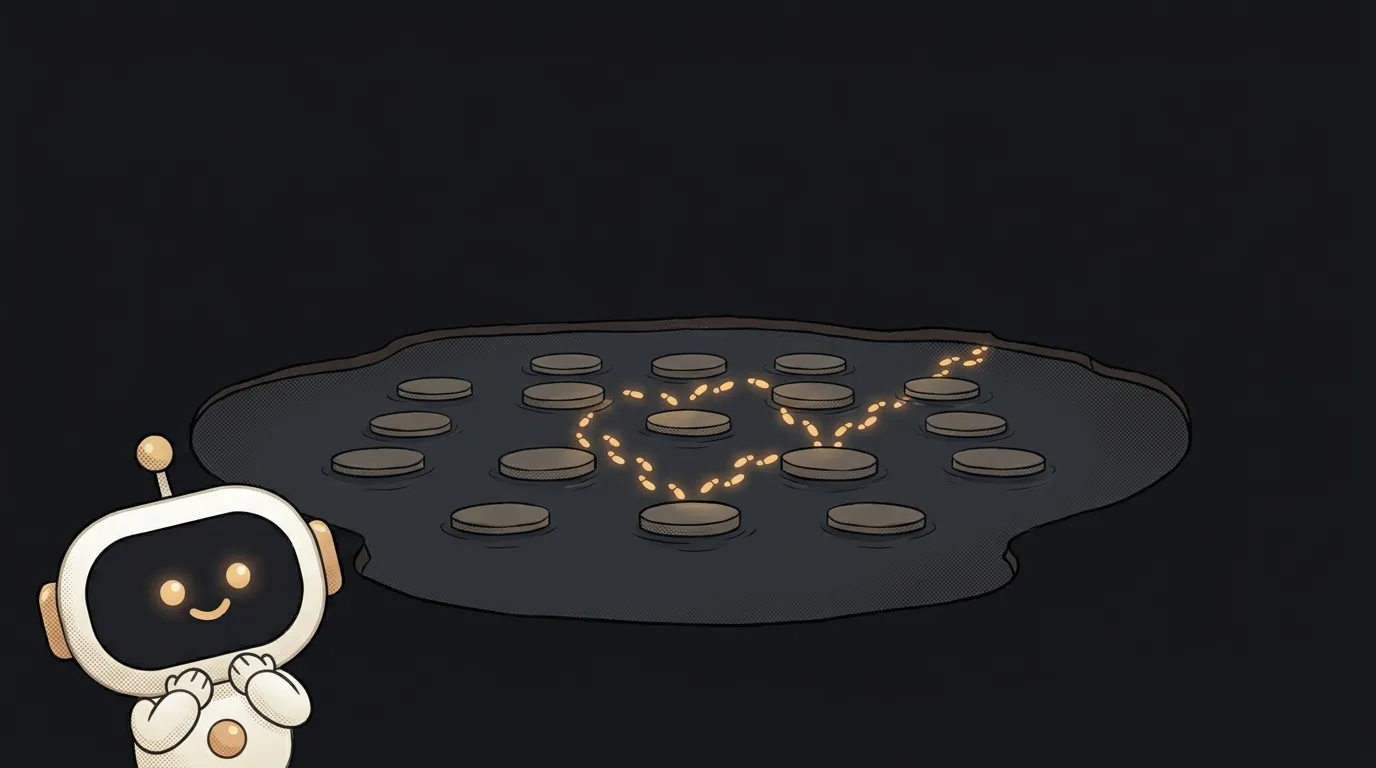
What is tab order — and why CSS can't rearrange it
Tab order is the queue the Tab key follows through links and fields. Where it comes from, why CSS order breaks it, and which tabindex values are safe.

What is ARIA — and why pages that use it have more errors
What ARIA is in plain words: labels for screen readers that change only how an element sounds, not how it behaves. And why bad ARIA hurts more than none.

display: none vs visibility: hidden — the difference, and what screen readers hear
display: none vs visibility: hidden compared on layout space, clicks, Tab, screen readers and animation. Plus a way to hide an element from eyes only.

What is a skip link — the hidden link that saves 40 Tab presses
A skip link is a hidden “Skip to main content” link that appears when you press Tab. Who needs it, how to build one in five minutes and how to test it.
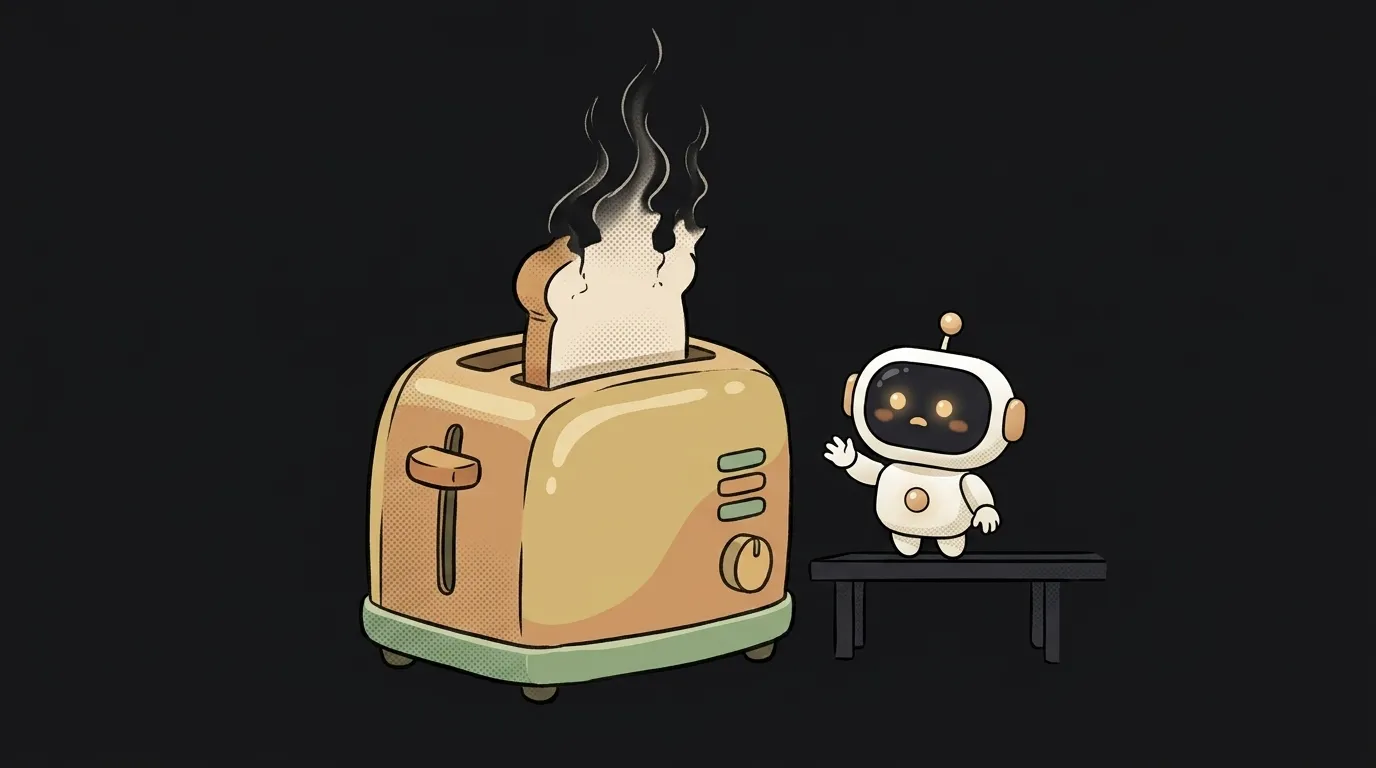
What is a toast notification — and why some people will never see it
What a toast notification is: a small panel that pops up and disappears on its own. When it fits, how long to keep it, and who never gets to read it at all.

Why my modal breaks keyboard focus — and how one tag fixes it
The modal is open but Tab wanders onto the page behind it. Three reasons keyboard focus breaks in a modal window, and how to check for each one.
What is contrast ratio — and why green text only works on black
Contrast ratio measures brightness, not colour. Here's the formula, the 4.5:1 threshold, and why a colour that looks bright fails the check.

What is alt text — and why the same image needs different alt on different pages
Alt text describes an image's role, not its pixels. Here's what to write for photos, icons and buttons — and when empty alt is the right answer.

What is a screen reader — and why it doesn't read the page top to bottom
A screen reader turns your markup into speech. Here's how people actually use it: 72% jump between headings instead of listening straight through.

How to test your site with a screen reader — five keys and ten minutes
A step-by-step screen reader test of your own site: where to get one, how to turn it off, five commands, and the beginner trap called modes.

Accessibility overlay or real fixes — what to choose for your site
An overlay promises accessibility in one line of script. We compare it to fixing the code on five criteria — and hear from the users themselves.
What is semantic HTML — and what it changes when nothing changes on screen
Semantic tags look like ordinary blocks but read differently. Who reads them, why it matters to you, and why a nested section doesn't demote your heading.
What is web accessibility (a11y) — and why AI-generated interfaces break it first
Web accessibility means your site still works without a mouse and without sight. Here's where AI markup breaks it, and how to check your own in two minutes.