What is tab order — and why CSS can't rearrange it
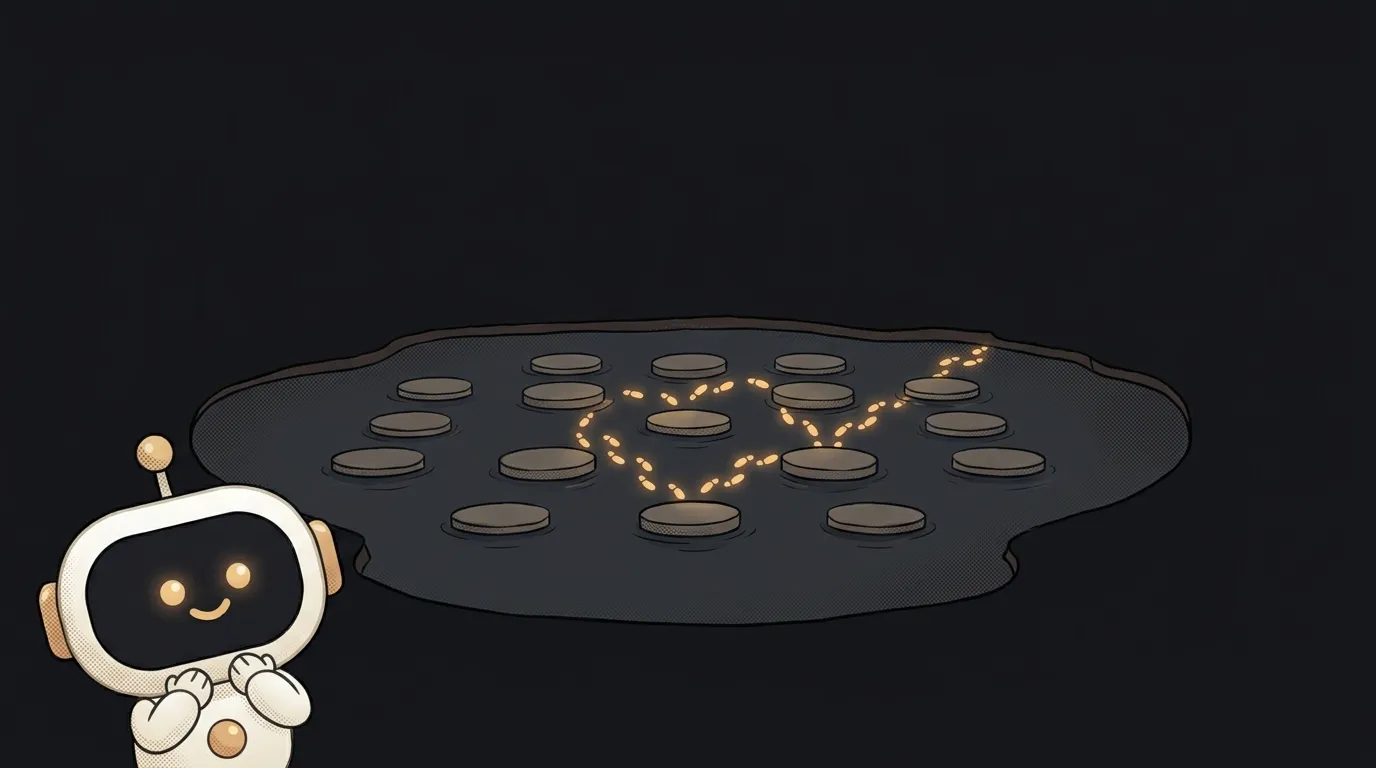
You swapped two columns with one line of CSS: flex-direction: row-reverse. On screen it looks great — text on the left, form on the right. Then someone presses Tab. Focus jumps right first, into the form, then comes back left to the links in the text. The page feels scrambled.
It is scrambled — just not on screen. The keyboard doesn't look at the picture. It follows the order of the HTML code. That order is called the tab order.
What is tab order
It's the queue of elements the Tab key moves through. Shift+Tab walks the same queue backwards.
Elements you can do something with join the queue on their own:
- links with an
hrefattribute; - buttons, input fields, dropdowns,
textarea; summary— the heading of a collapsibledetailsblock.
Plain text, images, div and span don't join. Tab won't stop on them.
Who walks this queue? People who don't use a mouse. Blind people with a screen reader. And anyone filling in a form quickly: Tab — next field, Tab — another one.
How the browser builds the queue
There's one rule, and it's simple: the order of elements in the HTML. Top to bottom through the markup. The WCAG guidance says exactly that: without scripts and tabindex, navigation order matches the order in the code.
That's the trap from the intro. CSS moves only the picture. Where the element is drawn changes. Where it stands in the queue doesn't. This is how these behave:
orderon flex or grid items;flex-direction: row-reverseandcolumn-reverse;- placing items by hand on grid cells;
position: absoluteused to drag an element into another corner.
MDN warns about order directly: it creates a disconnect between what's visible and what's in the DOM. A mouse user sees one page, a keyboard user gets another.
<div class="row">
  <form>…</form>
  <aside>…</aside>
</div>
.row { display: flex; flex-direction: row-reverse; }
On screen, the aside sits on the left. But the form comes first in the code — so Tab goes into it first.
The three values of tabindex
The tabindex attribute lets you manage the queue by hand. Only two of its three kinds of values are safe.
tabindex="0"— add an element to the queue that isn't there. It takes its place according to the HTML. Rarely needed: if the element is interactive, just use a<button>.tabindex="-1"— Tab won't land on it, but a script can move focus there withfocus(). That's how you handle a modal that just opened, or an error message after a form submits.tabindex="1"and up — pull an element to the front of the queue. MDN recommends not using positive values at all.
Why are positive values evil? An element with tabindex="1" jumps ahead of every element on the page with zero. Give it to one form field — and that field comes before the logo, the menu and the search box. And if there are several such numbers, you have to maintain them by hand across the whole site.
The problem is growing. According to WebAIM's 2026 report, the average home page has 30.4 tabindex attributes set to 0 or -1. Nearly four times as many as in 2020.
How to fix the order instead of papering over it
- Arrange elements in the HTML the way they should be read. Meaning in the code first, layout in CSS second. You can move the picture — just don't make it argue with the code.
- Check your media queries. A common story: on phones, blocks get rearranged with
order, and Tab jumps around on the mobile version. More on mobile layout in the guide how to make your site mobile-friendly. - Don't patch it with
tabindex="1". Positive numbers hide the problem in one place and create it in another. - Keep an eye on
reading-flow. It's a new CSS property:reading-flow: flex-visualtells the browser to send Tab and the screen reader through the visual order of a flex container. It's in Chrome since version 137, but not yet in Firefox or Safari. So treat it as a fallback, not a foundation.
Thirty-second check: take your hand off the mouse and press Tab about ten times. Focus should move the way you read — left to right, top to bottom. Can't see where focus is at all? That's a different bug: why your focus outline disappeared.
Short story-lessons, an agent simulator and daily practice — in our mobile app. Free.
Why doesn't Tab go to links on a Mac?
It's a setting, not a bug. In Safari, Tab moves only between form fields by default. For links, press Option+Tab, or turn on the option to press Tab to highlight each item on a webpage in Safari's Advanced settings.
Why won't Tab go into my div with onclick?
Because a div isn't in the queue. Replace it with <button type="button"> — it joins the queue and responds to Enter and Space with no extra code.
Can I remove an element from the Tab queue?
Yes: tabindex="-1" removes a single element, and the inert attribute disables a whole block — say, the page behind an open modal. But don't hide things that are visible and clickable with a mouse this way: a keyboard user simply won't be able to reach them.
Read next

What are stdout and stderr — and why errors don't land in your log file
What is an exit code — and why CI can be green while tests fail

What is a Web Worker — and why await doesn't stop your page from freezing
dependencies vs devDependencies — the difference, and why it breaks your deploy

What is Big O notation — and why your code flew on 100 rows and died on 100,000
