Why the model ignores my instructions — 3 reasons and how to fix it
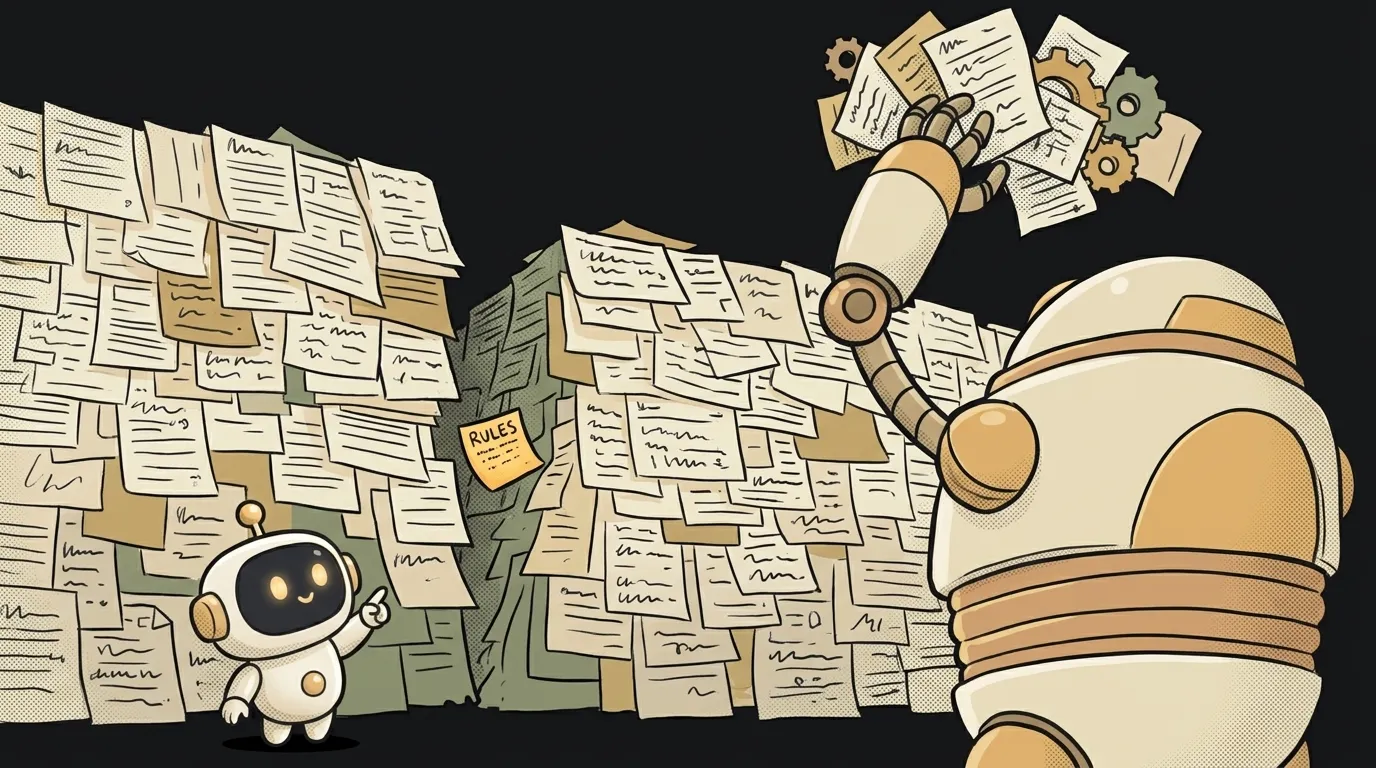
It's maddening. You write, plainly, "answer briefly, no fluff" — and the model gives you three lyrical paragraphs. Or you ask for "code only, no explanation" — and get a lecture again. It feels like it's ignoring you on purpose. Here's the surprise: almost always it's not the model being stubborn, but three traps that are dead easy to fall into. Good news — all three fix in a minute. Starting with the most common.
Cause 1: the instruction drowned in a long chat
This is reason number one, and few people think of it. The model has a context window — how much text it holds "in its head" at once. In a long chat, your instruction from the start drifts further and further back, and the model leans mostly on the latest messages. Technically it still "sees" the old instruction, but its weight is now small.
- How to check: recall how long ago you set the rule. If it was 20 messages back and you've changed topics a couple of times since — that's almost certainly it.
- How to fix: repeat the key rule right in your current message, don't rely on what was at the start. If the chat has ballooned and drifted — don't bail it out, start a new one and put the important rule in the first message. A fresh chat almost always listens better than a patched-up one.
Cause 2: the instruction is soft or contradicts itself
The model tries to satisfy everything you said. Give it contradictory wishes and it picks a compromise you won't like. "Be brief, but explain in detail with examples" is two opposite commands, and it ping-pongs between them. Same with soft wording: "shorter if possible" reads as "long is fine too."
- How to check: reread your prompt like a pedant. Any "but" and "while also" pulling in different directions? Any polite "if it's not too much trouble" that sounds optional?
- How to fix: phrase it in the imperative and unambiguously. Not "it'd be great if it were shorter," but "max 3 sentences." Strip the softeners. If there are several requirements, write them as a numbered list so the model doesn't blend them into mush. Our prompt tricks that actually work help here.
Cause 3: the rule is buried in the middle of a wall of text
A sneaky one: models, like people, hold the beginning and end of a message best, while the middle sags (this is a real effect, called "lost in the middle"). If you buried "answer in English" in the third paragraph of a long brief, it's likely to sag.
- How to check: look at where the ignored instruction physically sits. Is it in the middle of a wall of text? There's your answer.
- How to fix: move the key rules to the end of the prompt (or duplicate them at both ends). The last thing the model reads before answering carries the most weight. Structure it: context at the start, data in the middle, clear answer requirements at the very end, as a list.
Tell me about our product, and yeah keep it short if you can, no fluff please, add examples but not too manyThe difference isn't politeness. The weak prompt is soft, contradictory wishes jumbled together. The strong one is clear requirements as a list, placed at the end, right before the model starts answering. Same ideas, but the model doesn't lose them.
Maybe the model is just weak?
Sometimes, yes — but that's the last thing to check, not the first. Run through the three causes above first: 9 times out of 10 it's the prompt, not the model. If you've already given a clear, non-contradictory instruction at the end of a fresh chat and it's still ignored — then it's worth trying a stronger model.
Do CAPS and "this is very important!!!" help?
A little, and not for long. What works isn't volume but position and clarity: the rule at the end, in the imperative, no softeners. "IMPORTANT" in the middle of a wall of text sags just like an ordinary line. If you really want emphasis, put the rule on its own line at the end — that's enough.
Why does the same model obey better in a new chat?
Because a new chat has no accumulated context pulling attention away. Your instruction is the freshest and nearly the only one, so its weight is maximal. That's the cheapest fix of all: don't fight the old chat, start over. In spirit it's related to how a system prompt works — rules set at the very start, in a prominent place.
Short story-lessons, an agent simulator and daily practice — in our mobile app. Free.
Read next
What is prompt chaining — why a chain of simple prompts beats one giant one

What is an AI jailbreak — and how it differs from prompt injection
What is chain of thought — why 'think step by step' makes AI smarter

Why AI gives different answers to the same question — 3 causes and how to tame it