AI tools every vibe-coder needs — 7 of them and what each is for
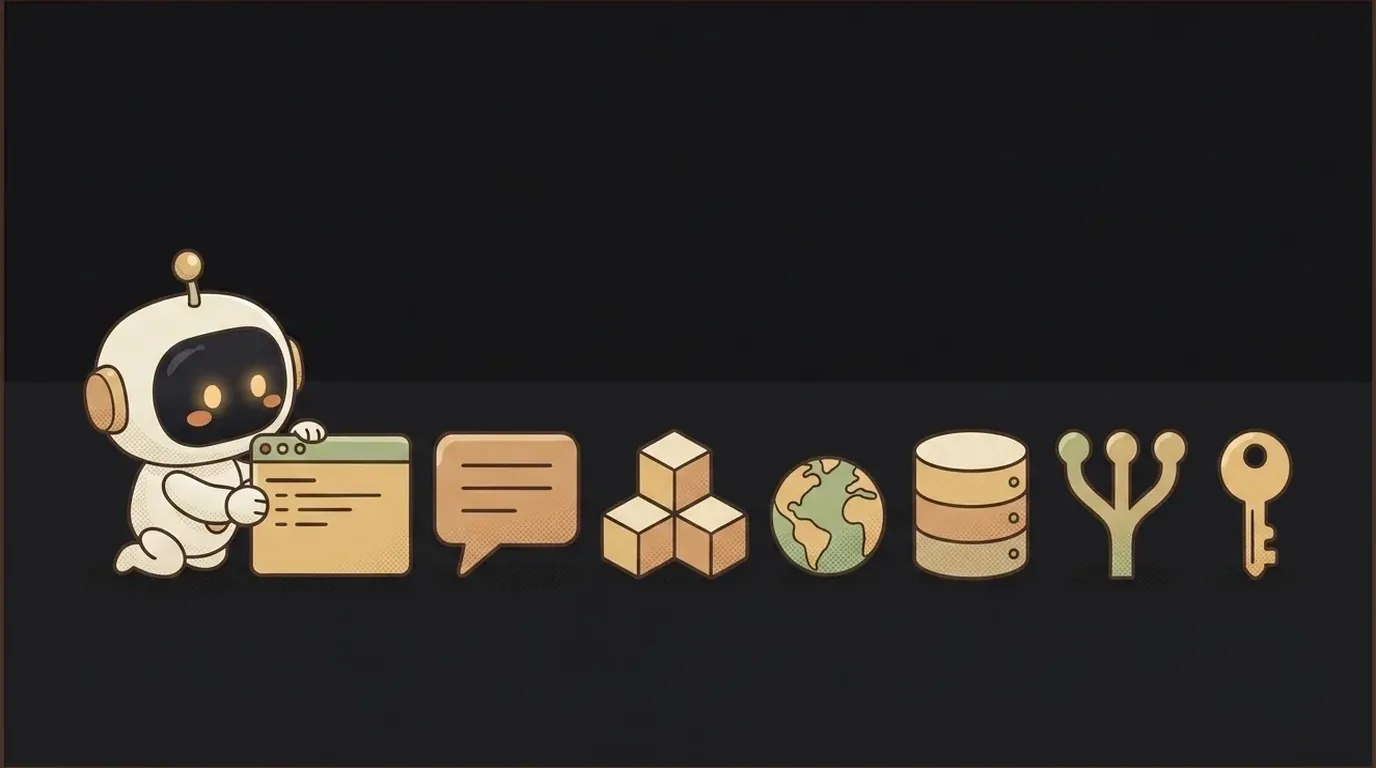
When you start vibe coding, you drown in lists of "100 AI tools." The truth is, for your first project you need seven. Not trendy — working. Each covers one stage of the path: dreamed it up → built it → shipped it. The rest is just distraction.
Here are the seven, in the order you'll meet them. For each: what it is, when to grab it, and one honest catch.
1. AI code editor — where you write
Cursor or Windsurf are VS Code with AI built in. You describe the task in words; it writes and edits code right in your files.
- When to grab: the moment you want to build something bigger than a single page. This is your main workbench.
- The catch: don't trust the editor blindly — reread what it generated. Which to pick is covered in Cursor or Windsurf.
2. A chat model — to think and to fix
ChatGPT, Claude, or Gemini is your second brain. Explain an error, sketch a plan, decode unfamiliar code, brainstorm an idea.
- When to grab: day one, right next to the editor. Stuck — ask here.
- The catch: the model confidently makes up facts and nonexistent commands. Verify what matters.
3. A browser builder — idea to prototype in minutes
Bolt, Lovable, or v0 assemble a working app right in the browser from a text description — no install, no setup.
- When to grab: when you want to test an idea fast or build a first prototype without fiddling with a local environment.
- The catch: they nail simple things, but hit a ceiling on complex logic. To grow, you'll move the project into a real editor.
4. Hosting — so you can send someone a link
Vercel or Netlify put your site online for free. Connect the project, get a live link.
- When to grab: the moment you have something to show. A project on your laptop doesn't exist to the world.
- The catch: free limits are generous but not infinite. For a side project they're more than enough.
5. Backend and database — where data and login live
Supabase gives you a database, email login, and file storage with almost no code. It's the "back" of the app: where users and their data live.
- When to grab: when you need to save something between visits — accounts, records, likes.
- The catch: you'll have to learn access rules, or other people's data becomes visible to everyone. Not scary, but homework you can't skip.
6. Git and GitHub — an "undo" button for the whole project
Git keeps the history of changes, GitHub keeps a copy in the cloud. Broke everything with a bad edit — roll back to the working version with one command.
- When to grab: from the very start, even for a tiny project. It saves you from tears exactly once.
- The catch: the commands confuse you at first. Don't cram them all — four are enough:
add,commit,push,pull.
7. A password and secrets manager — so you don't leak keys
API keys, tokens, and passwords must never sit in your code. A password manager holds logins, and project keys go into environment variables (the .env file).
- When to grab: the moment you get your first API key. No later.
- The catch: the most common beginner mistake is committing a key to GitHub. Bots find such keys within minutes. Set it up once and forget the fear.
Where to start today
Don't install everything at once. Grab the first three — editor, chat model, builder — and build a first small project. You'll add hosting, the database, and Git when the project asks for them. A tool you're not using right now isn't preparation — it's procrastination.
Is all of this paid?
No. Each of the seven has a free tier with plenty of room to learn on and build your first projects. You'll start paying only when you hit the limits of a real product.
Do I even need a local editor if I have a builder?
At the start, not necessarily. The builder covers the first steps. But as soon as the logic gets complex, an AI editor gives you control the browser lacks. It's a natural next step, not a replacement.
Short story-lessons, an agent simulator and daily practice — in our mobile app. Free.
Read next

ChatGPT subscription or the API — two different products, and here's which one you need
npm vs pnpm vs yarn — which package manager to pick as a beginner

OpenAI API vs OpenRouter — which one to plug into your project
Ollama vs LM Studio — which to pick for running AI locally
Gemini or Claude — which model to pick for code and beyond (2026)