Say “delete the second sentence” — and your email edits itself, no mouse
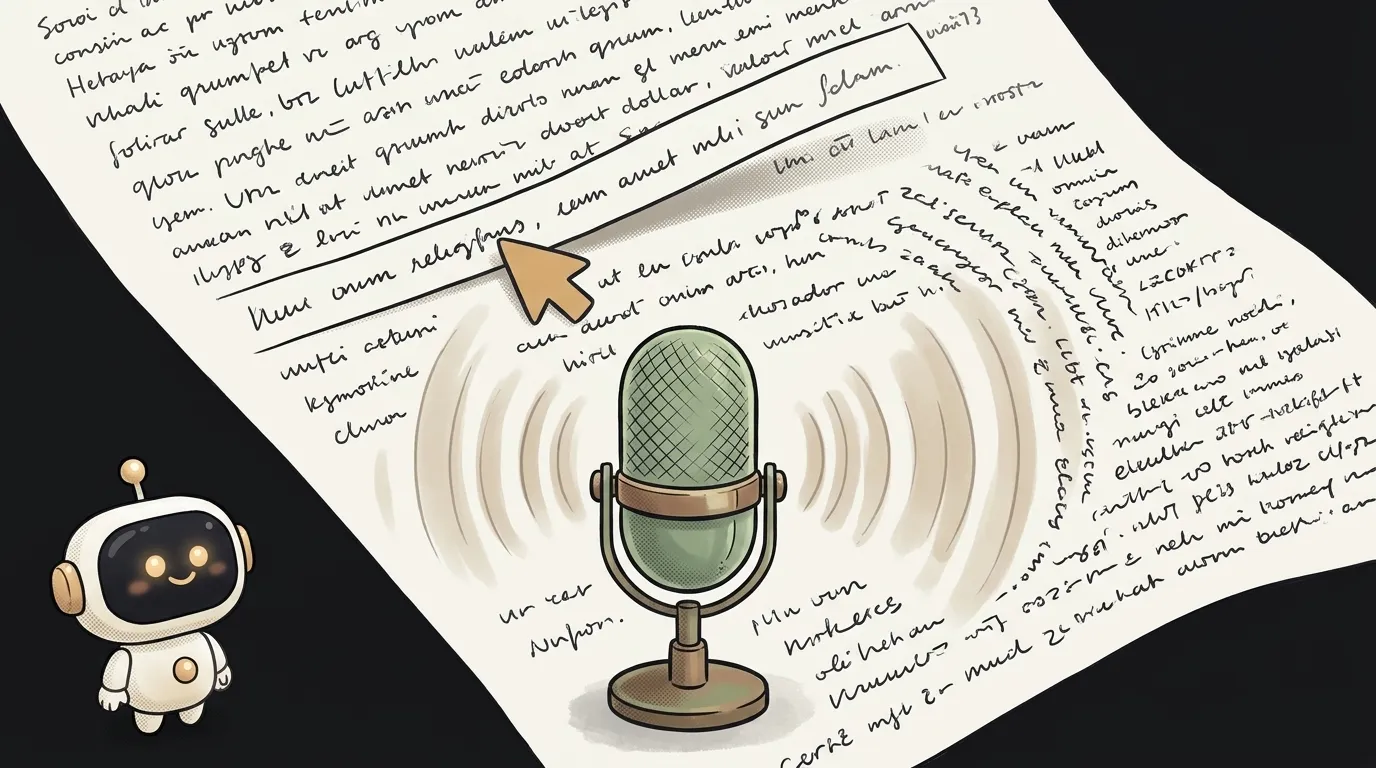
Sound familiar? You dictated an email into your phone. It came out almost right. But there's an extra word in the second sentence, and you got the meeting time wrong.
So you poke at tiny text with your finger. Place the cursor. Miss. Delete the wrong thing.
What if you just said “change three o'clock to half past three”? Regular voice typing will dutifully type: “change three o'clock to half past three”. Right into the email.
Here's what changed. On November 17, Google taught Gemini 3.5 Transcribe not only to write down speech, but to follow it. You say a command — you get the whole corrected text back.
The idea in one line: a notepad with one big button. Tap — dictate. Tap again — say what to fix. The text on screen changes.
The clever part
The model figures out on its own what's dictation and what's a command. The docs have an example: you say “let's invite Alice, wait no — Bob and Carol.” Output: “let's invite Bob and Carol.” It dropped the slip by itself.
You can also hand it text you already have — the source_text field, up to 64 KB — and say out loud what to do with it. Five kinds of edits, straight from the docs:
- Replace: “move it to 3:30 and mention there will be video conferencing.”
- Change the tone: “make it more formal.”
- Reformat: “turn the action items into a numbered list.”
- Append: “add a question about meeting tomorrow morning.”
- Delete: “delete the second sentence.”
A year ago one model couldn't do this. You had to glue two steps: transcribe the speech, then hand the text to a chatbot and hope it didn't rewrite too much.
What you'll learn
- Recording audio in the browser. Button, microphone, file — the base of any voice app.
- Keeping state between requests. The model doesn't remember the last edit. You pass it the fresh text every time.
- Building “undo”. Every version of the text goes into a list. Don't like an edit — step back.
- Reading API docs. You check field names against them instead of guessing.
A ready starter prompt
You can get a Gemini API key for free in Google AI Studio. Open an agent in an empty folder and give it this:
Make a voice notepad with Gemini.Build a one-page site “Edit by Voice” in HTML and JS. Take the Gemini API key from an input field and keep it only in page memory. In the center — a big text area and one round microphone button. Tap — record, tap again — stop. Send the recording to the gemini-3.5-transcribe model through the Interactions API, transcription_config.mode = smart. If the text area is empty, it is dictation — insert the result. If it already has text, pass it as source_text and the recording as the command, and replace the text with the response. Keep every version: an “Undo” button restores the previous one. Under the text area show in grey what the model heard. First read the Gemini docs on transcription and voice editing and check the field names. Show API errors in plain words and never lose the text.The weak prompt gets you speech recognition that just appends words at the end. The strong one nails the key point: the text on screen is source_text, and your voice is an instruction for it. Plus undo, because the model sometimes edits more boldly than you asked.
What you end up with
You open the page. Tap the button and say: “Hi Masha, the meeting is tomorrow at three, in the meeting room on the second floor.”
The text appears. Tap again: “Move it to half past three.” Three o'clock becomes half past three. Everything else stays put.
“Make it a bit warmer.” Now there's “Looking forward to seeing you.” “Add that I'll bring the mockups.” Added.
Five phrases out loud — and the email is done. You never touched the mouse.
Honest limits
- Test your language. The model recognizes 85+ languages. But every command example in the docs is in English. Start with simple edits and see how well it listens.
- This isn't live mode. It's a regular request: record, send, wait a second or two. There's a live version,
gemini-3.5-transcribe-live, but save it for later. - The model doesn't remember the past. You give it the current text yourself every time. That is your “memory”.
- Price. Free on the free tier, but Google may learn from your data. On the paid tier it's about half a cent per minute of speech.
- You need Gemini API access. Check that AI Studio opens in your country.
Voice typing used to type after you. Now it listens to you.
The AI Architect 2027 course: step by step from computer basics to your own app and first customers. 543 short lessons on your phone.
Source: Gemini API changelog: voice editing in Gemini 3.5 Transcribe, November 17, 2026 · docs: Voice editing
Read next
Rehearse your talk out loud — and find where you said something different from the slide

A story on a dial: move a slider, the text rewrites itself — and checks whether it obeyed

A patch from one sentence: the agent draws, the machine stitches
A voice that never existed: describe your hero in words and hear them speak
Your own circuit board in a weekend: the agent routes it, KiCad checks every step