Rehearse your talk out loud — and find where you said something different from the slide
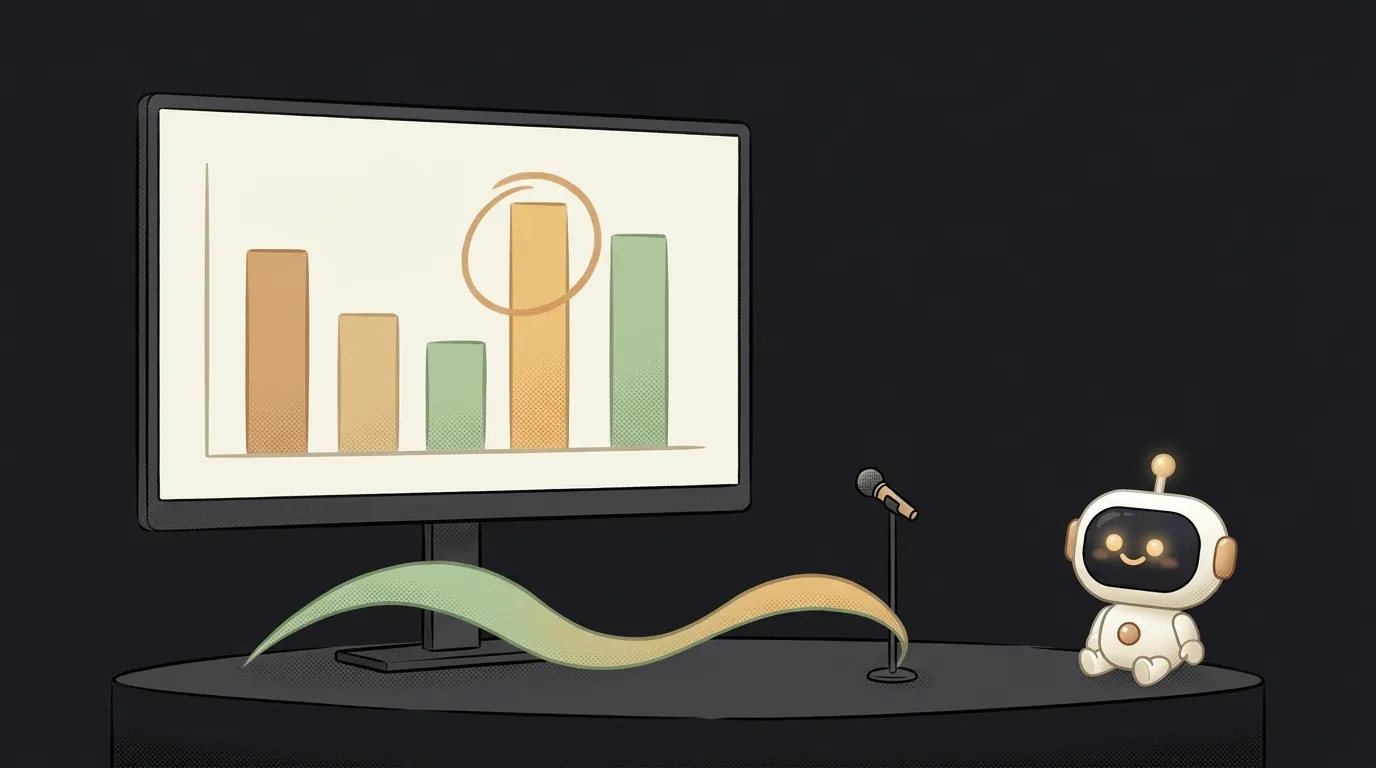
Your defense is tomorrow. Or a talk at work. You rehearse in an empty room, and it feels smooth.
Then on stage it turns out: the chart on slide 6 shows 40%. And you said “almost half.” Someone in the audience noticed. You didn't.
Asking a friend to listen is awkward. And they won't check every number anyway.
Here's what changed. On November 18, the Gemini API learned to take Word, PowerPoint and Excel files directly. Gemini 4 sees every slide as an image — with charts and diagrams, not just text. And you can give it a recording of your voice in the same request.
The idea in one line: drop in your .pptx and a recording of your rehearsal. Get a slide-by-slide report: what you skipped, where you got a number wrong, where you stalled.
The clever part
The second launch that same day is slicing. You can give the model a piece instead of the whole file:
- Slides 3 through 7 — the
start_pageandend_pagefields. - Audio from second 60 to 150 — the
start_offsetandend_offsetfields.
And you only pay for the piece you send. One slide costs about 560 tokens.
Here's the trick. First pass — the whole talk: the model marks at which second you moved to which slide. Then you re-rehearse just slide 6. And you check only that: one slide plus 40 seconds of audio. Fast and nearly free.
Before, you had to save the deck as a PDF or cut it into images first. Now it's the same file you built it in.
What you'll learn
- Sending different files at once. A document and audio in one request.
- Asking for JSON output. So the report fits into a table, not a wall of text.
- Slicing input. Give the model exactly the part it needs — cheaper and more precise.
- Recording audio in the browser. Useful in any voice project.
A ready starter prompt
You can get a Gemini API key for free in Google AI Studio. Open an agent in an empty folder and give it this:
Make an app that rates my presentation.Build a one-page site “Rehearsal” in HTML and JS. Take the Gemini API key from an input field and keep it only in page memory. Step 1: upload my .pptx through the Files API. Step 2: a record button — I rehearse the talk out loud, the recording is saved. Step 3: an “Analyze” button sends both files to gemini-4-hydrogen through the Interactions API: the deck as a document, the recording as audio. Ask for strict JSON: for each slide — the number, start and end second in the recording, the main point on the slide, what I said, what I skipped, where my words contradict the numbers or the chart. Show it as a per-slide table, highlight mismatches. Each row has a “Recheck” button: I re-record only this slide and send one slide (page_options start_page = end_page) and only the new recording. First read the Gemini docs on document processing and audio and check the field names.The weak prompt gets you a generic “nice deck, speak more confidently.” The strong one forces a concrete check: slide versus your words, second by second. And it builds in the one-slide recheck from the start — that's what slicing is for.
What you end up with
You upload defense.pptx, twelve slides. Hit record and give the talk like you will tomorrow.
Half a minute later — a table. Slide 2: two minutes forty, the rest about a minute each — you stalled here. Slide 6: “the chart shows 40%, you said ‘almost half’.” Slide 9: “the third bullet was never mentioned.”
You re-record only slide 6. Hit “Recheck.” The row turns green.
Twelve slides, zero awkward favors asked.
Honest limits
- Check timestamps. The model understands speech in many languages, but it can get the seconds and timings wrong — spot-check a couple of rows yourself.
- It doesn't grade charisma. The model checks content and timing. It doesn't see gestures or eye contact — that needs video, a different project.
- Don't stuff slides with text for its sake. The model sees the chart as an image. Make slides for people.
- Limits. Files up to 50 MB and 2,000 slides. Free on the free tier, but Google may learn from your data. A confidential work talk — paid tier only.
- You need Gemini API access. Check that AI Studio opens in your country.
Rehearsing in an empty room feels smooth. Now there's someone in the room checking the numbers.
The AI Architect 2027 course: step by step from computer basics to your own app and first customers. 543 short lessons on your phone.
Source: Gemini API changelog: Office files and slicing for documents, video and audio, November 18, 2026 · docs: Document understanding
Read next
Say “delete the second sentence” — and your email edits itself, no mouse
A story on a dial: move a slider, the text rewrites itself — and checks whether it obeyed

A patch from one sentence: the agent draws, the machine stitches
A voice that never existed: describe your hero in words and hear them speak
Your own circuit board in a weekend: the agent routes it, KiCad checks every step