How to write image prompts — 5 steps from “draw a cat” to the shot you wanted
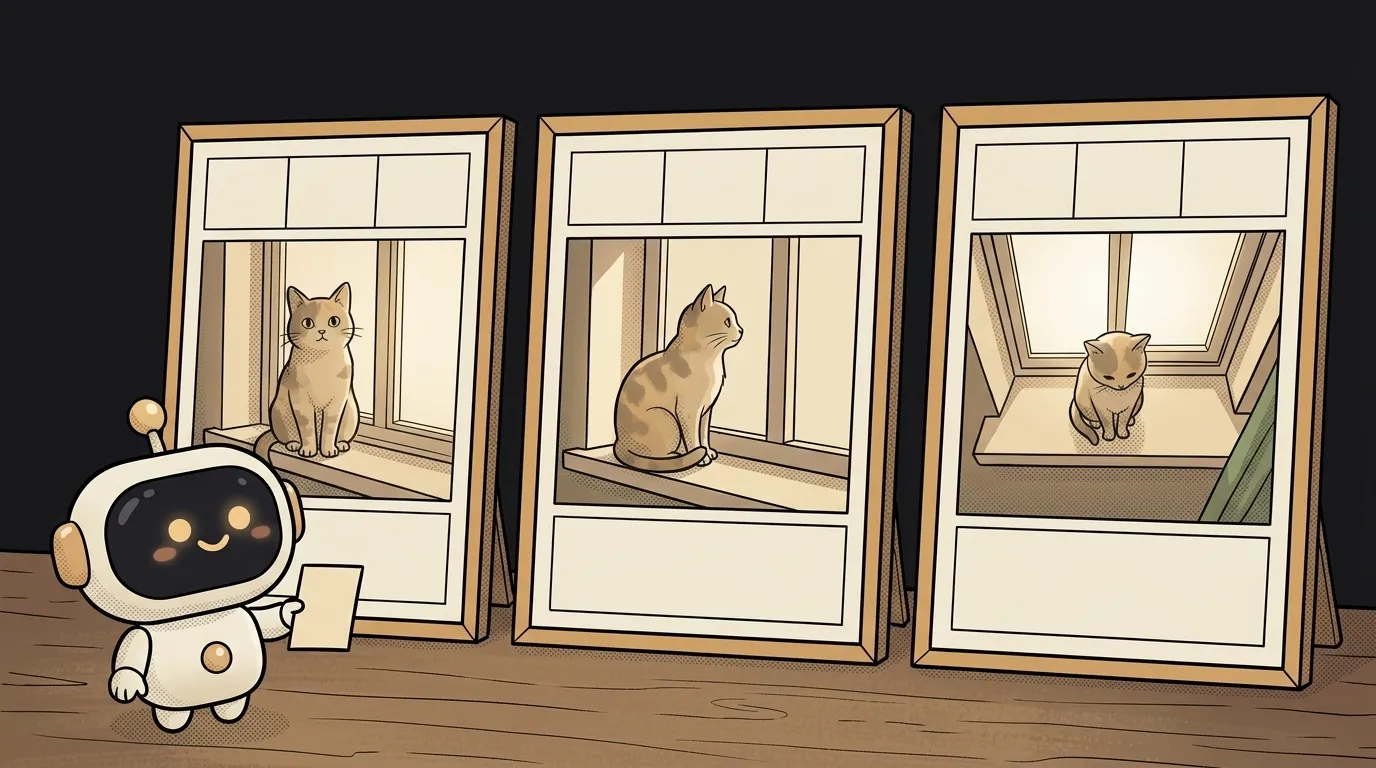
Type "a beautiful cat" and you'll get a stock postcard. The glossy, faceless one that screams "made by AI".
The model isn't the problem. A diffusion model doesn't illustrate your description — it moves toward an image resembling the ones captioned with similar words. "A beautiful cat" is the caption under a million stock photos. You got exactly that, fair and square.
So the job is different: describe not the object but the shot. The five steps below are all about that.
1. Describe a scene, not a thing
Start with three things: who, doing what, where. Without an action and a place the model fills them in itself — with the internet average.
- Weak:
a cat - Already a shot:
a ginger cat sits on the windowsill of an old flat, watching the rain
Simple test: can you tell what's happening from your sentence? If not, neither can the model.
2. Add light and a lens
This is the step that changes results most — and the one almost everyone skips. Light is precisely what separates a photograph from "an AI picture".
Add to your scene:
- the source and quality of light:
cold evening light from the window, a warm lamp behind, soft shadows - the camera position:
camera at the cat's eye level, medium shot from the side - the optics:
35mm, shallow depth of field, light grain
It works because that's how real photographs get captioned — so the model reaches for those instead of stock. No idea what to ask for? Start with 35mm for a full scene and 85mm for a portrait.
3. Set the format and the composition
The model has to fill the frame completely. If you don't say where the important thing goes, it will centre the subject — every time.
Say it outright:
- proportions:
16:9 format(a cover) or4:5(a feed) - where the subject sits:
cat in the left third, empty space on the right - how close:
close-up/wide shot, lots of air
Empty space is worth knowing about in advance: if a headline is going over this image, ask for room before generating, not by cropping afterwards.
4. Change one thing at a time
Now the real work begins, and it looks a lot like debugging code.
Got a result? Don't rewrite the whole prompt. Change one thing: only the light, only the angle, only the format. Otherwise the entire image shifts and you learn nothing about what helped.
The seed helps here — the number a generation starts from. The same prompt with the same seed gives the same image. Pin the seed, change the light, and you see exactly what the light contributed. That's your control variable.
If an image is nearly right but one thing is off, don't start over. Ask for an edit: same shot, but colder light from the window — most modern services can rework an existing image.
A special case is when the model stubbornly ignores part of your prompt. Usually the culprit isn't the model but competition inside your text: the longer the description, the less weight each requirement carries, and contradictory words simply cancel out. The cure is reordering — most important first — and deleting: cut the three adjectives dragging the frame elsewhere, and what's left will finally land.
5. Say what shouldn't be there
Last step. Some services take a separate field for exclusions (negative prompt); in others you write it at the end of the prompt.
A useful minimum for working images: no text or captions, no border, no watermarks. Extra fingers and distorted faces often join that list too.
One caveat: negatives aren't a switch. The model weakens unwanted things but doesn't guarantee their absence. If something is critical, aim for it positively instead: not "no blur" but "sharp shot".
What you get
Put all five steps into one prompt and compare with where we started:
Draw a beautiful cat.The difference isn't length. In the weak prompt the model makes eight decisions for you: breed, angle, light, background, colour, format, composition. In the strong one, none. That's why the second version lands on the first or second try while the first has to be rolled twenty times and prayed over.
Same logic as ordinary text prompts: remove the places where the model is forced to guess. After that it's just picking a service — plenty of them are free, and the techniques above work about the same everywhere.
Why is the text in my image garbled?
The model draws lettering as a pattern that resembles text rather than typing it character by character. Recent models handle short labels decently, but a long phrase almost always falls apart. In practice: if text matters, ask for one or two words in quotes, large — or better, add it over the image in any editor.
Is a longer prompt always better?
No. After a few sentences of solid detail the model starts averaging, and contradictory demands cancel each other out: ask for "minimalist" and "highly detailed" at once and you get mush. A strong prompt is five precise decisions, not thirty adjectives.
The AI Architect 2027 course: step by step from computer basics to your own app and first customers. 543 short lessons on your phone.
Read next
What not to paste into an AI chat — 7 things that leave your computer
Why AI answers in English when you write in another language — 3 causes
What is inpainting — and why a mask is a hint, not an eraser
Why AI can't count the letters in a word — it can't see them
What is a negative prompt — and why "no text" usually doesn't work