Not one image, but a wall of twenty: an AI frame now renders in 2 seconds
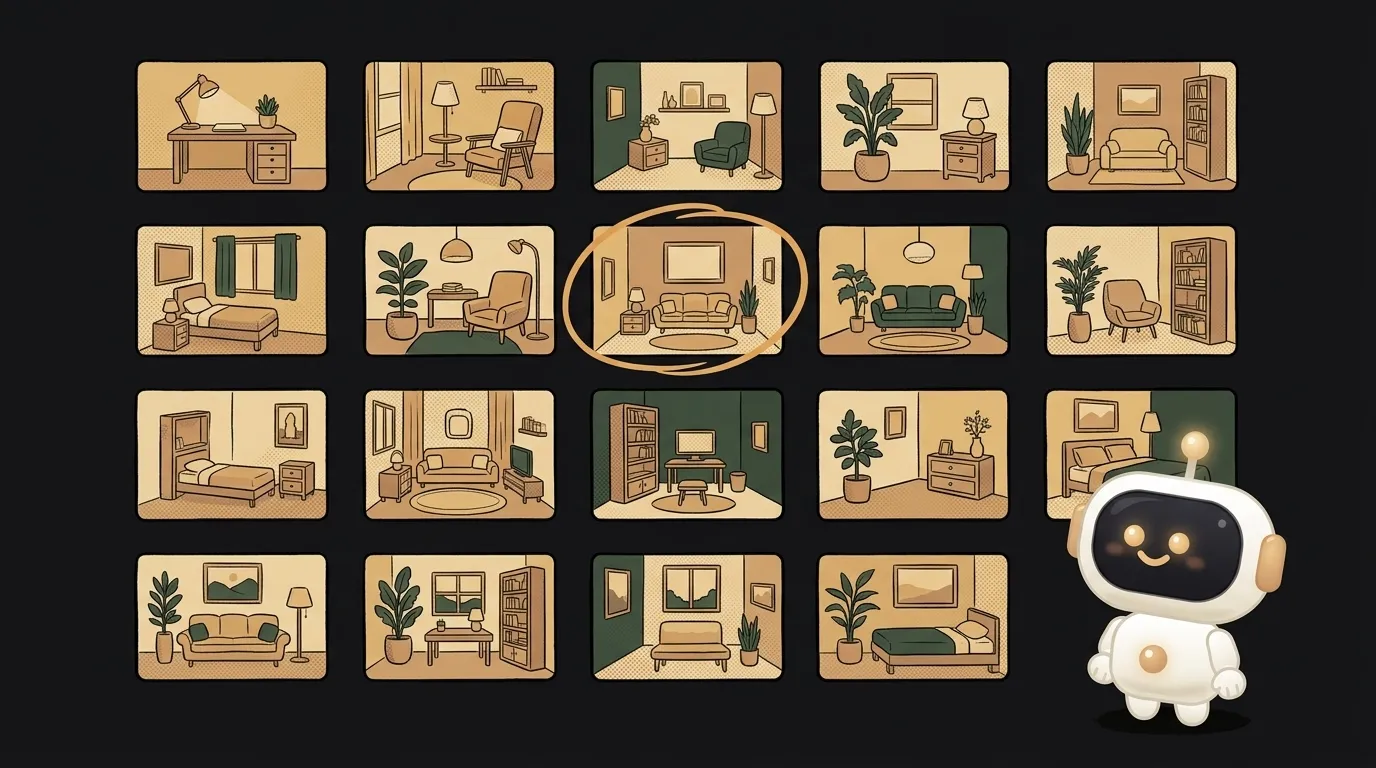
Here's the idea in one line: you describe "my living room, but Scandinavian" — and the app hands you back not one picture, but twenty at once. A wall of options you just tap the favorite in. Same for "me, but with a bob" or "a logo for my bakery."
Here's what's new. It's not about image quality — that's been good for a while. It's about speed. A frame used to take around eight seconds, sometimes longer, and it cost money. So you made them one at a time: generate, wait, tweak the prompt a little, wait again. A slow ping-pong.
On June 4 Krea released Krea 2 Turbo — a 12-billion-parameter model, open weights, that renders a 2K frame in roughly two seconds on ordinary hardware. It's #1 among open text-to-image models and right on the heels of the closed frontier on style. Twenty images now take the time one used to. And once generation is nearly free and instant, the whole approach changes. Not "make one perfect image," but "make twenty and pick."
Why this is a good project
When you choose from twenty instead of torturing one, you stop guessing at the prompt and start flipping through options with your eyes — like a catalog.
- A personal use case. A renovation, a new haircut, a logo, a cover — you always want "show me a range," not one rigid version.
- Little magic. The app hits the API twenty times with a slightly different seed and lays the answers out in a grid. The whole thing is a loop and a grid.
- Speed is the feature. The user doesn't wait one by one. They get the wall at once and compare.
What you'll learn
- Running one request in a loop and collecting a batch of results, not just one.
- What a seed is: the same prompt with a different seed gives different variations — there's your variety.
- Laying images out in a grid and adding "more like this one" — the first step toward real UX, not "one button, one image."
A ready starter prompt
Don't ask the agent to "build an image generator" — you'll get one button and one frame. Describe the "wall of options" behavior exactly:
Build an app that generates an image from a description.The difference is one phrase — "twenty times with a different seed." The weak prompt gives one picture, and you're back to guessing. The strong one describes the loop and the grid up front — and out comes a catalog, not a single attempt.
What you'll get
You type "bedroom, loft, 20 options," hit the button — and in a few seconds the screen fills with a grid: twenty different loft bedrooms, brick in one, concrete in another, warm wood in a third. You're not tuning the perfect prompt. You flip through, tap the third from the top, hit "more like this" — and get twenty neighbors. In a minute you've seen more than you used to in half an hour of waiting.
Weekend plan
- Saturday. Wire up Krea 2 Turbo, build the form and a loop of twenty calls with different seeds. Render the first grid.
- Sunday. Add "more like this" and "download," drop in your own styles. Run it on your real task — a room, a haircut, or a logo — and show a friend.
Start with one grid of twenty images — and you've got an idea-fitting-room, where you don't wait for an idea, you pick one.
Short story-lessons, an agent simulator and daily practice — in our mobile app. Free.
Read next
47 vacation clips — and an agent cuts them into a video on the beat
Build a “send as-is” button — a model that hands you the email, not advice about it
A song where you change one chord — instead of spinning the generator again
The clip is already rolling — and you call out what happens next

A web page that watches your camera live — 30 frames a second, offline, no server