What is a cookie — and why the site remembers you logged in
You log into a site, refresh the page — and you're still inside. Seems obvious. But here's the surprise: the server doesn't remember you.
Every request to the server is like talking to a person whose memory wipes right after they answer. It honestly doesn't know you typed a password a minute ago. So what reminds it? A tiny record — a cookie. And it's far more harmless than people think.
What a cookie is
A cookie is a tiny record a site asks the browser to store. Inside is usually not data but a tag: "this visitor is session number such-and-such."
The browser holds the tag and attaches it to every following request to the same site. Automatically, without you doing a thing. Size — bytes. A cookie lives either until you close the browser or until a set date.
Why it exists: HTTP is forgetful
This is the root of everything. The protocol the browser uses to talk to the server has no memory. Each request stands alone: arrived, got a reply, forgotten. The frontend and backend talk exactly like that — short lines with no backstory.
Because of this, without a cookie the server couldn't tell you from your neighbor. You logged in — but the next click is already "a stranger."
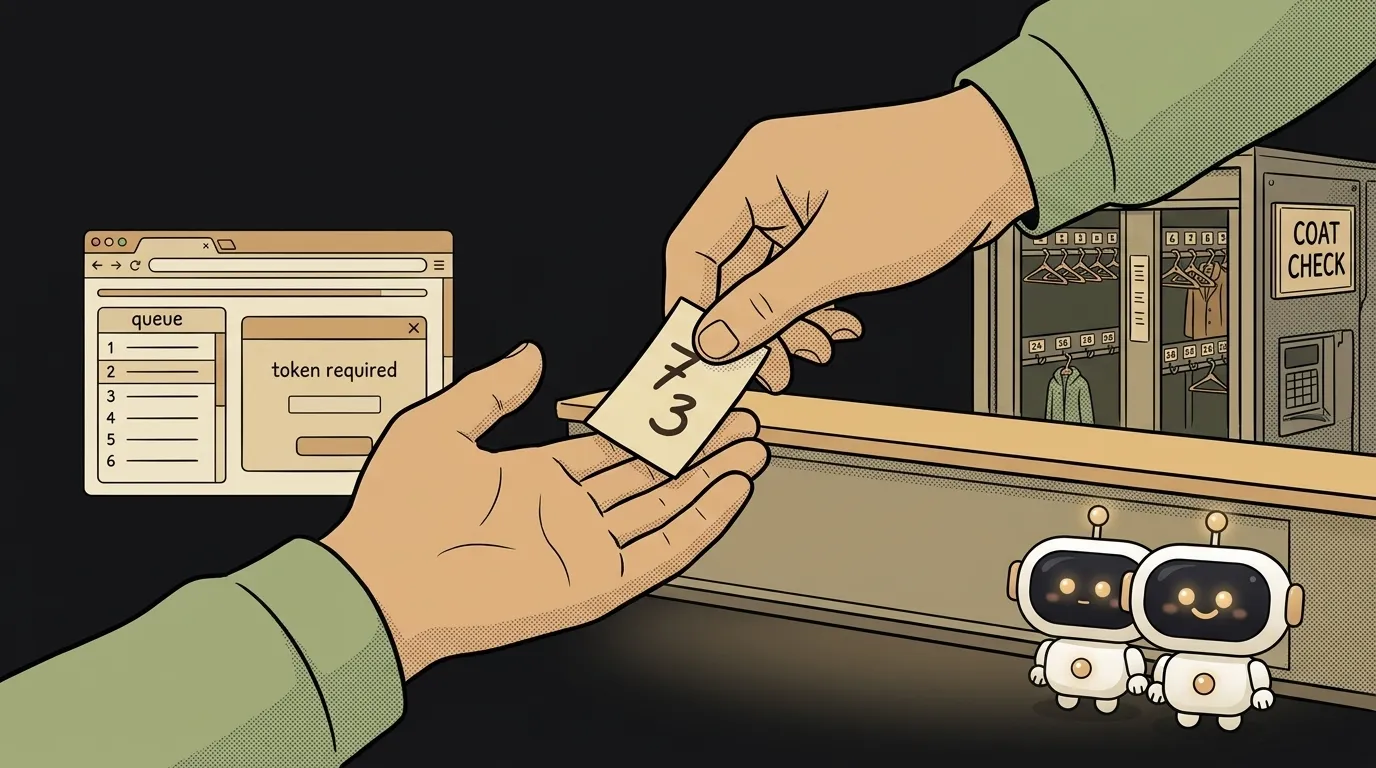
The analogy is a coat check. You hand over your coat, get a ticket. The attendant doesn't remember your face. But by the ticket they'll return your exact coat. A cookie is that ticket.
How it works: three steps
- You log in. The server checked the password and tells the browser: "save the cookie
session=abc123." - The browser remembers, and from now on attaches
session=abc123to every request to this site. - The server sees the tag, finds your session by it — and answers as if it remembers you.
Inside the cookie is usually not a password or a name, but exactly this random tag. The real data about you lives on the server. The cookie only unlocks it — the way a ticket unlocks a hook, without being the coat itself.
A cookie isn't spying (and when it becomes it)
On its own — no. A session cookie just keeps you logged in. Without it, any site with a login would be unbearable: a password on every click.
The bad reputation comes from third-party cookies — the ones set not by the site itself, but by ad scripts embedded in it, to recognize you across different sites. That's the "tracking."
The difference is simple: a cookie from the site you're on is a working tool. A cookie from someone else's trackers inside the page is what blockers and privacy laws cut out. Browsers are phasing third-party cookies down exactly for this.
What to do with this as a developer
When you add a login to your app, cookies show up on their own — the auth library sets them for you. You need to know three things.
- The HttpOnly flag. Forbids JavaScript from reading the cookie. Even if a stranger's script sneaks onto the page, it can't reach your session.
- The Secure flag. The cookie travels only over HTTPS, not an open channel. Otherwise the tag can be intercepted on the way.
- A cookie is not a data store. Put a tag in it, and keep the actual data on the server. Sometimes instead of a server session people use a JWT — a self-contained token — but even that usually rides in the same cookie.
Are a cookie and the cache the same thing?
No. The cache stores copies of pages and images so the site loads faster. A cookie stores a tiny tag so the server recognizes you. Both live in the browser, but the cache is about speed, the cookie is about "who you are."
Can you build a site with no cookies at all?
A simple site with no login — yes, no cookies needed. But the moment an account, a cart, or "remember me" appears, you need a way to recognize the visitor between requests. A cookie is the most common one. Alternatives exist, but under the hood almost all come down to the same thing: the browser attaches a tag.
Short story-lessons, an agent simulator and daily practice — in our mobile app. Free.