What is a database migration — it's git for your schema, not moving data
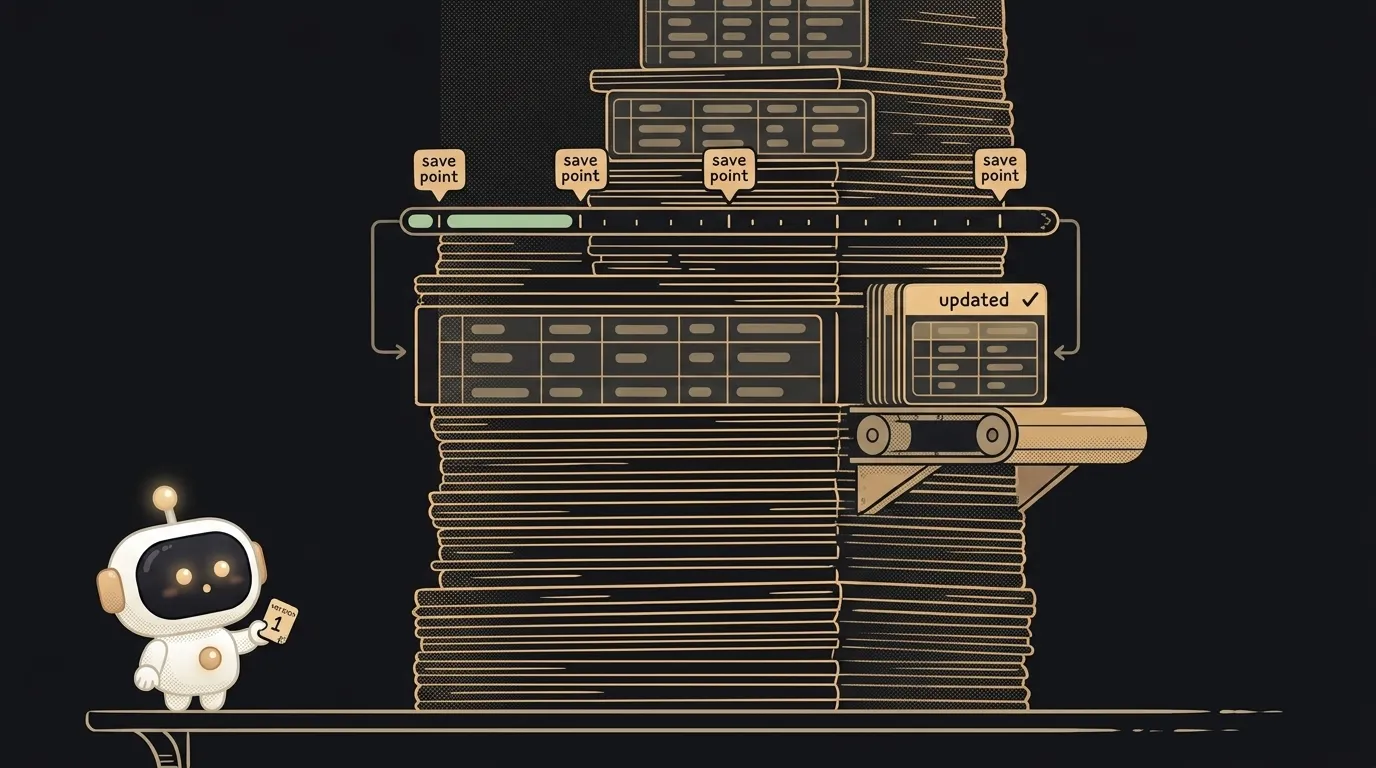
The word "migration" is misleading. It sounds like moving data — from one server to another, from an old database to a new one. Almost always it's about something else.
A migration is a change to the structure of your database: you added a column, created a table, renamed a field. And it's written down so it can be replayed on your machine, your teammate's, and production — the same way every time. It's basically a commit, but for the schema instead of the code.
What a migration actually is
A migration is one file with an instruction for "how to change the database structure." Inside are commands like "add a notes table," "add an avatar_url column," "make email unique."
The database keeps a list of migrations it has already applied. So it always knows which "step" it's on right now.
The data itself usually isn't touched. What changes is the shape you pour data into — not the contents.
Compare it to the database: the database is the shelves, and a migration is the order to "add another shelf" or "relabel this one."
Why you can't just change the table by hand
You can. Once, on your machine. The trouble starts on the second computer.
You added a column in your dashboard — the app works. Your teammate pulls your code, runs it — crash: their database has no such column. Production is the same story. The structure of the code and the structure of the database have drifted apart, and nobody remembers what exactly you clicked three weeks ago.
A migration fixes this the same way git fixes "wait, what did we change": the change is written to a file, the file lives in the repo, and it applies with one command, identically for everyone.
How it works: a step forward and a step back
A clean migration has two sides.
- Up (forward) — what to do: add a table, a column, a relation.
- Down (back) — how to undo it: remove what you added.
Why down? So you can retreat. You shipped a migration, caught a bug — one "rollback" command, and the structure steps back. Without down you're playing without save points: forward is fine, backward means rebuilding by hand.
Order matters too. Migrations apply one after another, like git commits: the fifth won't go in before the fourth. So each has a number or a date — that's its place in line. A small step, with an order, that you can rewind.
Why it matters to you — even solo
"I'm alone, there's no one to sync the database with" is a common thought. But you always have a teammate: yourself a month from now, and your production server.
Three reasons to keep migrations from day one:
- Production is the second computer. One database on your laptop, another in the cloud. A migration is the only honest way to push a change there without forgetting anything.
- The AI writes your schema. You ask an agent to "add a comments table" — it generates a migration. Don't save it to the repo, and tomorrow you won't remember what changed and when.
- Rollback saves your evening. A bad schema change without a migration gets undone by hand and from memory. With one — a single command.
Where you'll meet migrations first
The moment you set up a database through Supabase, Firebase, or any tool with an ORM, migrations show up on their own. Many services generate them for you: you change a model in code, the tool spots the difference and writes the migration. You just review it and apply.
The one thing to internalize early: a schema change isn't "I clicked in the UI" — it's a file that rides into the repo alongside the code. Then the database and the code always tell the same story.
Are a migration and a backup the same thing?
No. A backup is a copy of data in case you lose it. A migration is a change to structure that rides forward with the code. A backup answers "how do I get the data back," a migration answers "how do I change the shape of the database identically for everyone."
Do I need migrations for a tiny project?
If there's a database at all — yes, the simplest kind. Even one column added by hand will one day break the production that doesn't know about it. A migration costs a couple of minutes and removes a whole class of "works on mine, not in the cloud."
Short story-lessons, an agent simulator and daily practice — in our mobile app. Free.