What is a headless browser — and why an agent sees a page differently than you
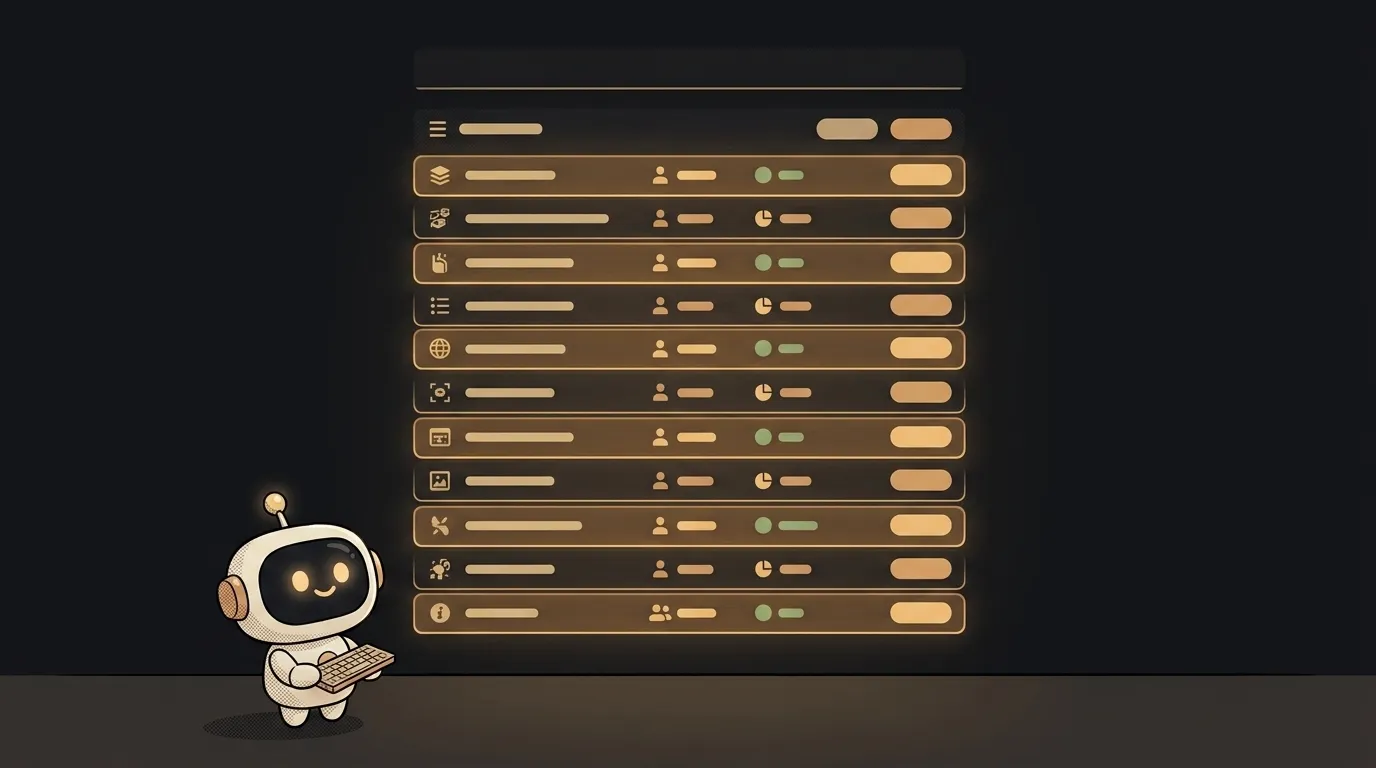
Here's a surprising one: when an AI agent "visits a site," it usually doesn't look at a picture of the page. It reads it as text — roughly the way you'd read a list of buttons instead of seeing the button.
The tool that makes this possible is a headless browser. Without it, agents are nearly helpless on the web. And it's exactly where almost everyone's first script breaks.
A browser with no window is still the same browser
Headless literally means "without a head." The head is the window with tabs. Remove the window, everything else stays.
Get this straight up front: headless Chrome is not a stripped-down version. Same engine, same JavaScript, same cookies, same layout. One difference: the page renders into memory instead of onto a screen.
Why bother? The window is the most expensive part of a browser. A server has no monitor and nobody watching. You launch a browser not to display something, but to get a result: a finished DOM, a screenshot, a PDF.
Two libraries usually drive it — Playwright and Puppeteer. Both talk to the browser over a service protocol (CDP), the same one behind DevTools. So your agent is literally pulling the same levers you do when you open the developer panel.
Places you've already met headless without knowing:
- site tests in CI, clicking through with no window;
- "save page as PDF" on a server;
- web scraping where the data only appears after JavaScript runs;
- an AI agent that opens a page and clicks buttons on its own.
What the agent actually "sees"
This is the interesting part. There are two ways to show a page to a model.
A screenshot. An honest picture — but that's thousands of tokens per screen, and the model still has to read the text off it.
The page tree. Same screen, as text: headings, links, fields, buttons and their labels. Compact and unambiguous.
That's why most agents use the second one — they read structure, and only grab a picture when eyes are unavoidable (a chart, a map, "click the right part of the image").
Two practical consequences follow.
The agent sees things that aren't on the screenshot: a collapsed menu, alt text, a form field behind a modal. Sometimes it clicks a button a human hasn't opened yet.
And the reverse: the agent is blind to what's painted. If the interface is drawn on a canvas (a map, an editor, a game), the page tree there is empty. To the model it's a blank sheet — only a screenshot saves you.
Three traps that break the first script
1. The blank page. Your script opens the site, grabs the HTML — and it's empty. Modern sites ship a nearly bare skeleton and paint the content in with JavaScript a second later.
The fix isn't "sleep 3 seconds," it's waiting for a specific element: wait until the selector you need appears. Fast — you don't wait longer than needed. Reliable — you're not guessing.
2. The site spots the robot. A code-driven browser sets navigator.webdriver — absent in normal Chrome, true in Playwright and Puppeteer. That single line is enough for a protection layer to serve a challenge instead of the page.
There are more tells: an empty plugin list, CDP traces on the window object, the TLS handshake fingerprint. Stealth plugins patch the top layer but not all of it — which is why Cloudflare keeps winning.
Practical takeaway: look for an API first. An official endpoint or an RSS feed is cheaper, faster and doesn't break on a redesign. A browser is the last resort.
3. Too many browsers. Each Chrome instance is hundreds of megabytes of RAM. Ten parallel tabs will quietly kill a small server. Close pages when you're done and reuse one browser across tasks.
When you need headless — and when you don't
You need it when the data only exists after JavaScript, when a login is required, when you want a screenshot or PDF, or when the agent has to walk a flow step by step — like a tool with hands.
You don't need it when an API exists, when the page ships ready-made HTML, or when RSS or an export is enough. A plain HTTP request is many times faster there and won't break when the markup changes.
What to walk away with: a headless browser is Chrome with its window taken away and its keyboard handed to a robot. It sees structure, not beauty, trips over async loading, and honestly tells sites it's automated. Know that, and half of your agent's future bugs stop being a surprise.
Is using a headless browser legal?
The tool itself, yes — it's regular Chrome, and half the industry's test suites run on it. The questions are about what you do with it: read the site's terms and robots.txt, don't collect personal data, don't hammer the server.
How is headless different from a plain HTTP request?
An HTTP request grabs the page source and stops there. A headless browser also runs the JavaScript, applies the styles and waits for loading — so it hands you the page a human would see. You pay for that in memory and seconds.
Can I run a headless browser for free?
Yes. Playwright and Puppeteer are free and install with one command; they download the browser themselves. You pay for cloud browser services, and you only need those when you want hundreds of parallel sessions or help getting past bot protection.
The AI Architect 2027 course: step by step from computer basics to your own app and first customers. 543 short lessons on your phone.
Read next
What is headless mode for an AI agent — and why it silently skips steps
What is a hook in an AI agent — the rule the model can't ignore
What is a slash command in an AI agent — and why it's just a saved prompt
What is an Agent Skill — and why it costs almost nothing

What is a subagent — and why it saves context, not time